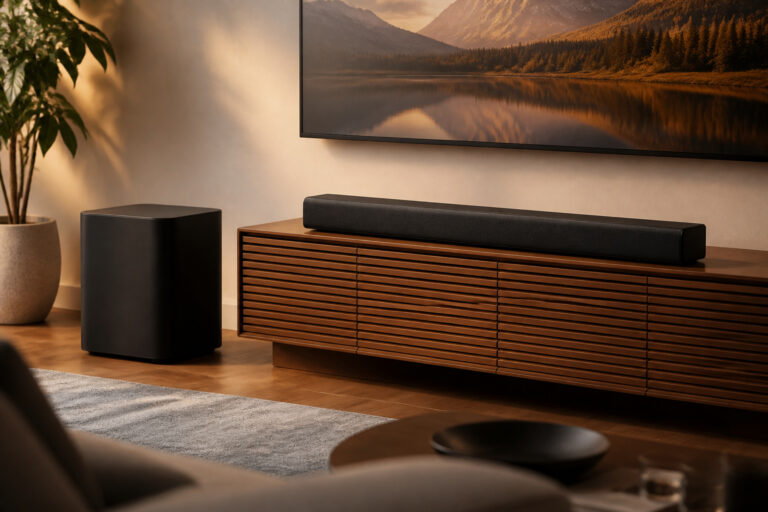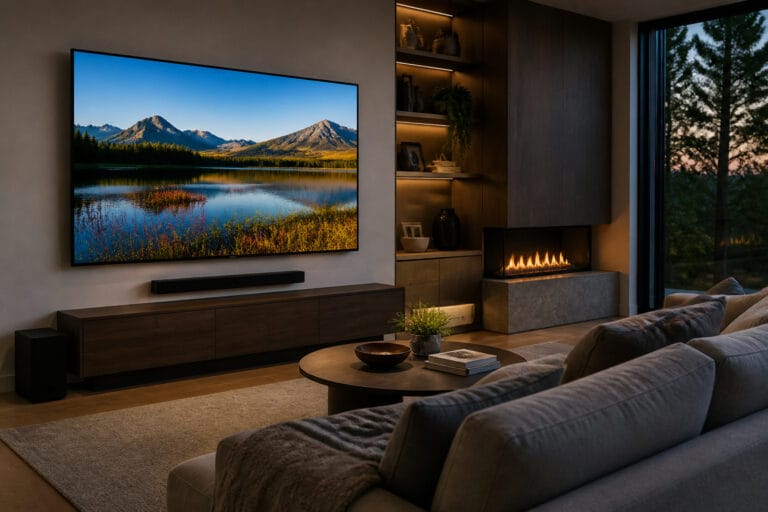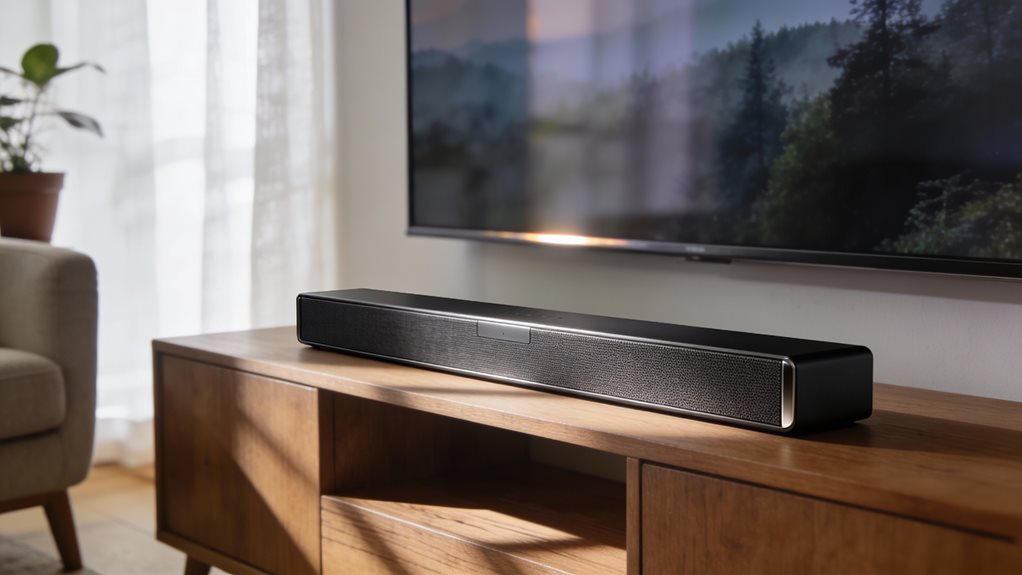
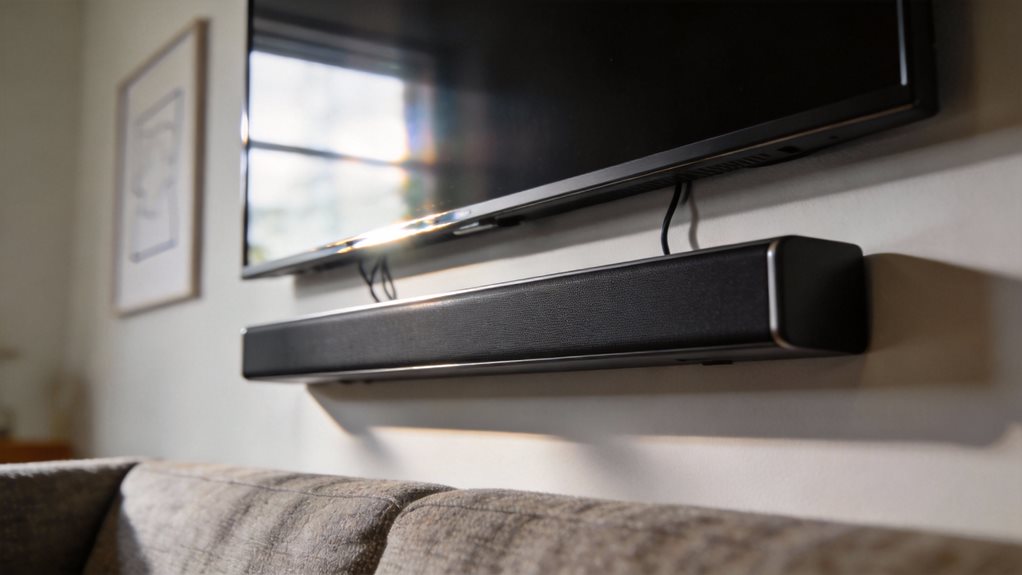
Where should you put your soundbar for the best sound? Right in front of your TV, centered and level with the screen. That’s the sweet spot. Keep it clear of walls, furniture, or thick cloth that might block the sound. You want those crisp highs and deep lows to reach your ears without bouncing off a coffee table or getting soaked up by a fluffy couch.
Place it on a flat surface, like your entertainment stand, and make sure it’s not tucked behind plants or buried under DVDs. Airflow matters. Sound needs space to breathe, just like you do.
You’ve got the soundbar. Now aim it straight at your ears. Tilt it slightly upward if you sit far back. That tiny angle pushes sound right where it belongs, into your listening zone. Don’t shove it under the TV if the screen overhangs too much. That shadow kills clarity. Sound gets trapped, muffled, like talking through a blanket.
Pull the soundbar forward so it sticks out just a bit. Even an inch helps. Think of it like lifting a microphone closer to your mouth. Small move. Big difference.
If you mount your TV on the wall, mount the soundbar too. Align it just below the screen. Use the brackets that came with it. Tighten the screws. A wobbly soundbar vibrates, and vibration blurs the bass. Keep it steady. And don’t hang it too high. If the sound comes from above your head, it feels distant, like voices floating in the attic. For optimal performance, soundbars should maintain three inches of clearance above if placed on furniture to ensure proper acoustic function. Room calibration features can help optimize sound for your specific space. Most soundbars connect via HDMI, optical, or Bluetooth for seamless integration with your TV setup.
You want presence. You want punch. Keep it at ear level when you’re sitting down. That’s where the magic happens.
Distance matters. Don’t cram the soundbar into a corner. Corners exaggerate bass until everything rumbles like thunder in a tunnel. Stand back at least six inches from the wall behind it. That gap lets sound waves expand instead of crashing into drywall and bouncing back distorted.
Same goes for the sides. Leave breathing room. Clear space on the left and right keeps the stereo image sharp. You’ll hear the car zoom from screen-left to screen-right, not just thump from a box in the middle.
If your soundbar has rear speakers, place them behind your seating area. Not too far. Not too close. About two feet above ear level works. Angle them inward, toward the center seat. That wraps sound around you. Movies feel bigger. Music feels alive.
And if your subwoofer is wireless, set it near the front wall but not in the corner. Try the middle third of the wall. Test spots by playing a song with deep bass. Walk around. Feel where the thump is smooth, not boomy. That’s your spot. Investing in quality audio speakers transforms how you experience every movie and show.
You’ve got this. Adjust. Listen. Tweak. Good sound isn’t luck. It’s placement.
Frequently Asked Questions
Can I Mount a Soundbar on the Wall?
Yes, you can mount a soundbar on the wall. Just use the right brackets and follow the manual. Keep it centered under or above your TV. Make sure it is level. Tilting ruins the sound.
Do not place it too high. Aim for ear level when you are sitting. Clear the path. No furniture should block the front. Wall mounting saves space and boosts clarity. You will hear movies, music, and dialogue sharper. Do it right, and your room sings.
Do Soundbars Work With Non-Smart TVS?
Yes, you can plug a soundbar into any TV, smart or not. Think of it like adding wheels to a horse carriage: outdated combo, but it moves.
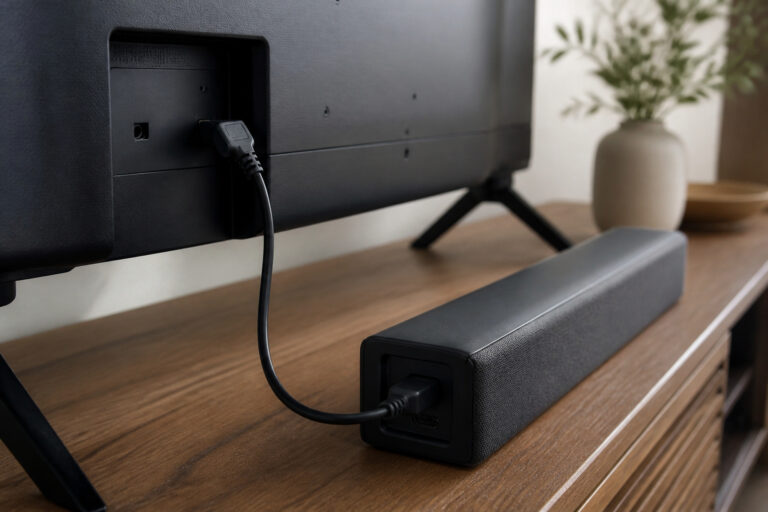
Use HDMI, optical, or AUX cables. Hook it up. Power it on. Boom. Sound lifts from flat to full.
Your old TV sings louder, clearer. Just match ports. Follow the beats: connect, test, enjoy. Simple. Solid. Done.
Are Soundbars Compatible With Gaming Consoles?
Yes, you can connect soundbars to gaming consoles easily. Just plug your console into the TV, and let the soundbar grab audio through HDMI ARC or an optical cable. You’ll hear every explosion, footstep, and score chime louder and clearer.
Some soundbars even have game modes. Turn it on. Feel the action pulse through your chest. Simple setup, big impact. You’re in control.
Can I Use a Soundbar Without a TV?
Yes, you can use a soundbar without a TV. Just plug it into your phone, laptop, or tablet with a cable or Bluetooth. Turn it on, pair your device, and play music or podcasts. It fills your room with rich sound, like a mini concert.
Use it for movies on your computer or game audio. You’ve got control. Simple. Powerful. Clear. Perfect for any space.
Do Soundbars Need Wi-Fi to Function?
No, you don’t need Wi-Fi for your soundbar to work. Plug it in, connect it to your TV with a cable: HDMI, optical, or aux. You’re set. Wi-Fi is just for extras, like streaming music from your phone or using voice control. You’ll still get rich, clear sound without it.
Keep it simple. Focus on placement. Aim for center stage, ear level. Let the beats breathe.