A mini PC gives you a full desktop experience in a box about the size of a paperback.
The best one for you depends on your tasks: a budget model handles browsing and documents, a mid-range model handles multitasking and light creative work, and a performance model with strong graphics can handle gaming and editing.
This guide explains the main types, the specs that matter, and what to check before you buy.
Who Mini PCs Suit
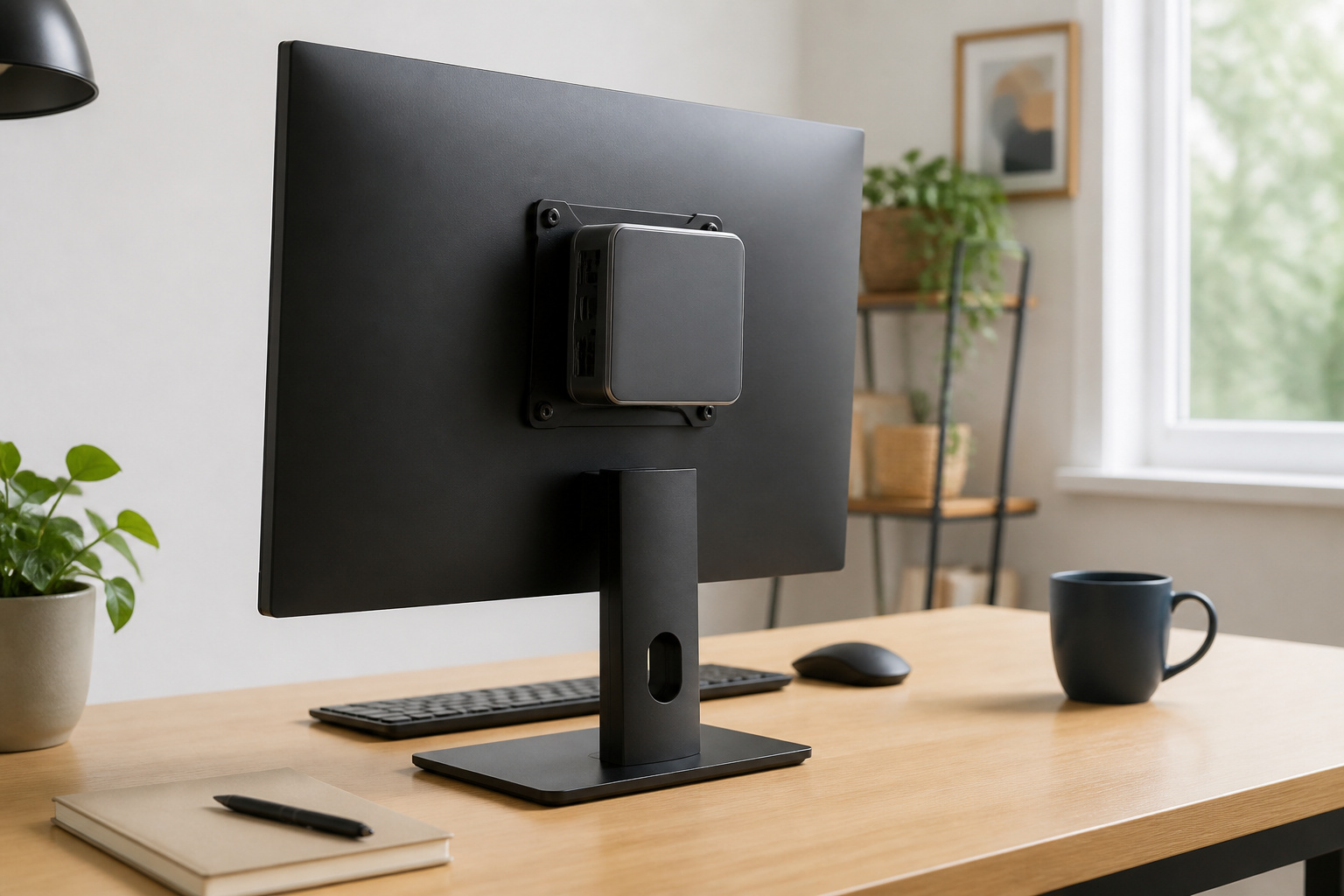
Mini PCs fit small desks, shared spaces, living-room media setups, point-of-sale counters, and home offices where a tower is overkill. They use less power than a full-size desktop and can mount behind a monitor.
The trade-offs are limited graphics power, less cooling headroom, and fewer upgrade options than a tower. If you want maximum performance per dollar and easy upgrades, read why the desktop PC is not dead.
Apple Mac Mini
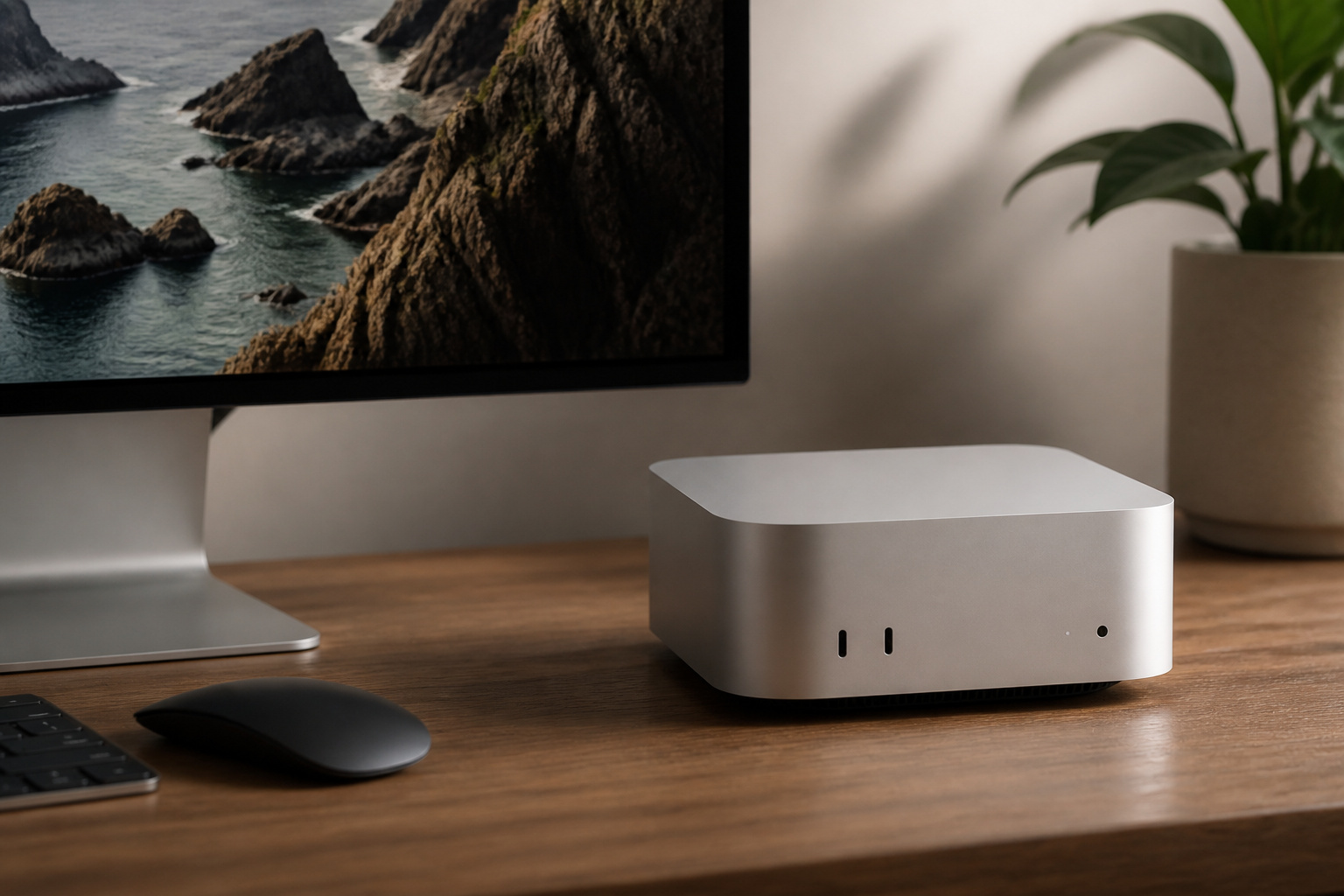
The Mac mini is the simplest premium option for people who prefer macOS. Apple designs its chips and software together, so it runs fast, quiet, and cool, and supports multiple displays.
Current models start around $600 at launch pricing, but Apple updates the lineup periodically, so check which chip generation is current before you buy. The main limitation is that RAM and storage are fixed at purchase, so choose enough memory the first time.
Products Worth Considering

Equipped with the AMD Ryzen 7 PRO 8845HS (Zen 4 architecture), this mini PC packs a punch with 8 cores, 16 threads, a base clock of 3.8GHz, and a max turbo speed of 5.1GHz. Paired with Radeon 780M Graphics, it effortlessly handles 4K video editing, AAA gaming, and heavy multitasking—all while maintaining stable performance thanks to its 35-65W (max 65W) TDP. Whether you’re a remote worker cranking through spreadsheets, a content creator rendering videos, or a gamer chasing high frames, this CPU delivers the power you need without compromise.

Budget Windows Mini PCs
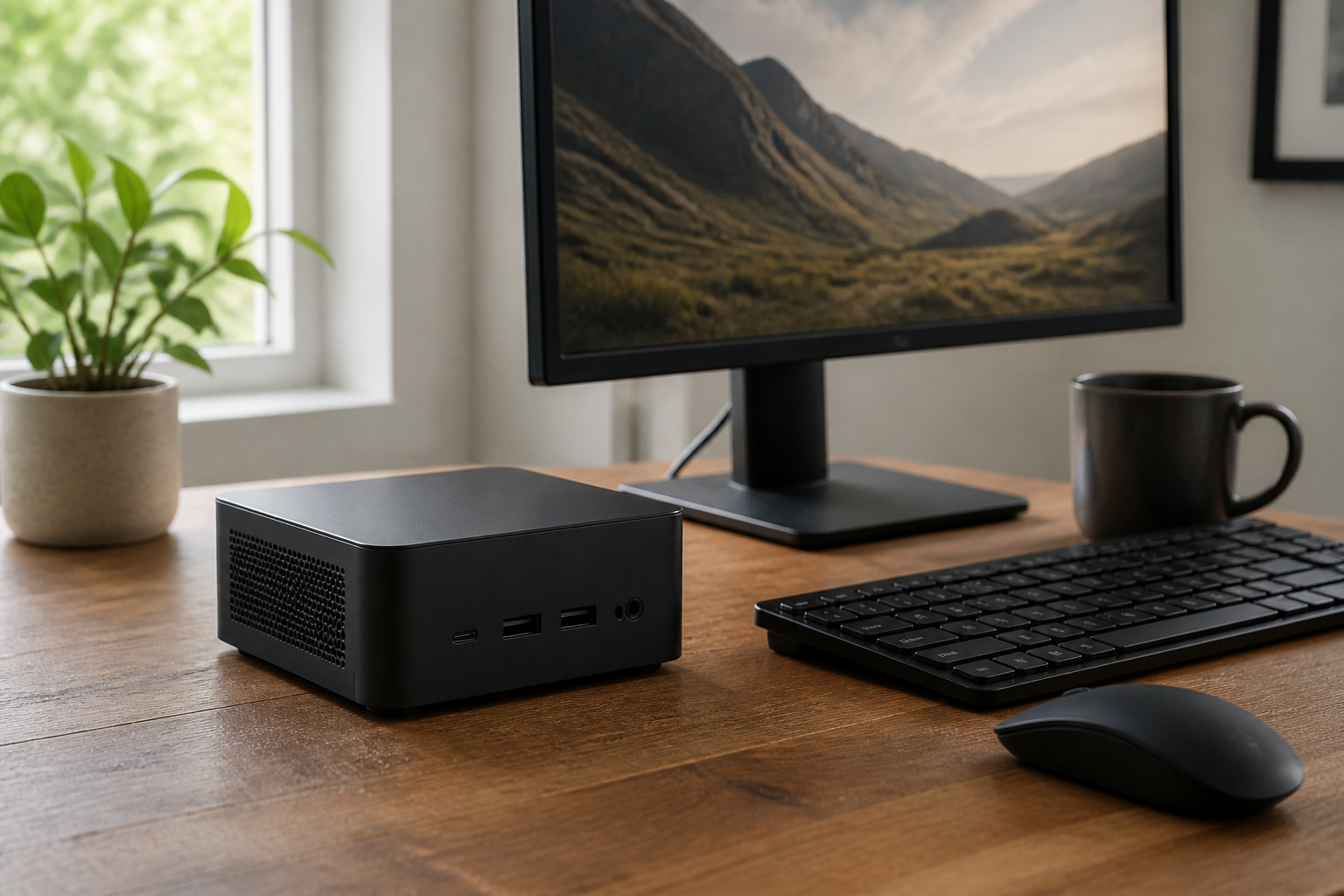
Budget models, typically with an Intel N-series or similar low-power processor, handle web browsing, video streaming, email, and office documents.
Look for at least 16 GB of RAM and a 256 GB SSD or more, since 8 GB and small drives feel cramped on Windows 11. Many of these use removable memory and storage, which makes upgrades easy.
Make sure Windows 11 is installed and licensed, because Windows 10 reached the end of regular support on October 14, 2025.
Products Worth Considering

【CPU - AMD Ryzen 3 Pro 7330U】KAMRUI Pinova P1 mini pc W-11 Pro is equipped with the AMD Ryzen Ryzen 3 Pro 7330U processor(4C/8T, 4MB cache, up to 4.3GHz, 28W TDP), which performance is 50% higher than 10110U and N150/N95. Moreover, the heat dissipation and battery life are greatly improved compared with the previous version KAMRUI E1 mini pc.

Whether you are surfing the web or completing an assignment, the powerful Intel Core i5 2.50 GHz processor is there to help you execute with unprecedented speed and reliability.
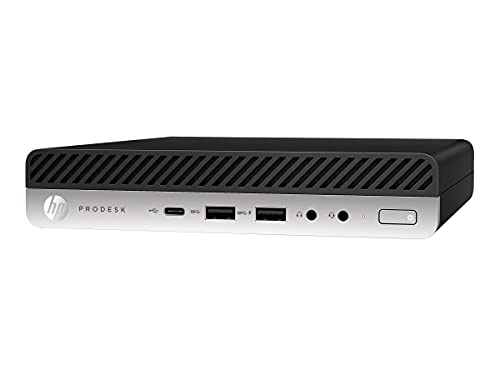
This Certified Refurbished product is tested and certified to look and work like new. The refurbishing process includes functionality testing, basic cleaning, inspection, and repackaging. The product ships with all relevant accessories, a minimum 91-day warranty, and may arrive in a generic box. Only select sellers who maintain a high-performance bar may offer Certified Refurbished products on Amazon.com.
Performance Windows Mini PCs
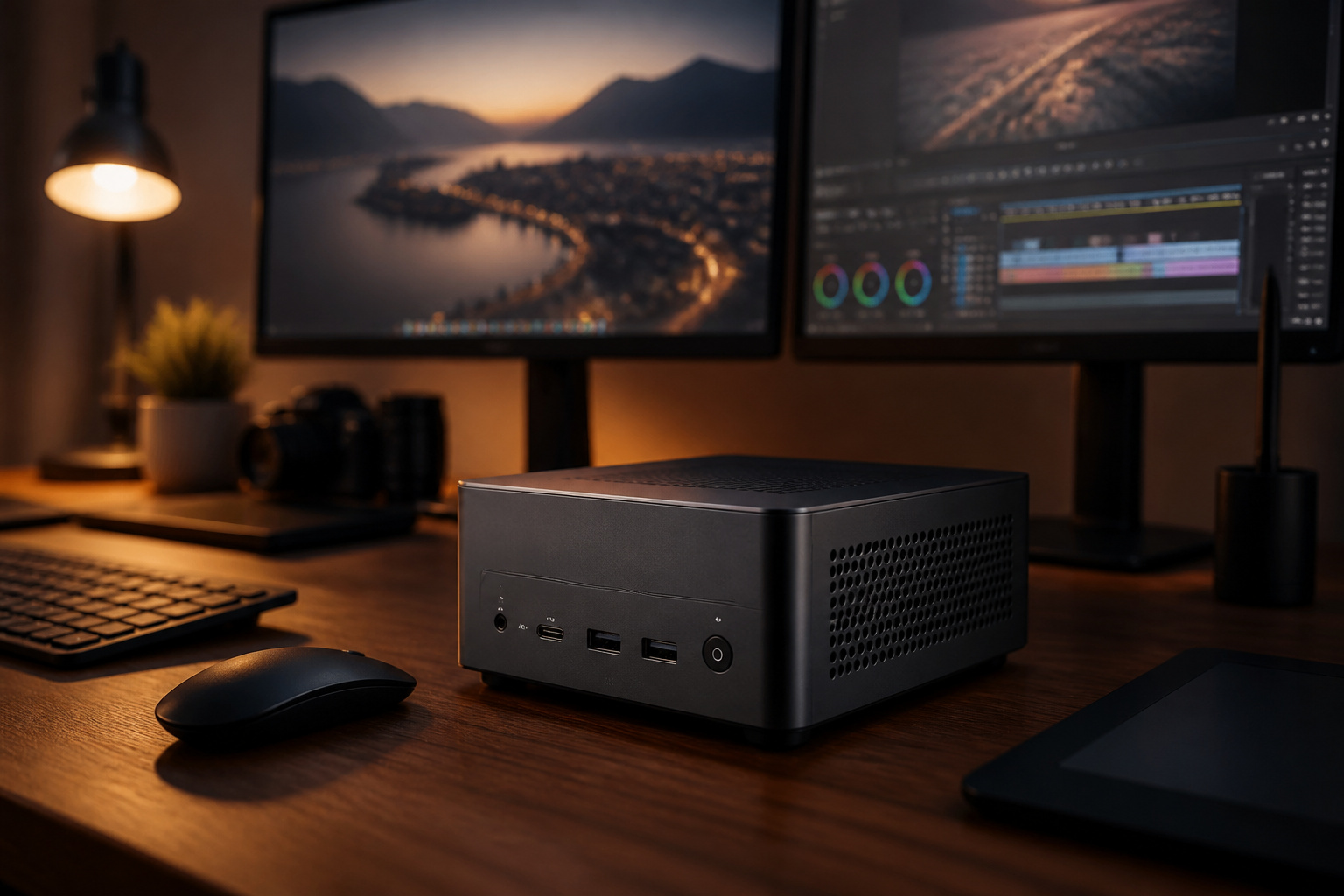
For video editing, programming, virtual machines, or gaming, look for models with a modern AMD Ryzen or Intel Core Ultra processor, 32 GB of RAM or more, and a fast NVMe SSD.
Some include capable integrated graphics, and a few add dedicated graphics. Brands such as Minisforum, Beelink, GEEKOM, and ASUS make popular options.
Intel stopped developing its own NUC line, and ASUS took it over. Older NUC listings may be old stock. Review fan noise and temperatures in independent tests, since small cases can get loud under load.
Products Worth Considering

【Ryzen 5 3550H Mini PC】 Bosgame E2 Mini Computers equipped 4-core, 8-thread Ryzen 5 3550H processor, reaching up to 3.7GHz. Ryzen 5 3550H mini pc also comes with a Radeon Vega 8 Graphics (Max Graphics Frequency 1200MHz)
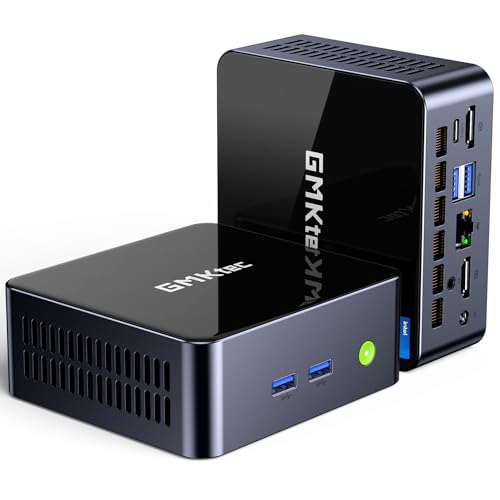
NEXT-GEN 13500H PERFORMANCE - Powered by Intel's 12-core hybrid architecture (4 P-cores + 8 E-cores) and 16 threads that delivers a base clock speed of 2.60 GHz and can surge to a max turbo frequency of 4.70 GHz when you need it most. The i5-13500H performs higher than previous-generation i5-12450H and i7-11900H processors—so you get smoother 4K editing, faster compilation, and lag-free multitasking. For modern AI-driven applications, it integrates GNA 3.0 and DL Boost (AVX2) to accelerate inference tasks, while Intel Quick Sync Video 8.0 provides hardware-accelerated decode for MPEG-2, AVC, VC-1, JPEG, VP8, VP9, HEVC, and AV1.
[CUSTOMlZED, Professional Upgraded to]32GB DDR4 Memory, Brand New 1TB NVMe M.2 SSD, Windows 11 Pro
Small Form Factor and Compact Desktops
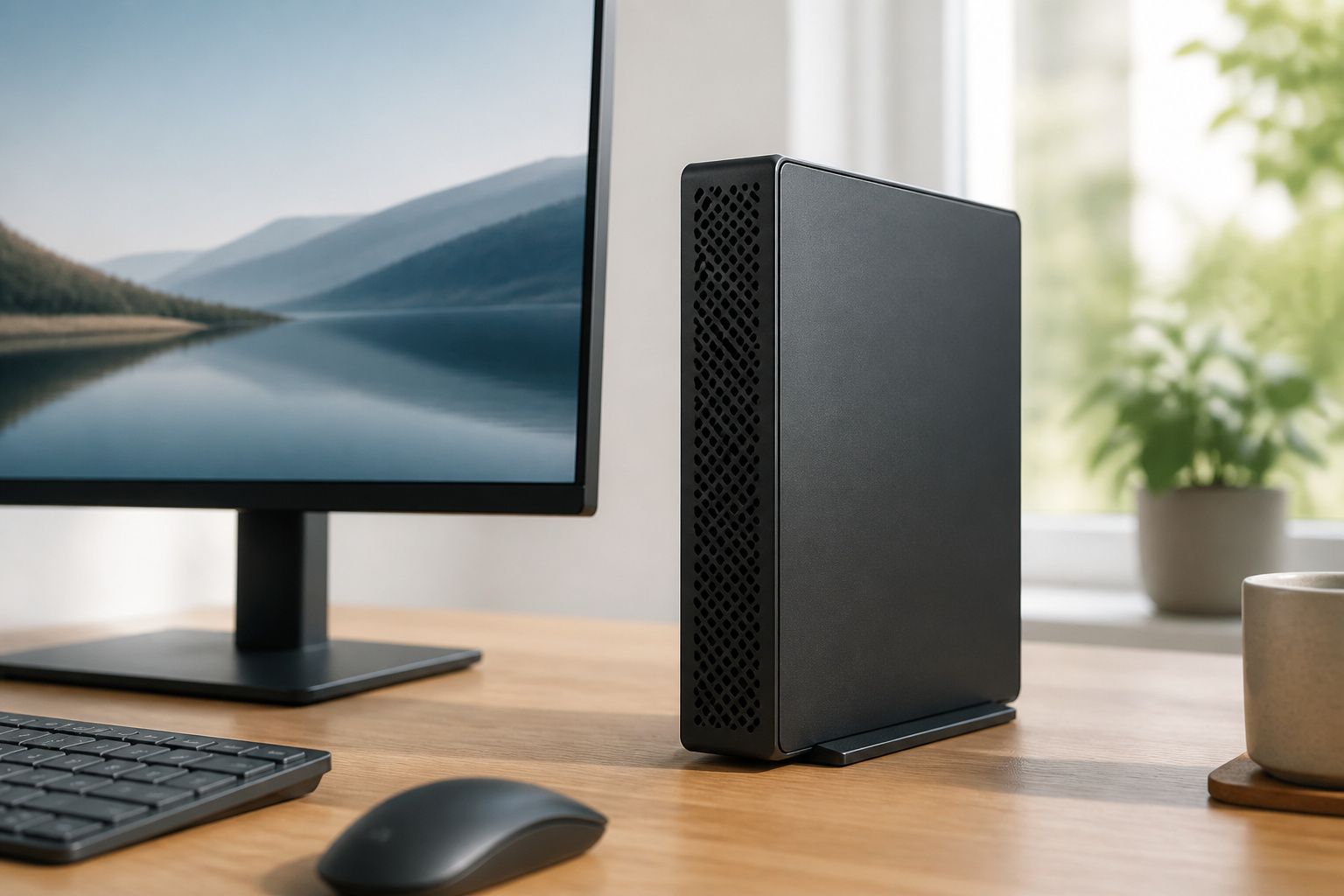
Between a mini PC and a full tower sit small form factor and compact desktops, such as business models from Dell, HP and Lenovo. They are bigger than a mini PC but still fit under a monitor, and many offer a standard power supply, room for a full-size drive, and sometimes a low-profile graphics card.
They are a good choice for offices and homes that want upgrade room without a tower. If you buy a renewed model, check the processor generation: Windows 11 generally needs an 8th-generation Intel or newer chip. Older units are not on the supported list. Our guide to refurbished computers explains what else to check.
Mini PCs for VR and Gaming
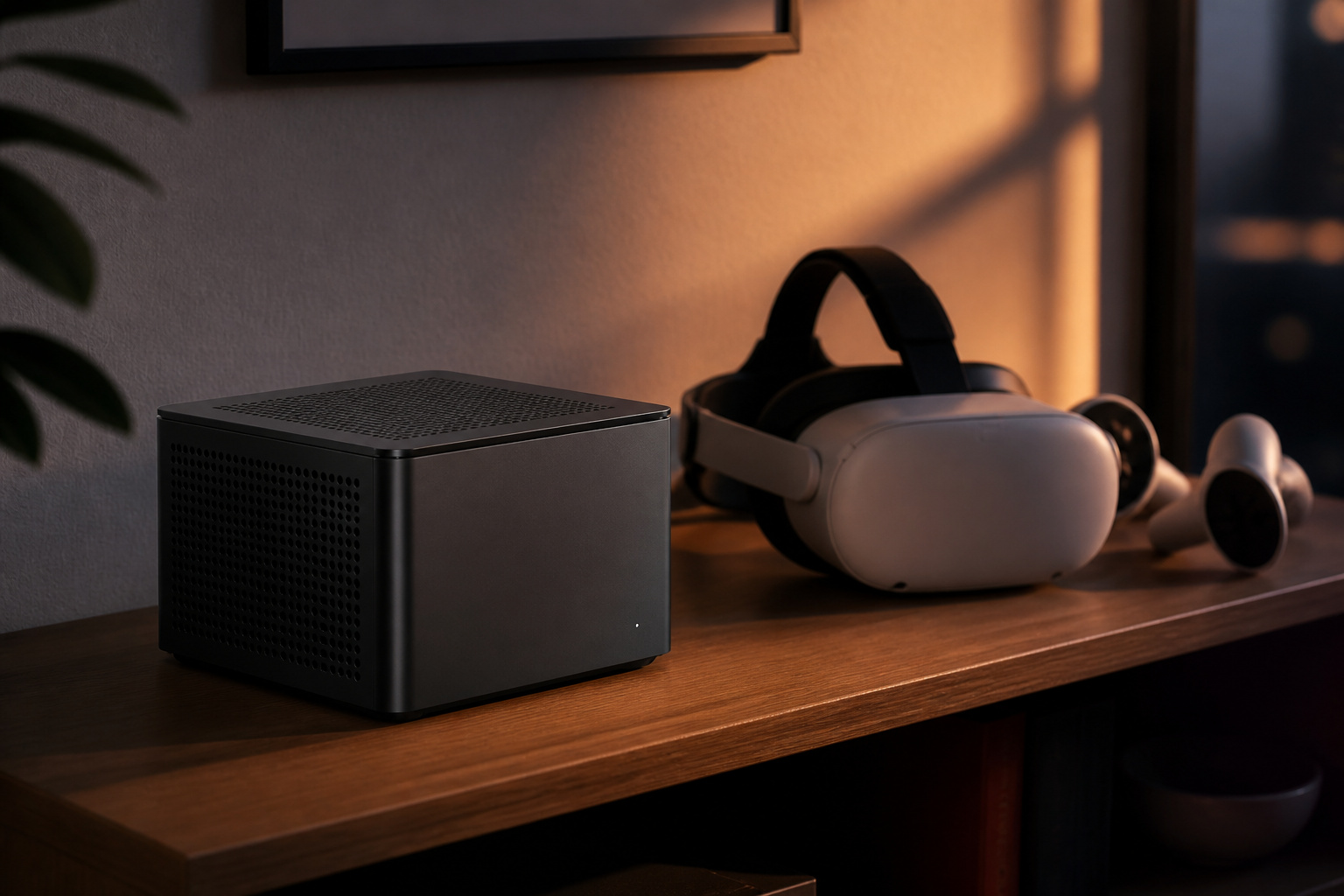
Most mini PCs use integrated graphics, which is fine for light games and media but not enough for VR. A few models use a dedicated graphics chip or an external graphics dock, and they can run VR at lower settings.
For a good VR experience, a desktop with a current dedicated graphics card is a better choice; read our guide to choosing a gaming desktop. Check the headset’s published system requirements before buying for VR use.
Products Worth Considering

【Up Link & Down Link】Up link: Oculink 4i(PCIE4.0x4), Down Link: PCIEx16(PCIE4.0x4). Only Support Oculink.

Package Include: OCuLink SFF-8612 Female to PCIe x16 Enclosure Dock, and SFF-8611 Male to Male Cable 50cm/19.7inch (Note: The GPU and Power Supply are not included)
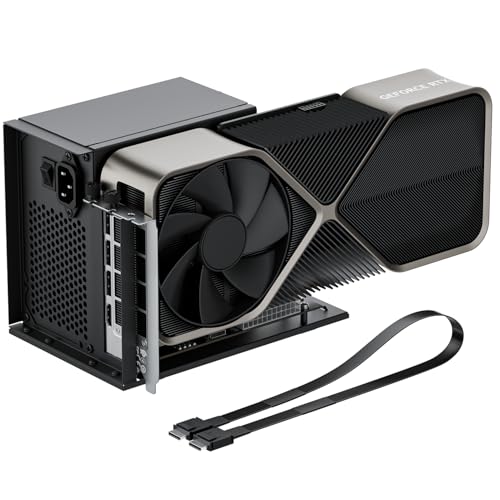
Package Includes: OCuLink SFF-8612 Female to PCIe x16 EGPU Dock, and a SFF-8611 Male to Male Cable 19.7inch/50cm (Note: The GPU and Power Supply are not included)
Specs and Ports to Check
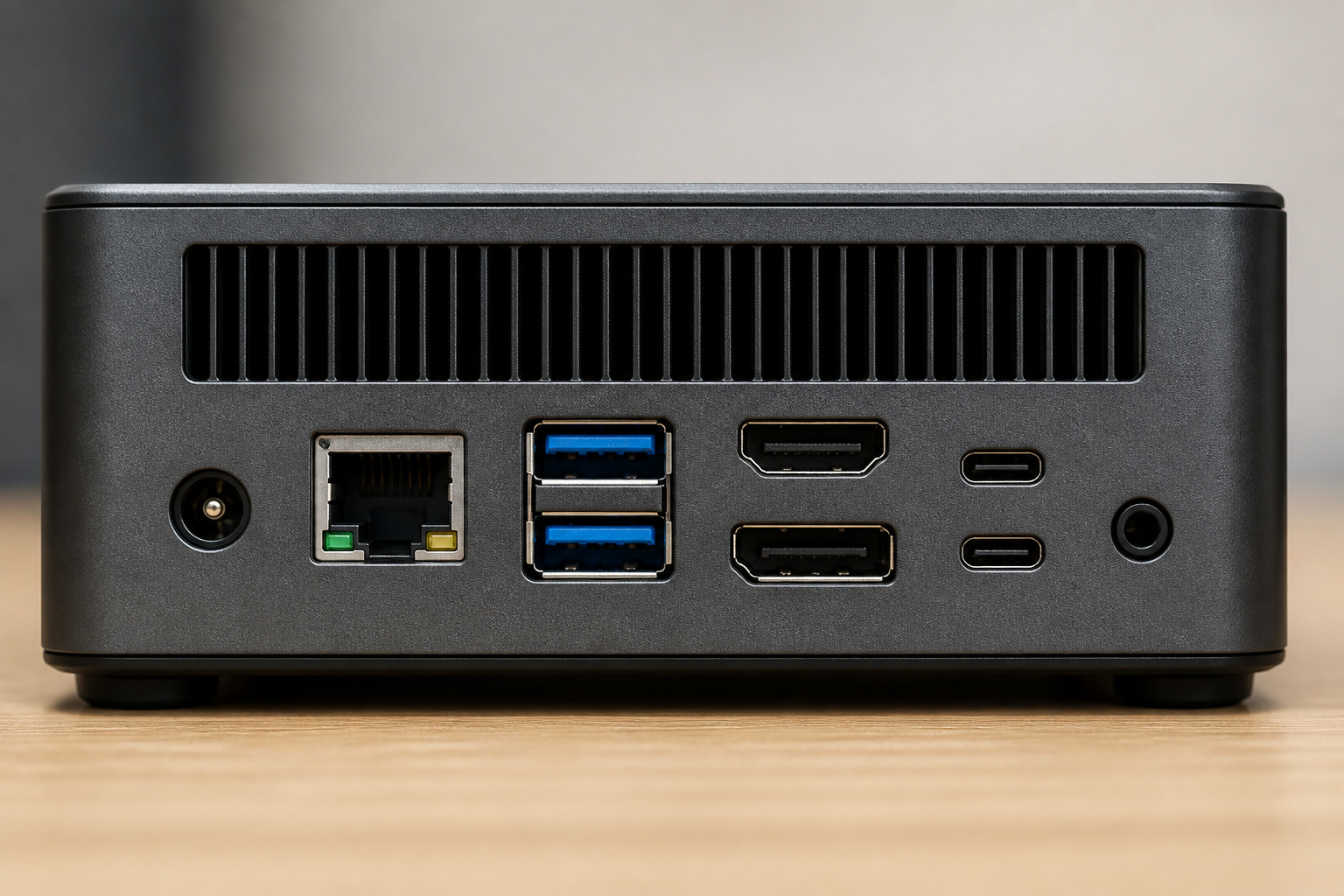
Look at the processor generation, RAM type (DDR4 or DDR5 SO-DIMM) and maximum capacity, number of M.2 slots, and whether the memory and storage are replaceable.
Check the video outputs and how many displays it supports, plus USB-C or Thunderbolt ports and Wi-Fi 6 or newer. To mount it behind a monitor, make sure to include a VESA mount.
Memory and SSD prices rose in 2026, so buying enough RAM now may cost less than upgrading later. If noise or power use matters to you, see our guide to quiet and energy-efficient computers.
Mini PC Versus Laptop
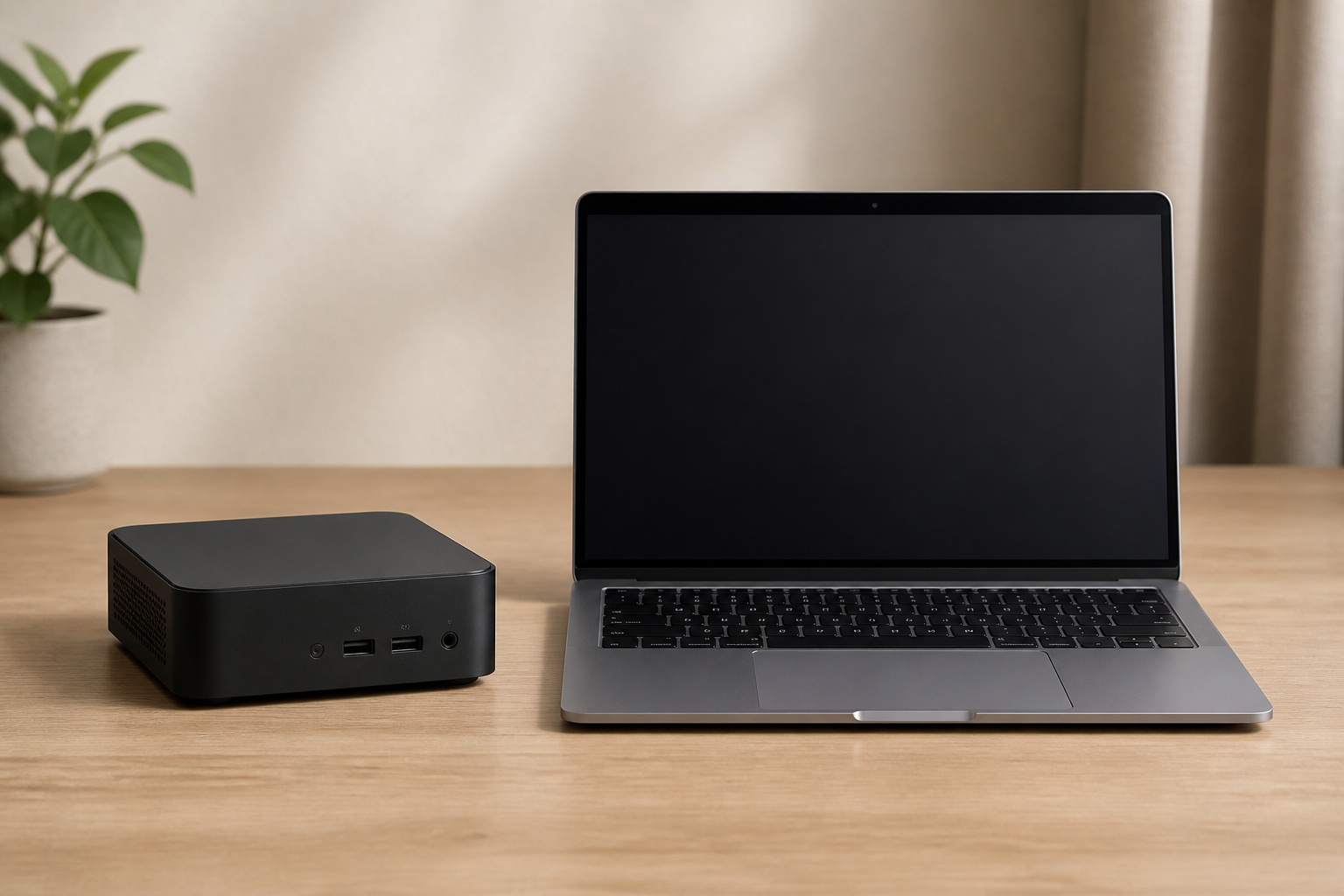
A mini PC costs less than a laptop with similar performance, but you need a monitor, keyboard, and mouse. If you move between locations, a laptop makes more sense.
See our guides on how to choose a laptop and mini PCs or laptops for music production.
Where to Save
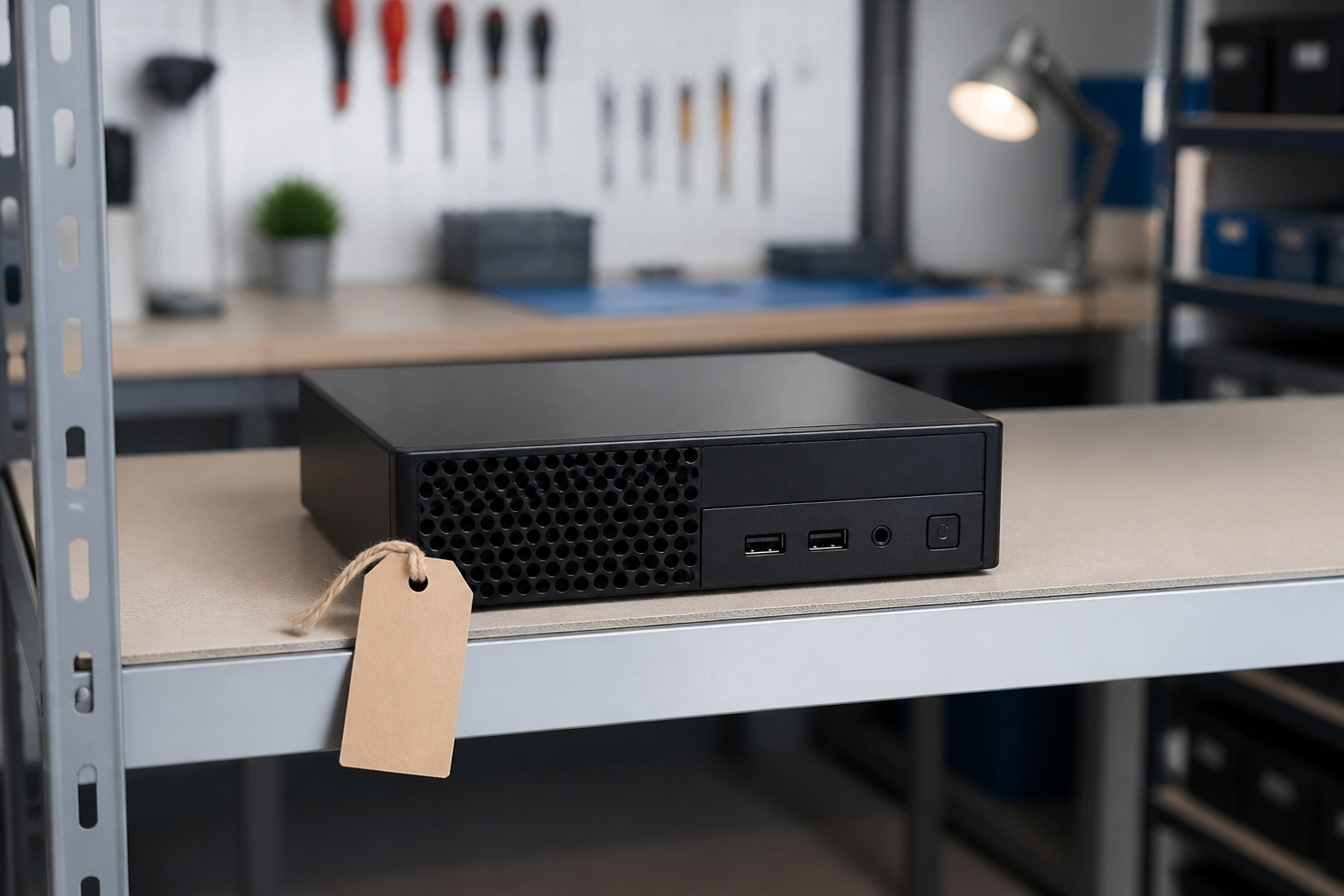
Refurbished business mini PCs from Dell, HP and Lenovo are inexpensive and reliable for office work. For help setting a budget, read how to choose the right computer for your needs, and compare brands in our guide to Dell, HP, Lenovo, ASUS and Apple.
Products Worth Considering

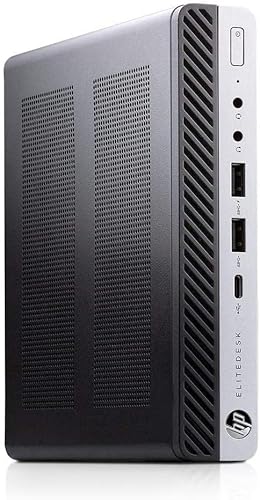
9th Generation Intel Core i5-9500T 6-Core 2.20 GHz Processor (9MB SmartCache, up to 3.70 GHz)

This Certified Refurbished product is tested and certified to look and work like new. The refurbishing process includes functionality testing, basic cleaning, inspection, and repackaging. The product ships with all relevant accessories, a minimum 90-day warranty, and may arrive in a generic box. Only select sellers who maintain a high performance bar may offer Certified Refurbished products on Amazon.com
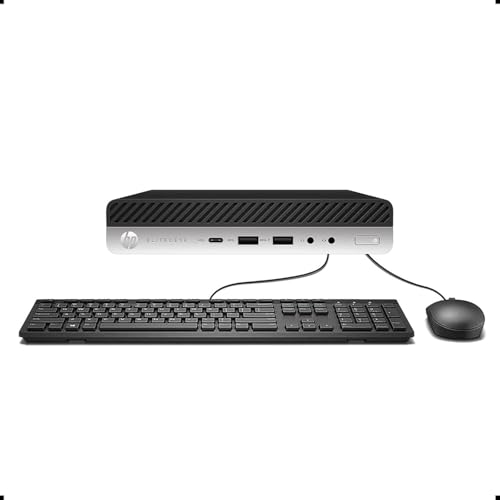
【Excellent Performance】The HP EliteDesk 800 G3 is a high-performance Mini Desktop PC equipped with a high-performance processor, large RAM, and a fast solid-state drive to provide users with a responsive and efficient computing experience.
Frequently Asked Questions
Are mini PCs good enough for everyday use?
Yes. Even budget models handle browsing, streaming and office work, and performance models handle editing and some gaming.
What kind of RAM does a mini PC use?
Most Windows mini PCs use laptop-sized SO-DIMM memory, either DDR4 or DDR5. Check your model’s specifications for the type and maximum capacity. Apple’s Mac mini uses fixed memory that cannot be upgraded.
Are mini PCs good for coding?
Yes. A modern mini PC with 16 GB of RAM or more and a fast SSD runs editors, compilers and containers well, and many support multiple monitors.
Do mini PCs come with storage?
Most include an SSD, and many have extra M.2 or SATA slots for expansion. Some models are sold without RAM or storage, so check what is included.
Can a mini PC replace my desktop?
For most home and office use, yes. For high-end gaming or heavy 3D work, a full-size desktop with a dedicated graphics card is still stronger.
Can a mini PC run VR?
Only some can, and usually at lower settings. For a good VR experience, use a desktop with a current dedicated graphics card and check the headset’s requirements.