RAM is your computer’s working memory, and running short of it is one of the most common reasons a machine feels slow.
The right amount depends on what you do and how long you want the computer to last. This guide gives practical numbers for 2026 and explains when more memory helps and when it does not.
What RAM Does
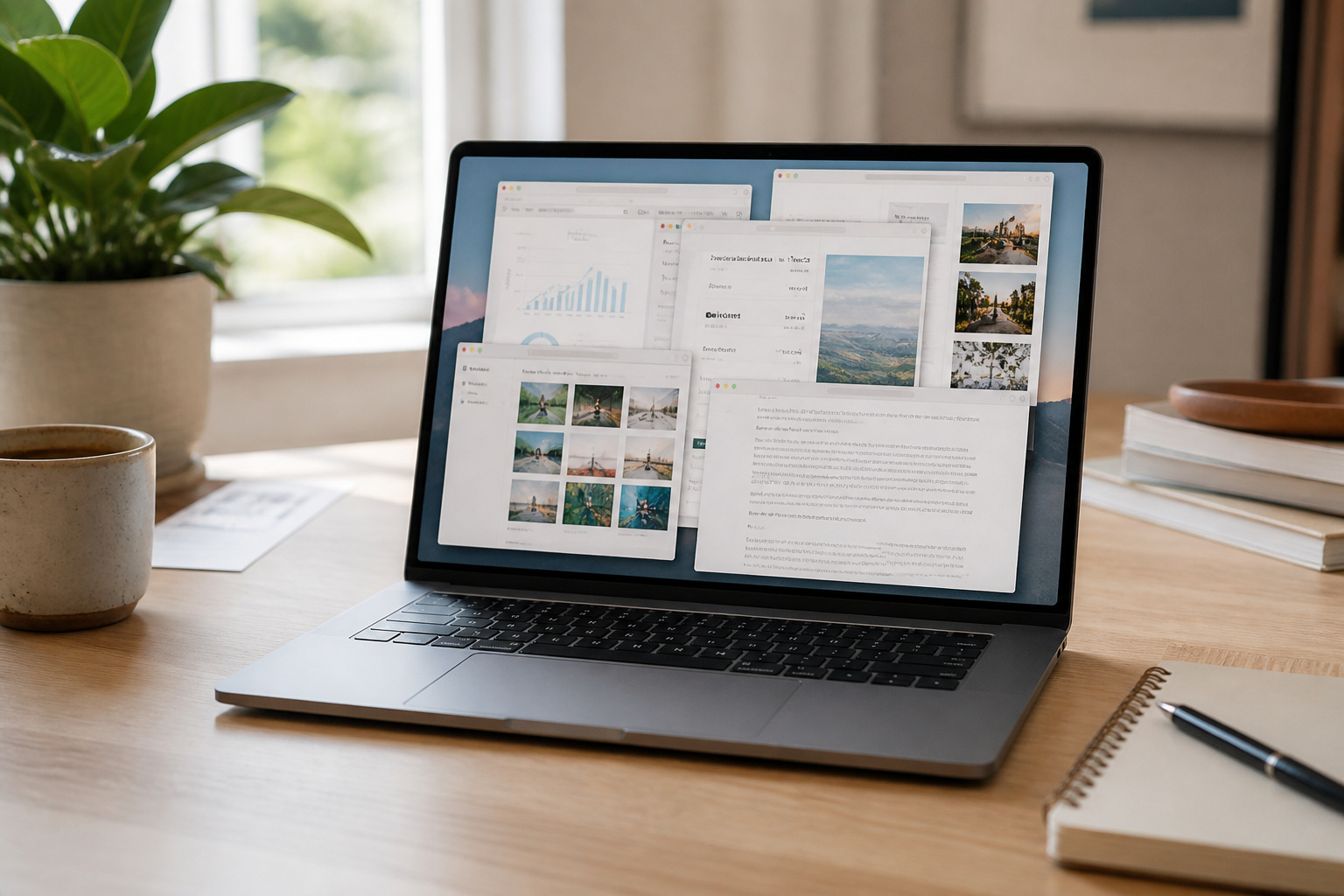
RAM holds the programs and files you have open right now. When it fills up, the computer starts moving data to the much slower drive, and everything stutters.
More RAM does not make the processor faster, but it keeps the computer from running out of room when you multitask. Storage is different: it holds files long term.
Our guide to SSD versus HDD storage covers it.
How Much You Need in 2026
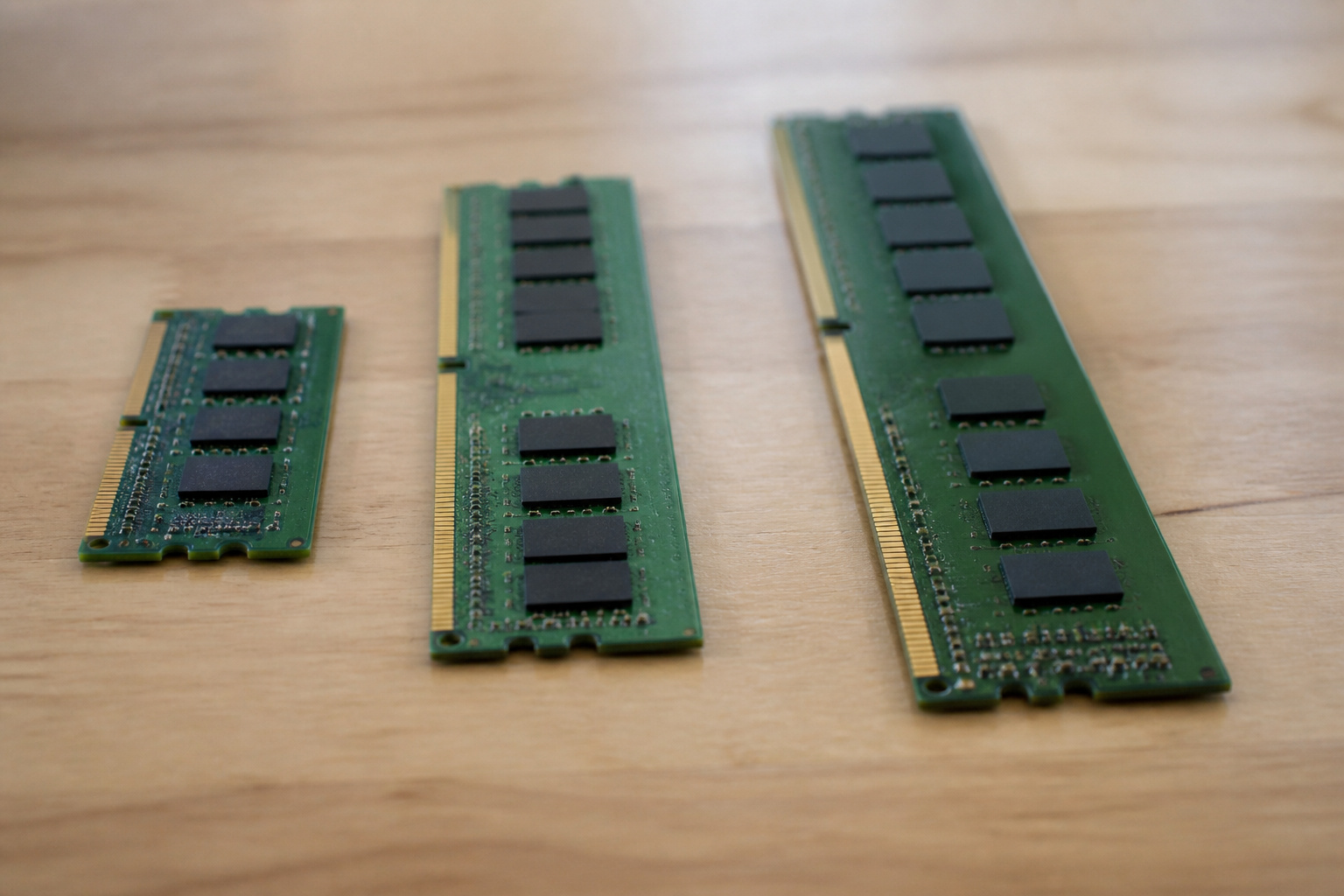
Microsoft lists 4 GB as the minimum for Windows 11, but that only covers running the system. Most buying guides in 2026 treat 8 GB as the floor for light use like browsing, email, documents, and streaming. 16 GB is a sensible target for everyday work with many tabs, video calls, and office apps open together.
Serious gaming, video editing, and programming benefit from 32 GB or more. Microsoft’s Copilot+ PC label requires 16 GB, which shows where the baseline is heading.
Recent MacBook Air models start at 16 GB, and Chromebooks do well with 8 GB because ChromeOS is lightweight. A 4 GB device is only suitable for very basic use.
Products Worth Considering

Actual memory speed may vary depending on the system, CPU, motherboard, BIOS settings, and supported memory configuration. DDR4 3200MHz modules may operate at lower speeds such as 2933MHz or 2666MHz when supported by the host system. Please check your device specifications and compatibility before purchase.

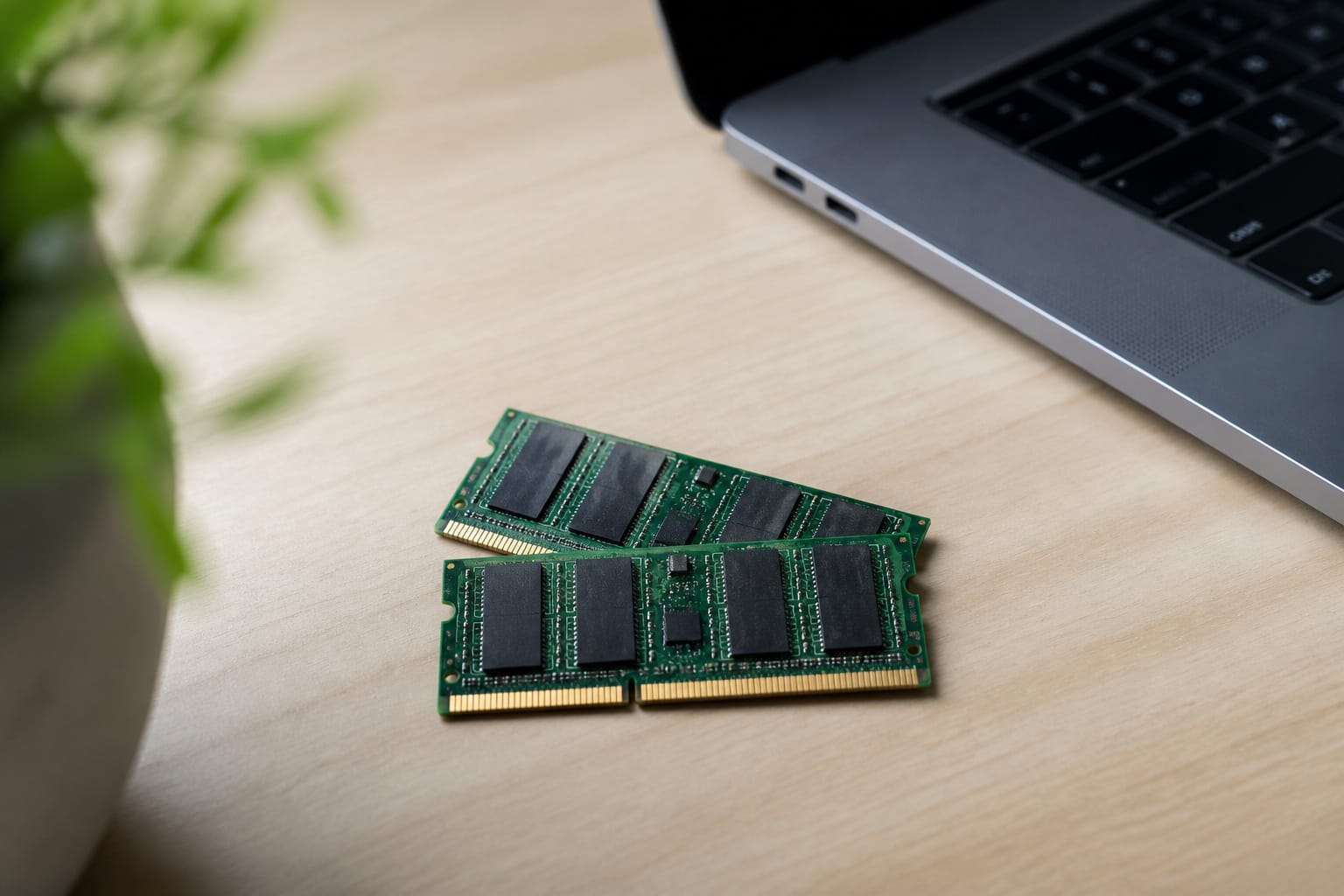
Capacity – Single Module 16GB Speed up to 2400MHz Non-ECC Unbuffered 260-Pin 1.2V SODIMM.

A-Tech 16GB RAM Module, DDR4 SO-DIMM 260-Pin, 3200MHz PC4-25600 (PC4-3200AA)
Can You Upgrade It Later?
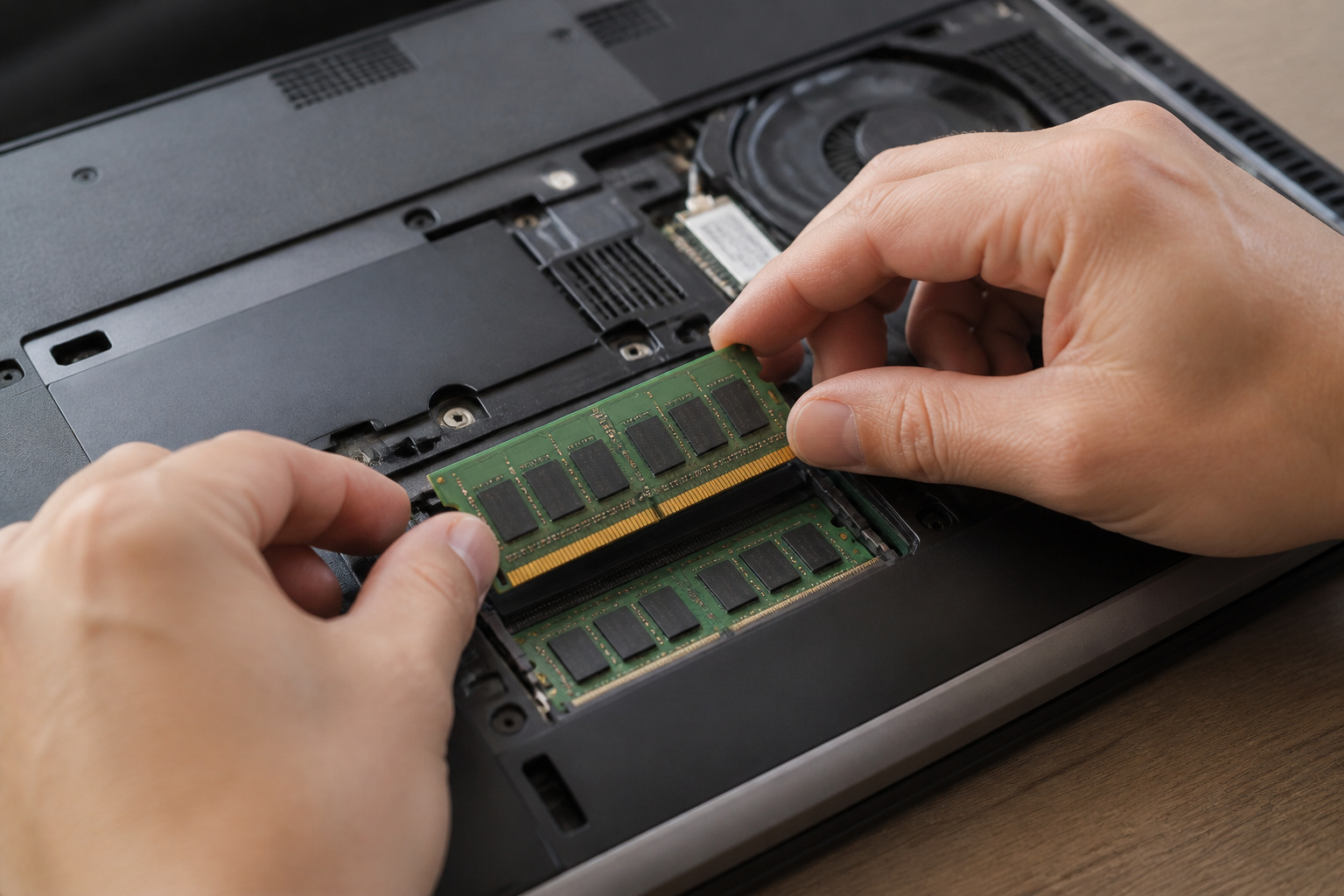
That depends on the machine. Many desktops and some laptops have memory slots you can fill, while most thin laptops solder the memory to the board. Macs with Apple silicon build memory into the chip package.
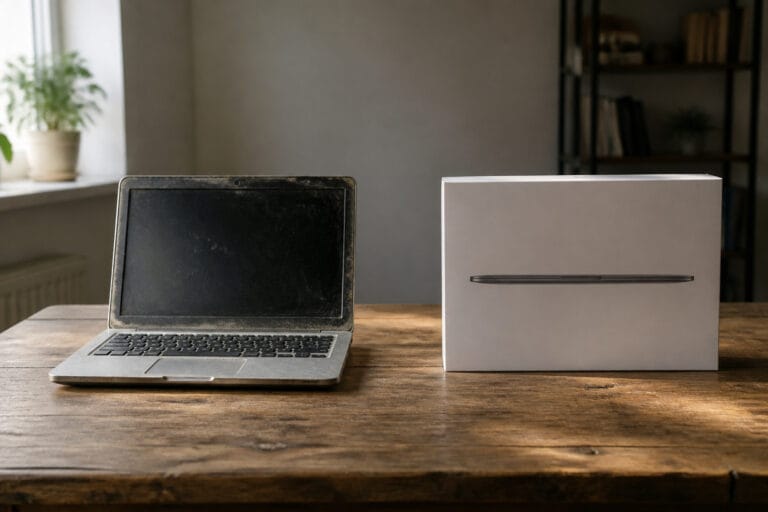
If you cannot upgrade, buy the amount you will want in three years. If the laptop has a free slot, start with 8 GB and add more later; it saves money. Our guide to upgrading an old computer explains how to check.
Products Worth Considering

[Color] PCB color may vary (black or green) depending on production batch. Quality and performance remain consistent across all Timetec products.

* Requires overclocking/BIOS adjustments. Maximum speed and performance depends on system components, including motherboard and CPU.
[Color] PCB color may vary (black or green) depending on production batch. Quality and performance remain consistent across all Timetec products.
Why Memory Prices Matter This Year
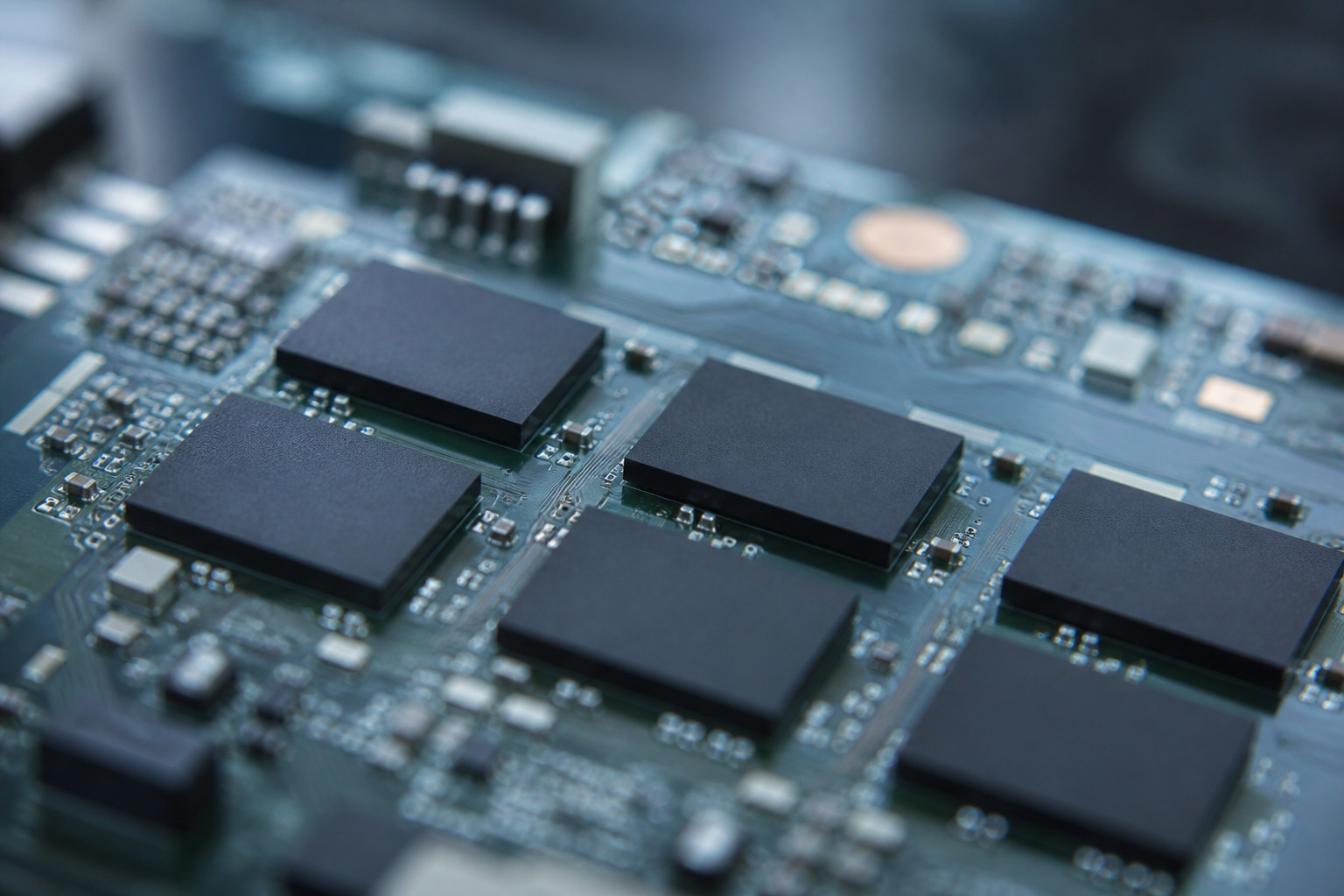
AI data centers have driven up memory costs in 2026. That’s why some manufacturers have cut RAM in lower-priced models instead of raising prices.
Check the spec sheet of any model you are considering, because a familiar laptop may now ship with less memory than last year’s version. For more, see our guide on whether cheap computers are worth it.
Products Worth Considering

BUILT FOR COLLEGE. AND BEYOND — MacBook Air with the M5 chip packs blazing speed and powerful AI capabilities into an incredibly portable design. And with up to 18 hours of battery life,* this thin and light powerhouse is ready to take on almost any major, just about anywhere.
BUILT FOR COLLEGE. AND BEYOND — MacBook Air with the M5 chip packs blazing speed and powerful AI capabilities into an incredibly portable design. And with up to 18 hours of battery life,* this thin and light powerhouse is ready to take on almost any major, just about anywhere.

BUILT FOR COLLEGE. AND BEYOND — MacBook Air with the M5 chip packs blazing speed and powerful AI capabilities into an incredibly portable design. And with up to 18 hours of battery life,* this thin and light powerhouse is ready to take on almost any major, just about anywhere.
How to Check Whether You Need More

Open Task Manager on Windows or Activity Monitor on a Mac while you work normally. If memory use sits near its limit and the computer slows down, more RAM will probably help.
If memory use is low and the computer is still slow, the cause is elsewhere, such as an old hard drive or a hot processor. Our guide to what makes a computer fast explains how to find the bottleneck.
Products Worth Considering

DDR3 1600MHz PC3-12800 240-Pin Unbuffered Non-ECC 1.5V CL11 Dual Rank 2Rx8 based 512x8

Disclaimer: Maximum Speed requires overclocking/PC BIOS adjustments. Maximum speed and performance depend on system components, including motherboard and CPU

Boost Your System’s Performance: Increase available memory for smoother multitasking, improved responsiveness and better performance when running memory-intensive applications.
Frequently Asked Questions
Is 8 GB of RAM enough?
For light use, yes. For a primary Windows computer with many tabs and video calls, it fills up quickly, so 16 GB is the safer choice if the budget allows.
Will more RAM make my computer faster?
Only if it is currently running out of memory. Adding more RAM doesn’t make anything faster.
Does it matter how many sticks of RAM I have?
On computers with two memory slots, two matched sticks usually perform better than one because they run in dual-channel mode. Check your model’s manual.
Can more RAM fix slow internet?
No. Internet speed depends on your plan, router, and Wi-Fi signal, not on computer memory.
How much RAM do I need for a student or work laptop?
16 GB is a comfortable target for both, and 8 GB is workable for lighter use. See our guides for students and working from home.