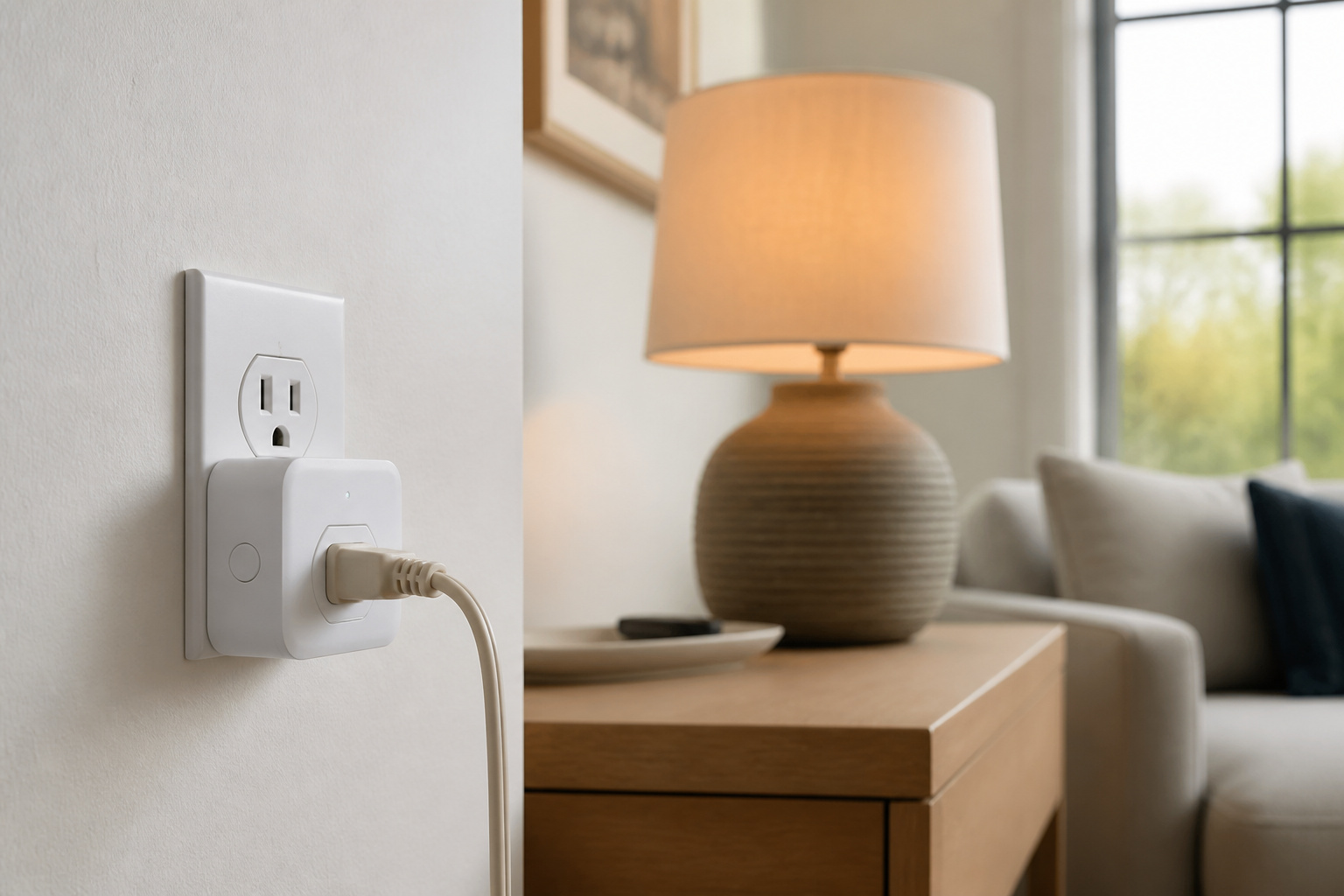
A smart plug is the cheapest, lowest-commitment entry point into a smart home. Most cost less than a takeout dinner, install in about ten seconds, and don’t require rewiring anything.
The pitch is simple: turn any lamp, fan, or appliance into something you can schedule, control remotely, and, on some models, actually measure. What’s less clear from the marketing is how much of that is genuinely useful versus a novelty that stops getting used after the first month, and where the real safety limits are.
What a Smart Plug Actually Does (Beyond Remote On/Off)
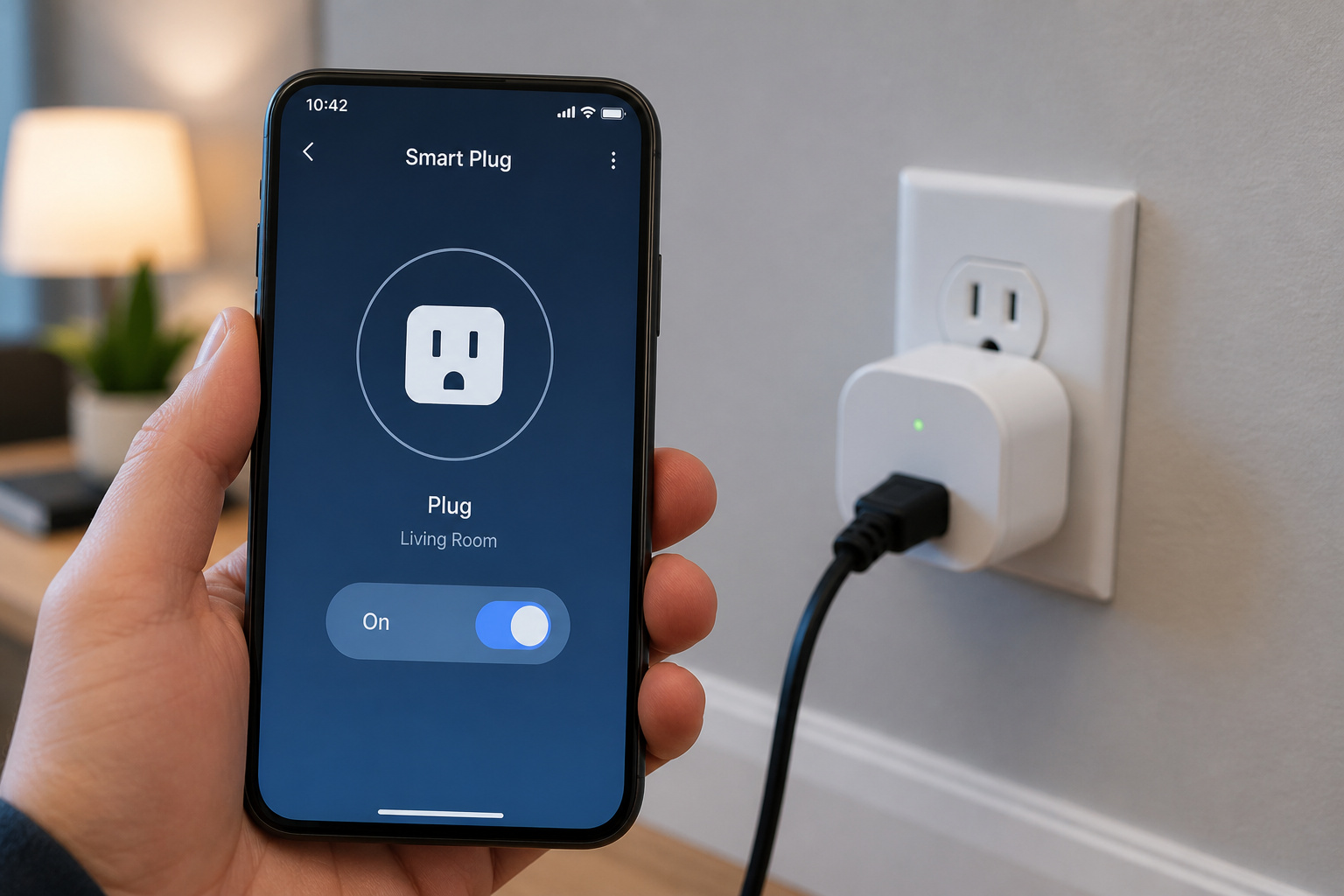
Mechanically, a smart plug is a relay, a small switch that opens or closes a circuit, triggered by a signal instead of your hand. That signal usually arrives over Wi-Fi, though a growing number of models use Thread, the low-power mesh protocol behind Matter, instead.
The features that actually change daily behavior tend to be the boring ones. Scheduling turns lamps on and off at set times without you remembering. Away-mode randomizes those schedules to make an empty house look occupied. Grouping lets one voice command or one app tap control several plugs at once, useful for “turn off everything in the living room” on the way to bed.
Local scheduling, meaning the plug keeps running its schedule even if your internet goes down, is worth checking before buying. Cheaper models sometimes rely entirely on cloud scheduling, which quietly stops working the moment your router does.
Products Worth Considering

Stability Upgrade Quick Connection:Supports Bluetooth or WiFi connection.The improved WiFi technology let you quick connection and stay stable,no disconnection worries. Please keep the smart plug connected to your stable 2.4GHz network.(Note: Only 2.4Ghz WiFi)

Stability Upgrade Quick Connection:Supports Bluetooth or WiFi connection.The improved WiFi technology let you quick connection and stay stable,no disconnection worries. Please keep the smart plug connected to your stable 2.4GHz network.(Note: Only 2.4Ghz WiFi)

Stability Upgrade Quick Connection:Supports Bluetooth or WiFi connection.The improved WiFi technology let you quick connection and stay stable,no disconnection worries. Please keep the smart plug connected to your stable 2.4GHz network.(Note: Only 2.4Ghz WiFi)
Energy Monitoring: How Accurate Is It, Really?
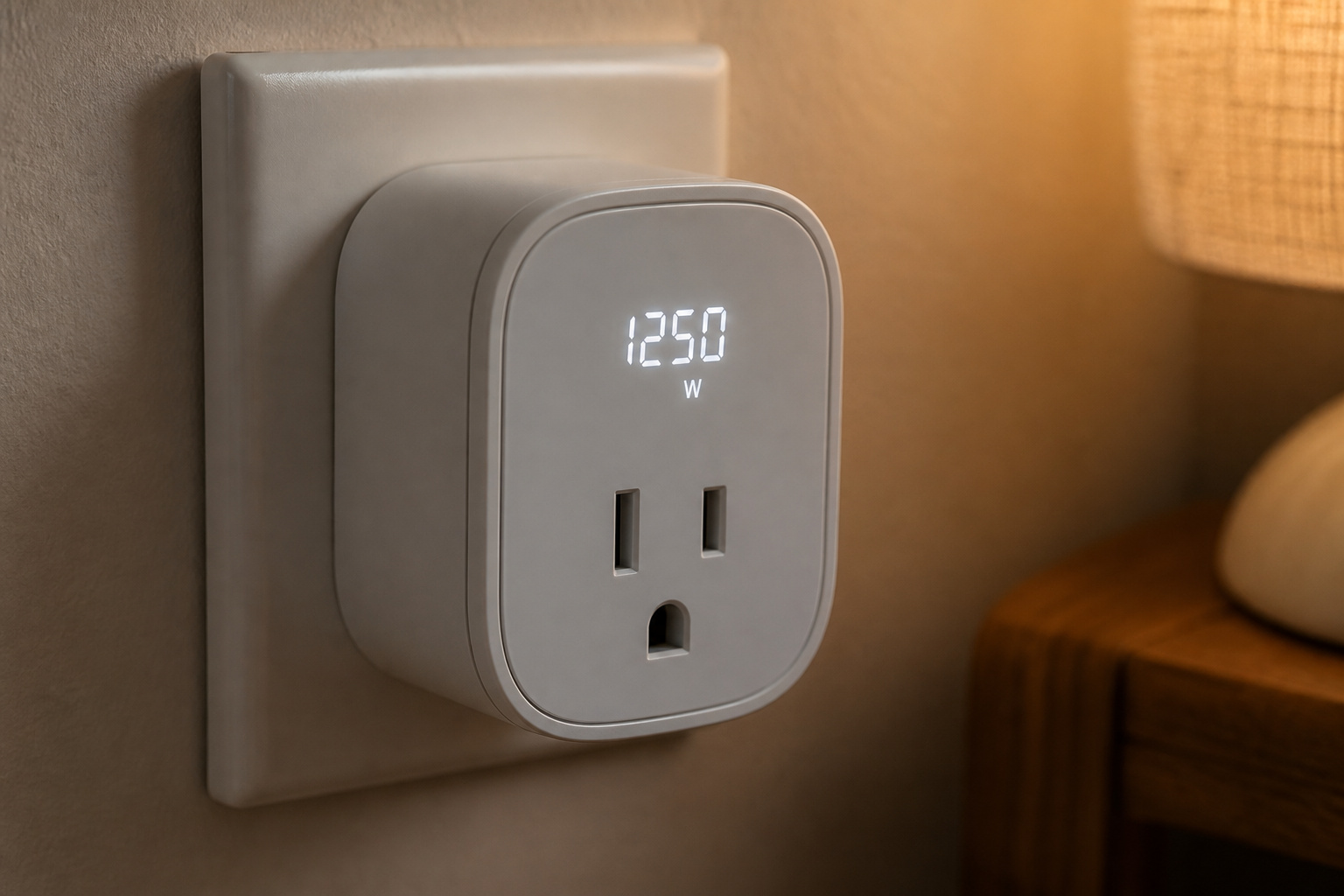
Not every smart plug measures energy use. The ones that do calculate wattage by continuously measuring voltage and current and multiplying them, many times per second, using a shunt resistor or similar current-sensing component built into the housing.
Accuracy varies more than the marketing suggests, and it’s tied directly to price. Peer-reviewed testing of consumer smart plugs has found real-world power measurement accuracy in the range of roughly 90% against a lab reference for stable loads, with error rates climbing noticeably higher on loads that vary quickly, like a motor cycling on and off.
A separate academic evaluation comparing five commercial smart plug brands found the same pattern: accuracy holds up reasonably well for steady loads like a lamp or a space heater, but degrades on variable loads like office equipment or appliances with compressors.
None of this makes the readings useless. It means a smart plug is a good tool for spotting which devices are the real energy hogs in a household and for rough monthly cost estimates, not a substitute for your utility meter if you’re trying to audit a bill down to the cent. For utility-grade accuracy, you’d need equipment certified far more tightly than any consumer smart plug is designed or priced to achieve.
Products Worth Considering

【Insightful Energy Tracking】Track your plug's energy use with clear and easy-to-understand statistics and intuitive charts, helping you optimize power usage.

Real-Time Energy Monitoring: Smart plugs track the real-time power, current, and voltage of your plug-in devices on Govee Home App. Supports reviewing data daily / weekly / monthly and up to 1 year to effectively save energy and reduce waste.

【Matter-Compatible Smart Home Integration】Works with Matter-certified platforms such as Apple Home, Amazon Alexa, Google Home, and Samsung SmartThings. Users can manage compatible devices across supported apps within the Matter ecosystem.
Vampire Power: The Real Savings Math
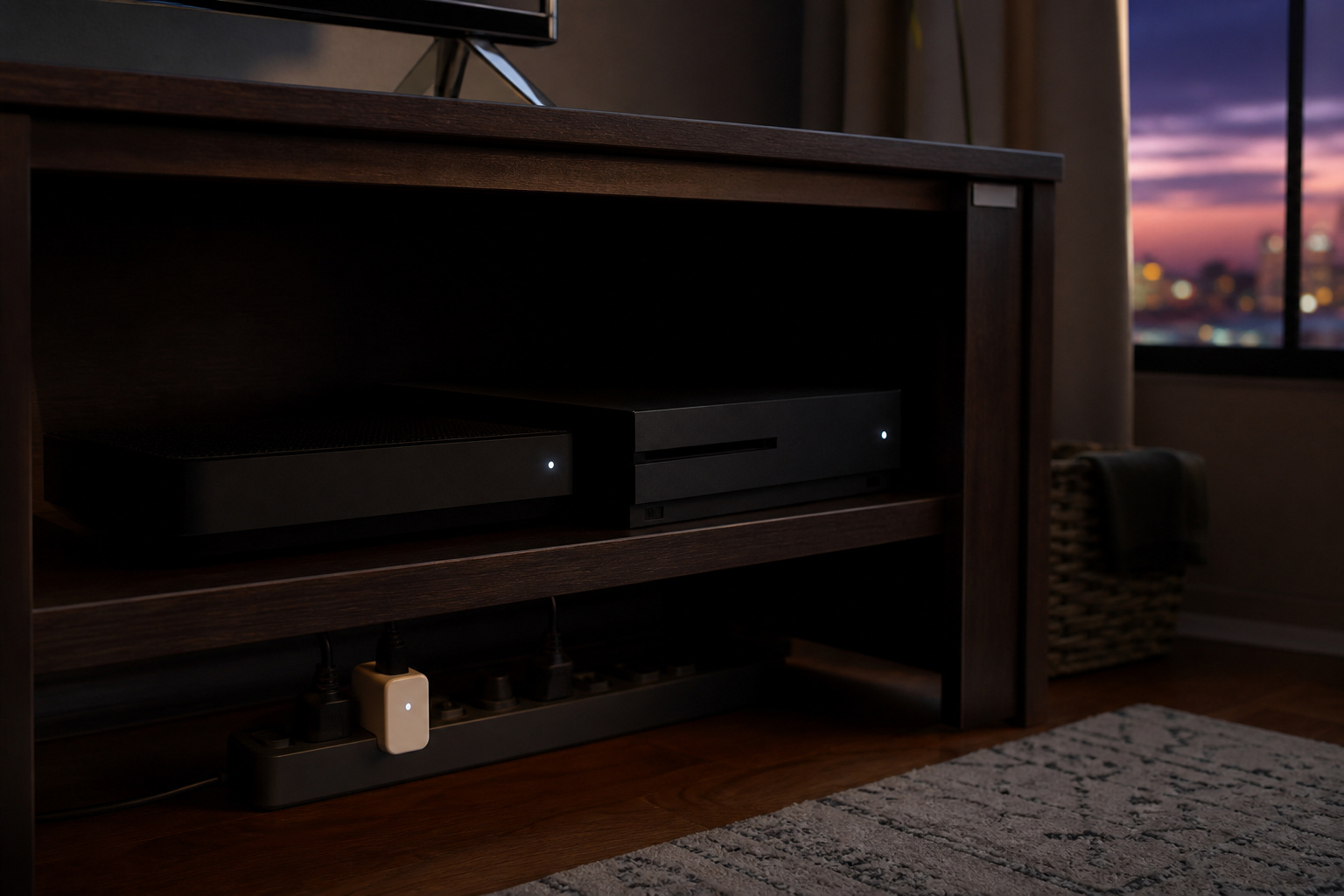
The strongest practical case for a smart plug isn’t the app; it’s what it exposes: standby power draw, also called vampire power or phantom load, the electricity a device pulls just by staying plugged in, even switched off.
The U.S. Department of Energy and Lawrence Berkeley National Laboratory put standby power at roughly 5% to 10% of residential electricity use in a typical American home. An older, frequently cited 2015 NRDC study measured “idle load electricity”, covering things like computers left in sleep mode and always-on set-top boxes, as high as 23% of household power draw in the homes it tested, translating to roughly $165 to $440 a year depending on local electricity rates. The two figures aren’t contradictory; they’re measuring slightly different things (all standby draw versus a broader idle-load category), and the honest takeaway is that the real number for any specific household falls somewhere in that range and depends heavily on what’s plugged in.
The worst offenders tend to be entertainment gear (cable boxes, game consoles, soundbars, and TVs that stay in a low-power listening state for the remote) and anything with an always-on digital clock or Wi-Fi radio. A smart plug on one of these lets you see the actual standby wattage in the app, which is usually the moment people realize a supposedly “off” cable box pulling 15 to 20 watts around the clock is a real, quantifiable cost rather than a rounding error.
Scheduling a smart plug to fully cut power to that gear overnight, or during a workday when nobody’s home, converts that awareness into an actual reduction. This is one of the more reliable ways smart home devices save money on energy bills, and it’s more consistent than some other claims in that category.
Products Worth Considering
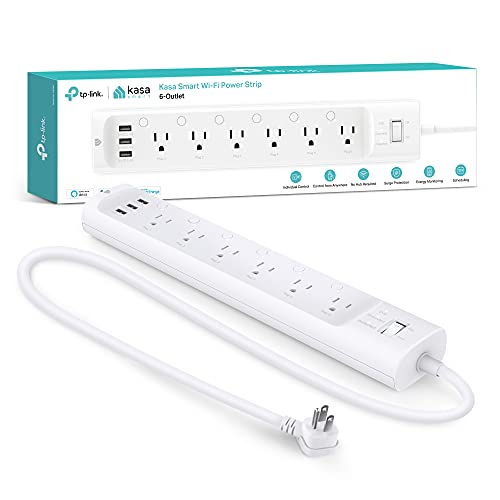
6 smart outlets: Independently control 6 smart outlets, and charge 3 devices with built in USB ports; Ideal for controlling electronics in your home, home office, or small business

【Insightful Energy Tracking】Track your plug's energy use with clear and easy-to-understand statistics and intuitive charts, helping you optimize power usage.

Real-Time Energy Monitoring: Smart plugs track the real-time power, current, and voltage of your plug-in devices on Govee Home App. Supports reviewing data daily / weekly / monthly and up to 1 year to effectively save energy and reduce waste.
Safety: Amperage, Duty Cycle, and What Not to Plug In
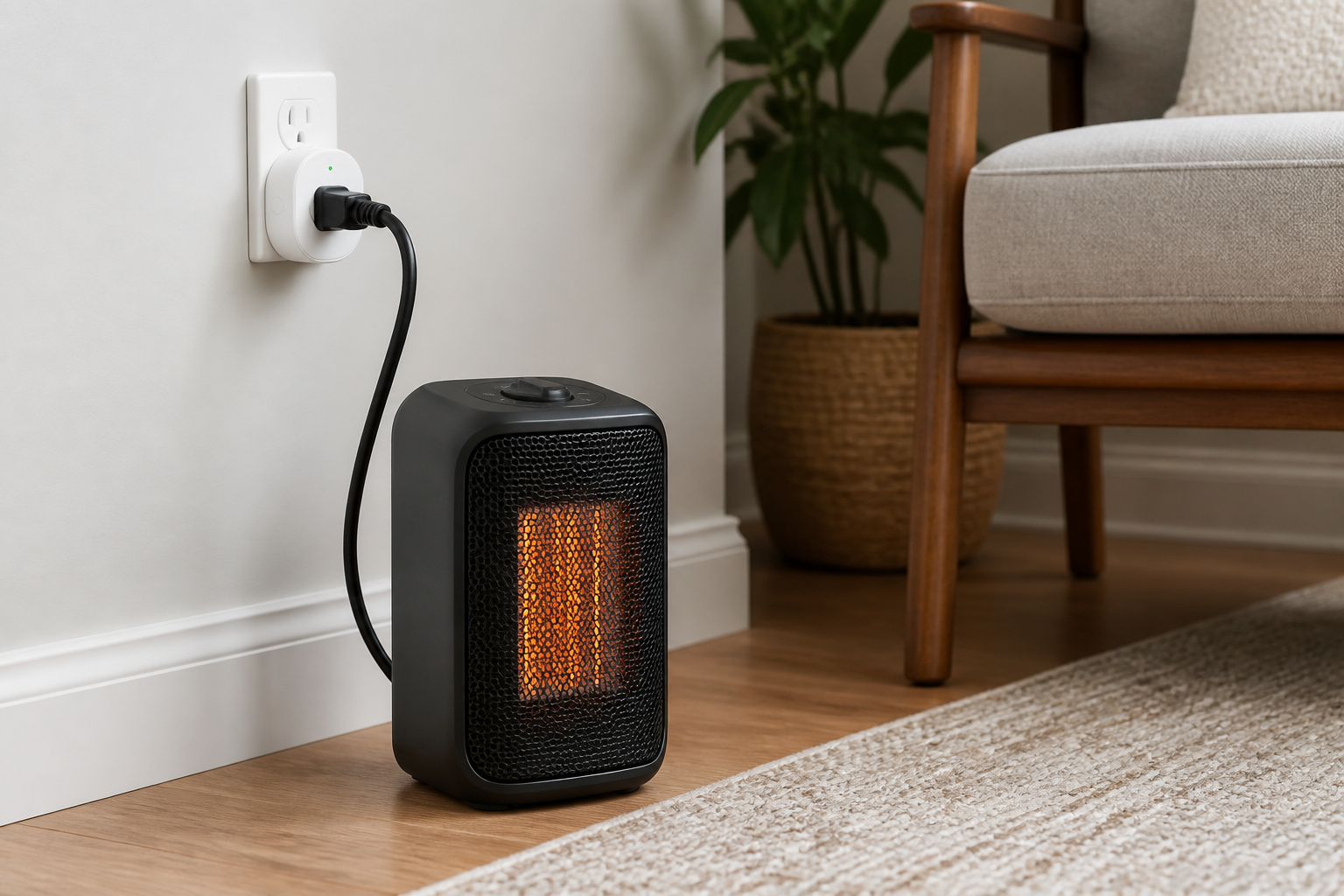
Most consumer smart plugs sold for U.S. outlets are rated for 15 amps at 120 volts, which is a maximum of 1,800 watts. Some budget models are rated lower, at 10 amps or roughly 1,200 watts, so checking the specific rating printed on the plug or in its listing matters more than assuming.
The number on the label is a ceiling, not a target. Standard electrical practice (the same 80% continuous-load rule that applies to household circuit breakers) says to keep any load running for more than a few hours at no more than 80% of the plug’s rated capacity. For a 15A/1800W plug, that means treating 1,440 watts as the real continuous-use ceiling, not 1,800.
That math matters most for exactly the appliances people are tempted to automate: space heaters, portable air conditioners, and electric kettles. A typical 1,500-watt space heater draws about 12.5 amps, close enough to a standard plug’s ceiling that a cheap, non-UL-listed plug with weak internal contacts can overheat under sustained use. If you’re going to put a heater or window AC on a smart plug at all, use one explicitly rated for continuous duty at 15A with UL or ETL certification (an independent safety-testing mark, not the self-declared CE mark that’s common on budget imports), plug it directly into a wall outlet rather than a power strip or extension cord, and don’t leave it unattended on the first few runs.
Refrigerators, freezers, and anything else that needs to stay continuously powered are generally a bad fit for a smart plug regardless of wattage; a scheduling mistake, a dropped Wi-Fi connection during a firmware update, or an accidental app tap can cut power at exactly the wrong moment. Daisy-chaining smart plugs (plugging one into another) is also worth avoiding outright; it’s a recognized fire-risk pattern, not just a compatibility issue.
Products Worth Considering

Voice control: Kasa smart plugs that work with Alexa and Google Home Assistant. Enjoy the hands free convenience of controlling any home electronic appliances with your voice via Amazon Alexa or Google Assistant

【Long Wi-Fi Range and IP64】Long Wi-Fi range up to 300 feet with IP64 weather resistance. Waterproof cover is attached to protect it from dirt when not in use. Supports up to 15A/1875W.

Voice control: Kasa smart plugs that work with Alexa and Google Home Assistant. Enjoy the hands free convenience of controlling any home electronic appliances with your voice via Amazon Alexa or Google Assistant. Compatible with Android 5.0 or higher and iOS 10.0 or higher
Compatibility: Wi-Fi, Matter, and Whether You Need a Hub
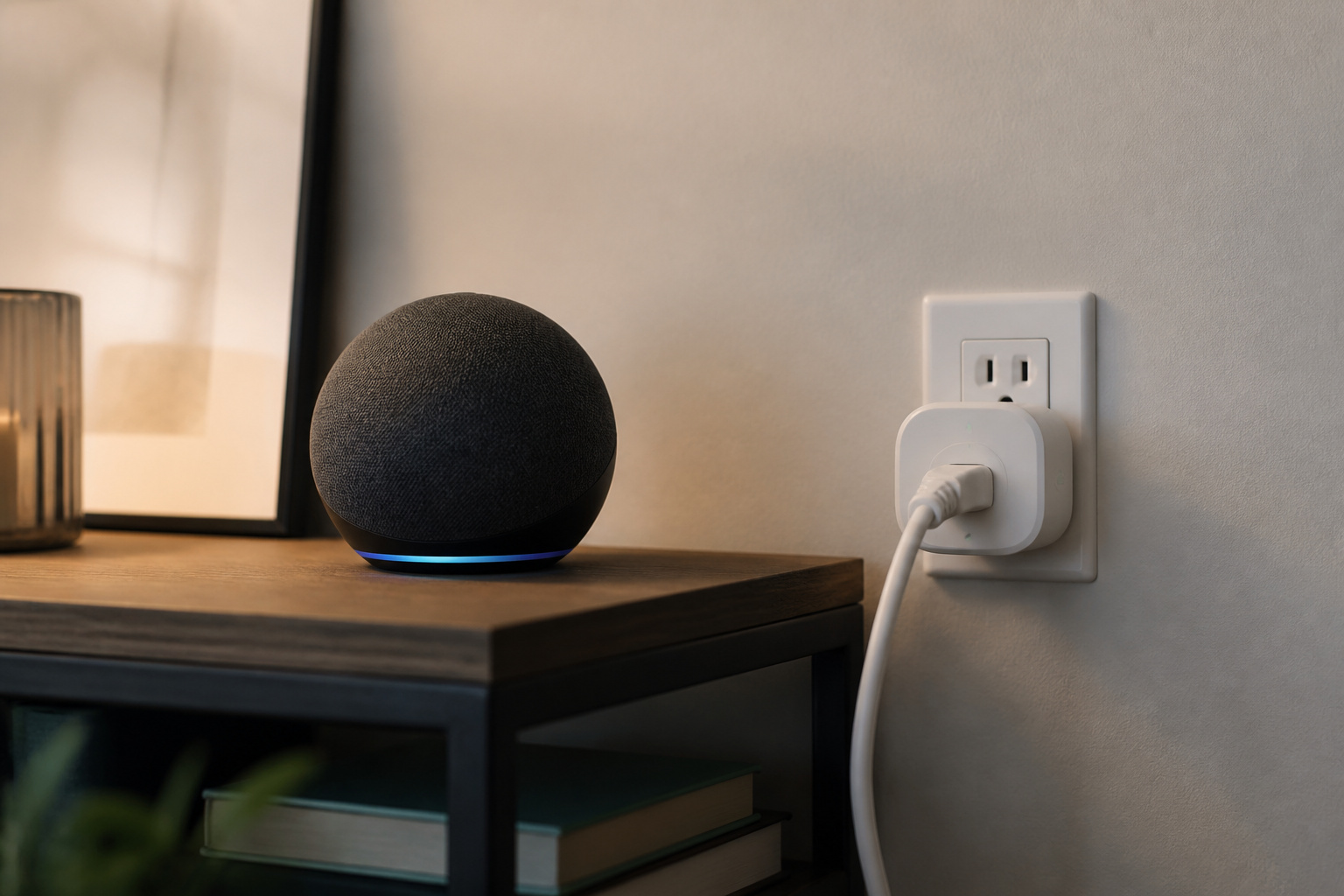
Most smart plugs on the market connect directly over your home Wi-Fi and need nothing else, no separate hub, no bridge device. That’s part of why they’re the easiest smart home category to start with.
A growing share of newer plugs instead use Thread, the mesh protocol behind Matter, which routes through a Thread border router rather than your Wi-Fi network directly. Several smart speakers and hubs already act as one without extra hardware, so this usually doesn’t mean buying a separate device. It’s worth knowing before assuming every plug talks to your router. For the full picture on what Matter actually changes and when it matters, see our explainer on what Matter is and whether you need it. If you’re still deciding whether any hub belongs in your setup, this breakdown of when a hub is actually worth adding covers that decision directly.
Voice control is where ecosystem choice actually shows up. A Matter-certified plug will generally work with Alexa, Google Home, and Apple HomeKit without much fuss. Budget plugs are mostly Wi-Fi-only and tied to a single brand’s app and a single voice assistant, sometimes not the one you already use for everything else.
If you haven’t settled on an ecosystem yet, it’s worth deciding before buying a multipack of plugs. See our comparison of Alexa, Google Home, and Apple HomeKit for what actually differs between them. And if you’re mixing brands across a household that already has other smart devices, our guide to what actually works together across brands covers where that gets messy and where it doesn’t.
Products Worth Considering

【Matter: All-Round Compatibility】With Matter, users are no longer tied to specific platforms and works with all certified smart home platforms, such as Apple Home, Amazon Alexa, Google Home and Samsung SmartThings. You can control all your smart home devices from a single app, reducing the need for multiple apps for different devices.

【Award-Winning Smart Plug】The Tapo P400M was named Best Outdoor Smart Plug by Wirecutter in 2026 for its independently controllable dual outlets, durable IP65 weather resistance, and response Matter compatibility, among other standout features.

【Matter: All-Round Compatibility】With Matter, users are no longer tied to specific platforms and works with all certified smart home platforms, such as Apple Home, Amazon Alexa, Google Home and Samsung SmartThings.
So, Are They Worth It?
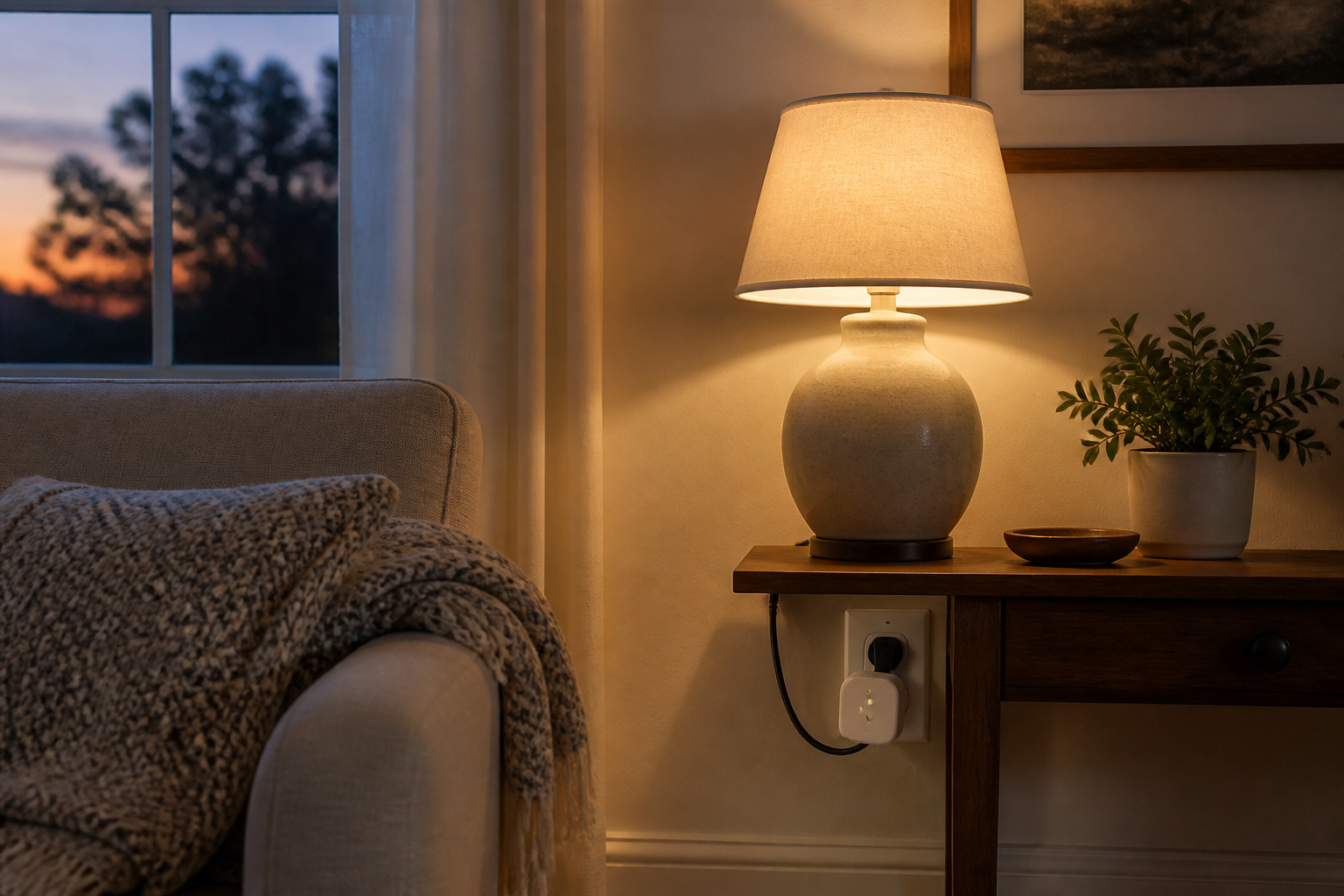
For most households, yes, with realistic expectations. A smart plug is inexpensive, genuinely useful for automating lamps and small appliances, and one of the few smart home purchases that can directly show you where standby power is being wasted rather than just promising savings in the abstract.
It stops being worth it when the wattage math gets ignored (an uncertified plug pushed to its limit on a space heater) or used for something that genuinely needs uninterrupted power. Buy a UL- or ETL-listed plug rated for at least 15A if you want flexibility later, check whether local scheduling works without the cloud, and treat the energy-monitoring numbers as a useful guide rather than a bill-auditing tool.
That’s a realistic, low-risk way to see whether the rest of a smart home is worth building out; for the bigger financial picture across a full setup, our guide to whether a smart home is worth it overall and our breakdown of what it actually costs to smart-home a house both build on the numbers here.
Frequently Asked Questions
Do smart plugs need a hub, or do they work with just Wi-Fi?
Most smart plugs connect directly to your home Wi-Fi and need nothing else. A smaller, growing share use Thread instead, which routes through a Thread border router, but many existing smart speakers and hubs already function as one, so this rarely means buying extra hardware. Check the listing for “Wi-Fi” versus “Thread/Matter” before assuming either way.
Can I use a smart plug with a space heater or window AC?
Only if the plug is explicitly UL- or ETL-listed for continuous duty at 15A, plugged directly into the wall (never a power strip), and kept under 80% of its rated wattage for anything running more than a few hours. A typical 1,500-watt heater draws about 12.5 amps, close enough to a standard 15A/1,800W plug’s ceiling that a cheap, uncertified plug is a real fire risk. If in doubt, don’t automate it.
How accurate is smart plug energy monitoring?
Good enough to spot your biggest energy users and estimate rough monthly costs, not accurate enough to audit a utility bill to the dollar. Independent testing puts consumer smart plug accuracy in roughly the 90% range against lab references for stable loads, with bigger errors on loads that vary quickly, like a compressor cycling on and off. Utility meters are certified to a far tighter standard than any consumer smart plug is built to.
Do smart plugs themselves use electricity when nothing is plugged into them?
Yes, a small amount. The plug’s own Wi-Fi or Thread radio and onboard chip need continuous power to stay connected and responsive, typically a watt or two. It’s a small irony given that the same device is often bought specifically to fight standby power elsewhere in the house, but the draw is minor compared to what it typically exposes and eliminates on the device plugged into it.
Will a smart plug work with Alexa, Google Home, and Apple HomeKit at the same time?
Depends on the plug. Matter-certified models are built to work across all three without much friction. Older or budget Wi-Fi-only plugs are often tied to a single ecosystem through their own app, and some support Alexa and Google Home but not HomeKit, or vice versa. Check for a Matter badge or explicit HomeKit support on the listing before buying if working across ecosystems matters to your household.