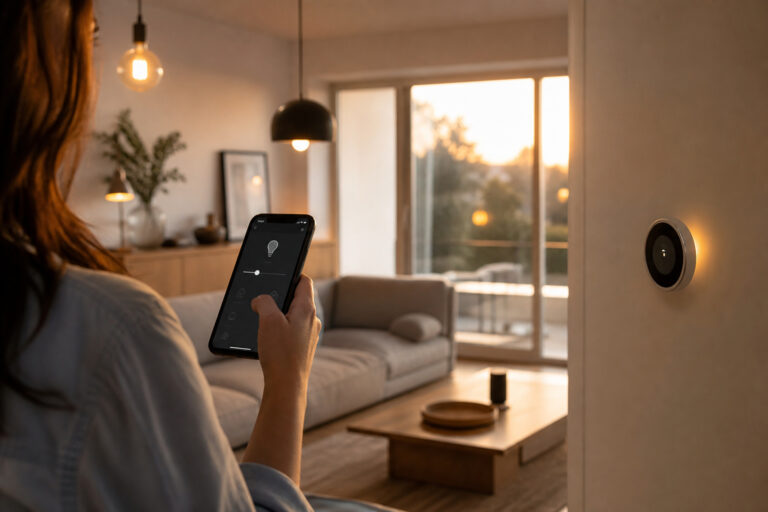
A wireless home security system skips the wiring, making it easy to install and easy to take with you when you move. But it doesn’t skip the set of decisions that matter most: how alerts reach you, who responds, and what happens when something fails.
Here is how these systems work, where they can fail, and what to check before you buy one, followed by five systems worth considering at different budgets and for different smart home setups. Prices are approximate and change often, so check the current price before you buy.
What Makes a Home Security System Wireless?
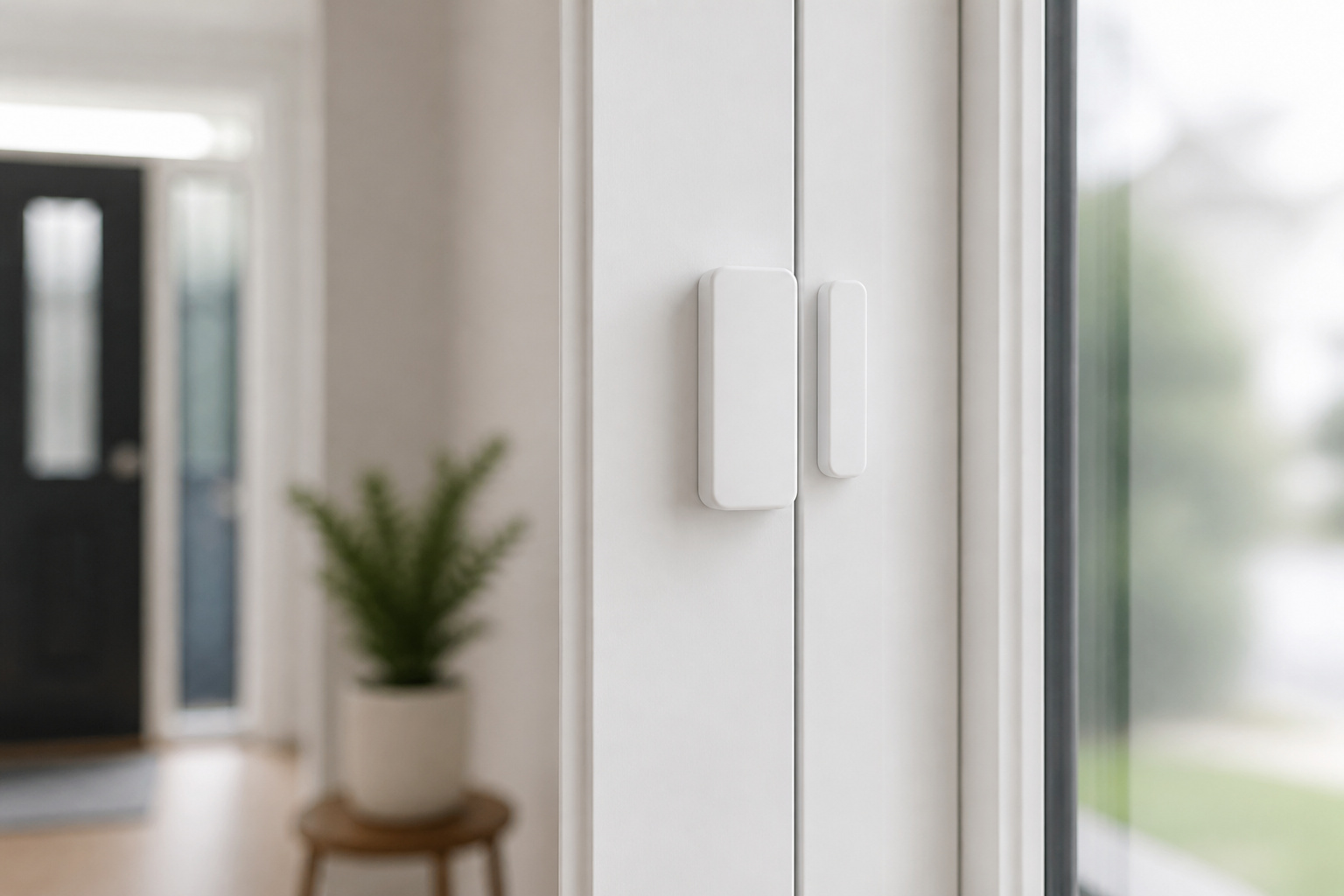
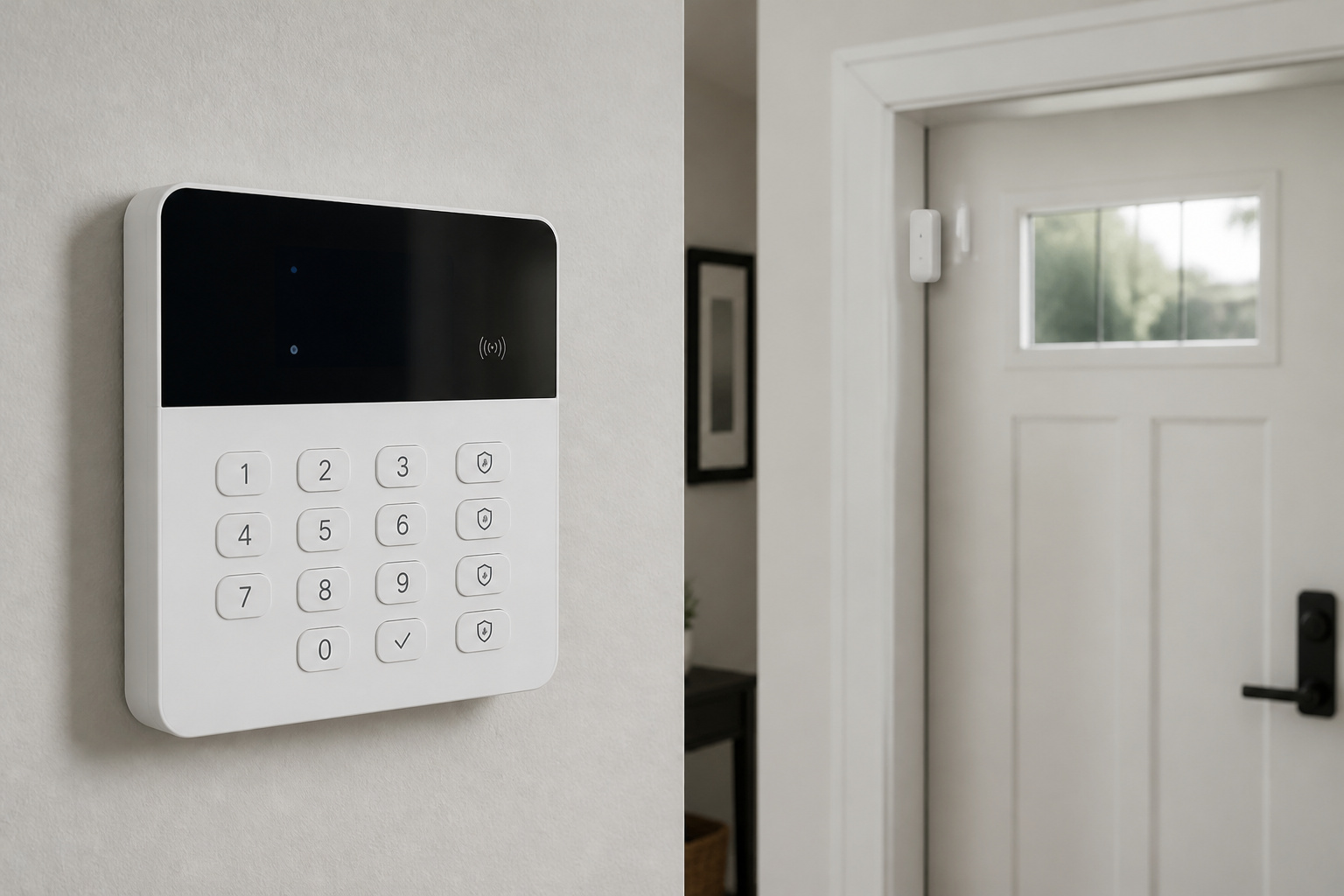
According to ConsumerAffairs, a security system has four core parts: a control panel that receives signals and starts the response, sensors, a siren, and a keypad. In a wireless system, the sensors send their signals to the panel by radio, so no signal wires run through the walls.
Typical sensors include door and window entry sensors, motion detectors, glass-break sensors, and environmental sensors for smoke, carbon monoxide, and water leaks. Wireless sensors run on batteries, so replacing them is your only upkeep responsibility.
How Does a Wireless System Reach You?
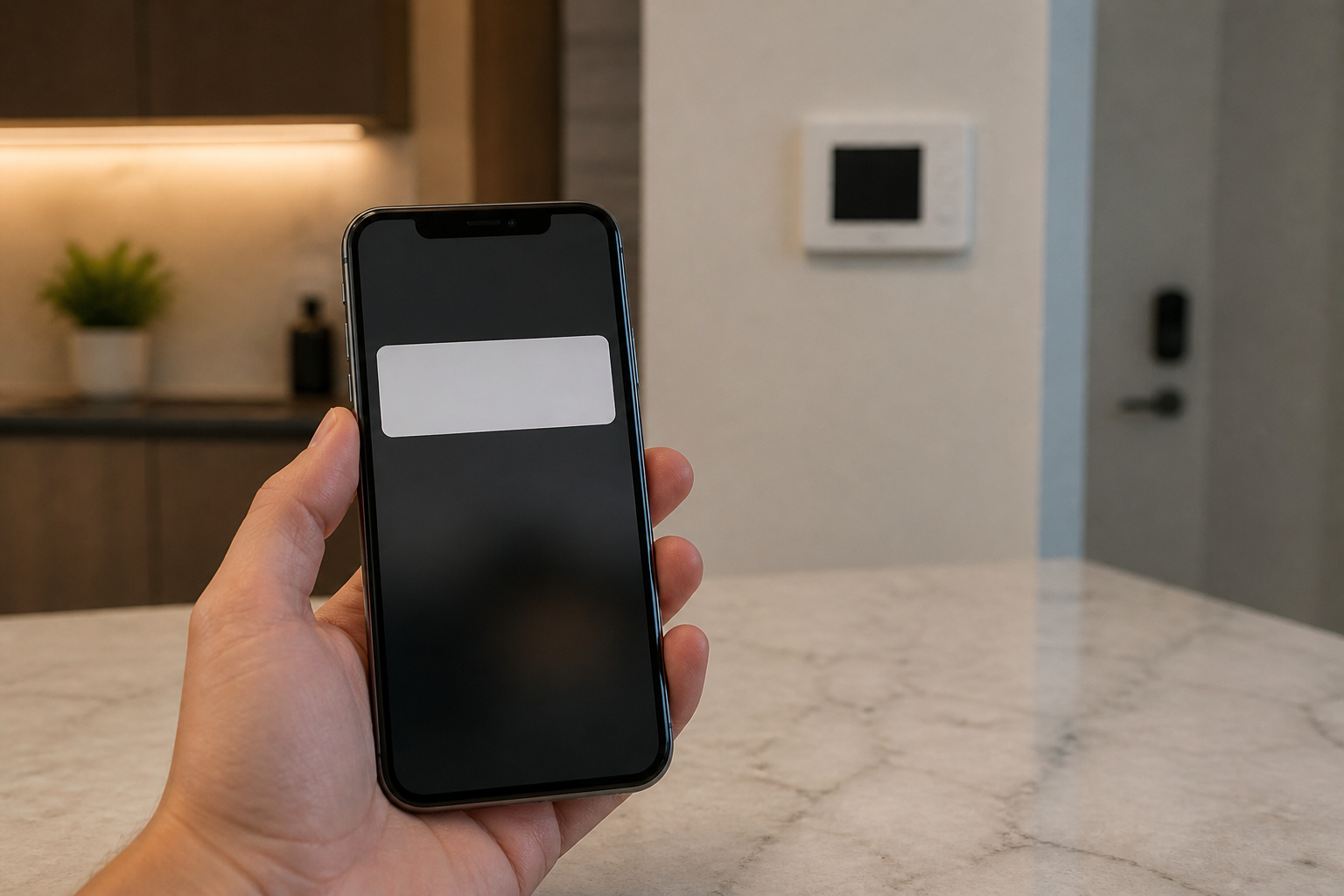
The panel can send alerts over Wi-Fi, cellular connection, or a landline, depending on the setup. ConsumerAffairs notes that if the Wi-Fi fails but the system has cellular backup, alarm signals can still reach the monitoring center or your phone over the cellular network. Older systems used landlines, and newer ones usually rely on broadband or cellular.
When you compare systems, ask whether cellular is built in or an extra, and whether an internet outage disables the alarm or just the app.
Should You Choose Self-Monitoring or Professional Monitoring?

With self-monitoring, alerts go to you, and you decide whether to check the app, call 911, or ignore it. ConsumerAffairs says it usually costs less each month, but you carry the response. With professional monitoring, alarm signals go to a monitoring center that may try to verify the alarm and contact you before requesting help, which usually costs more through an ongoing service contract. Dispatch steps vary by company, contract terms, and local rules.
Our guide to what home security systems really cost goes through contracts, fees, and the long-term math.
Best Budget Pick: Wyze Home Security Core Kit
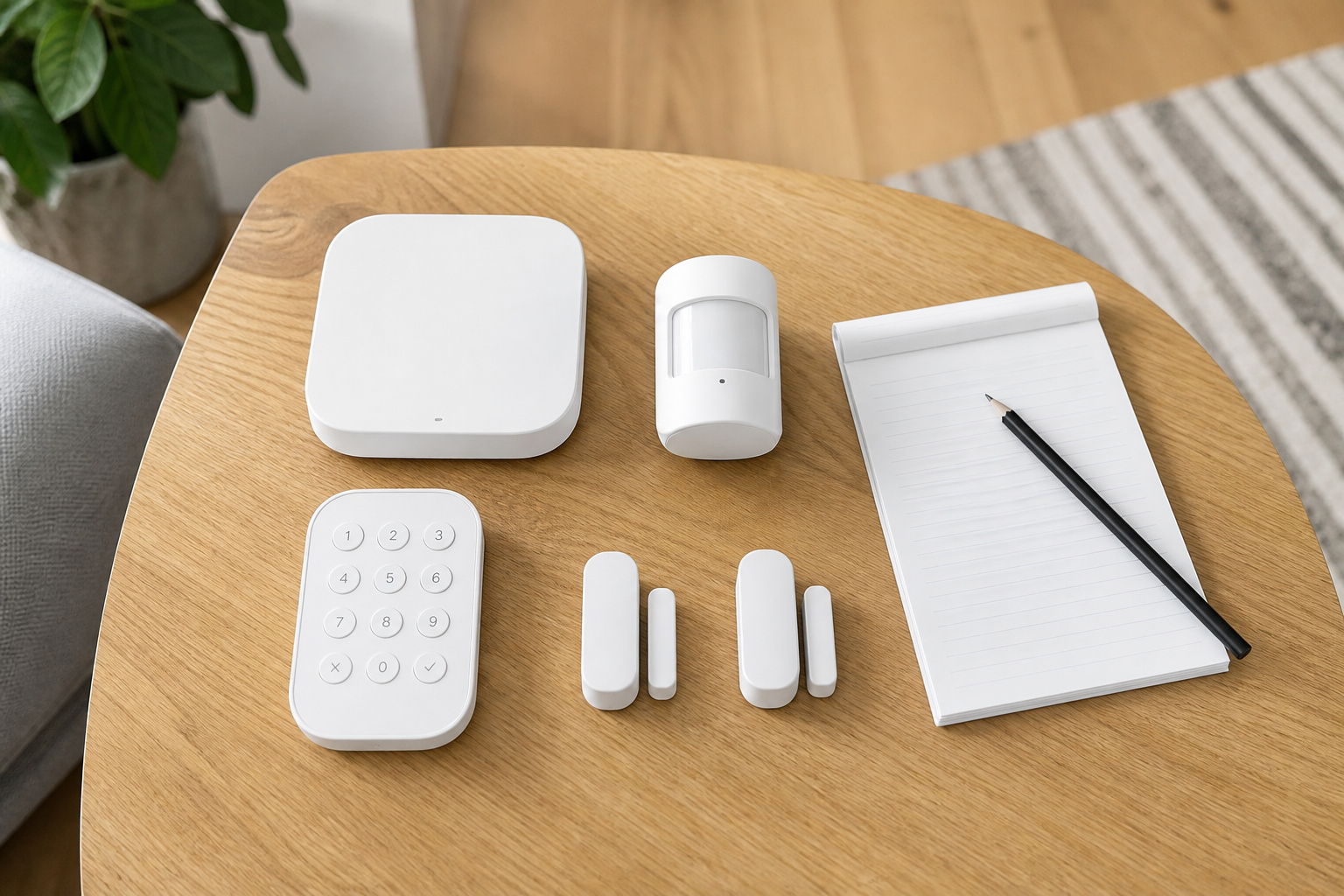
The Wyze Home Security Core Kit is the cheapest full system on this list by a wide margin, at around $90. For that, you get a hub, a keypad, a motion sensor, and two entry sensors, enough to cover a front door, a back door, and a main hallway or living room.
It includes three months of 24/7 professional monitoring, so you can try the real thing before deciding whether to keep paying. Check the monthly price that applies afterward. It’s compatible with the rest of the Wyze camera lineup, making it an easy way to start small and add cameras later.
Best All-Around DIY System: SimpliSafe 8-Piece Wireless System
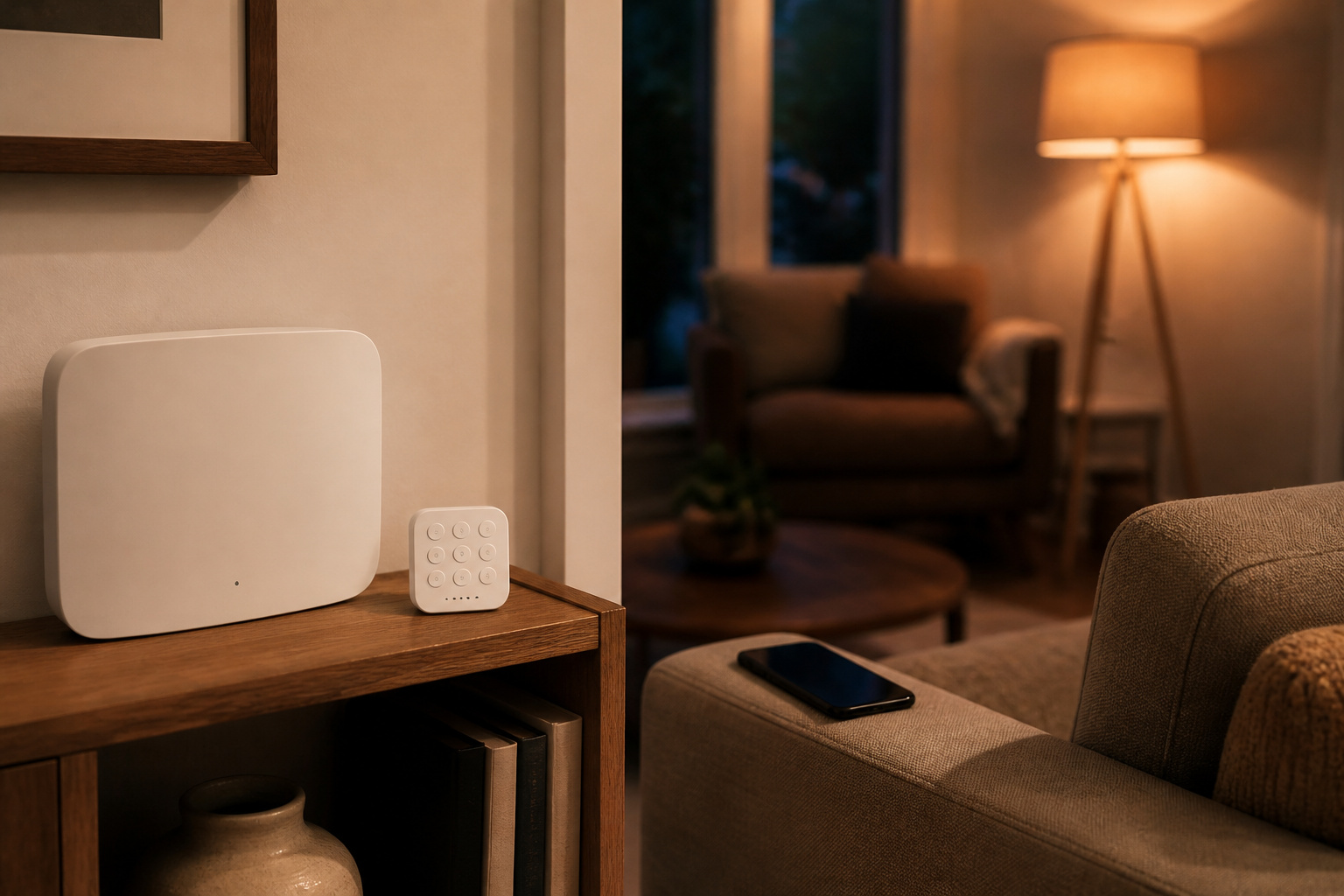
SimpliSafe is one of the best-known names in DIY security, and its eight-piece wireless kit is the safe choice if you’re not sure what you need. Setup is simple, and it works with Alexa and Google Assistant, so it fits most smart homes.
There’s no contract, and professional monitoring is optional, so you can start with self-monitoring and add a plan later. At around $207, it costs more than the Wyze kit, but you get more sensors from a long-standing brand, and you can add to the system as your needs change.
Best if You Own Arlo Cameras: Arlo Home Security System
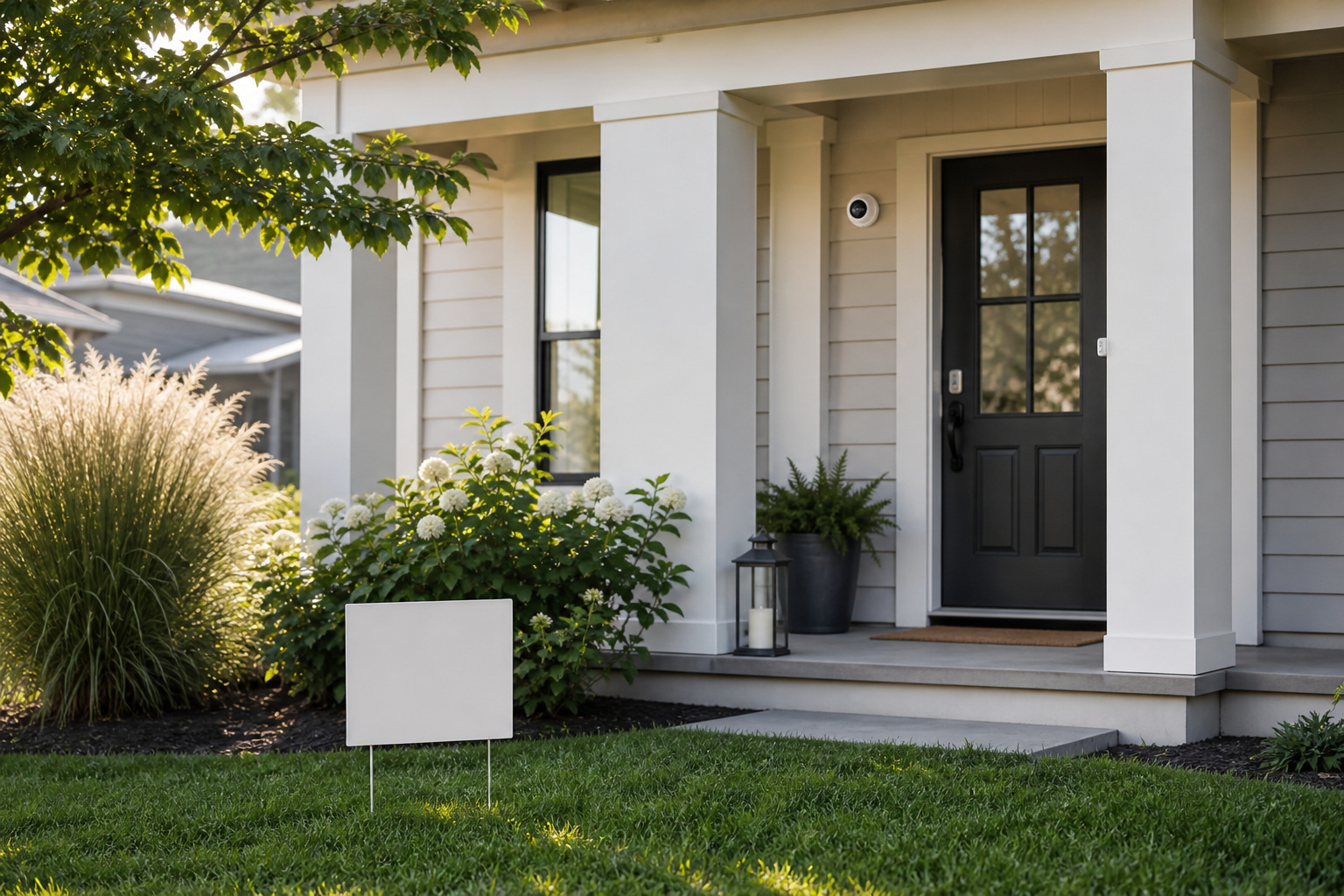
The Arlo Home Security System pairs a keypad hub with five flexible 8-in-1 sensors, each handling door, window, and motion detection, plus a yard sign as a visible deterrent. Most of the system is wireless, though the keypad hub is wired.
No contract is required. The main reason to pick this one is that it pairs naturally with Arlo cameras you already own. It normally lists for around $300, and sales can bring that down, so check the current price.
Best for Smart Home Flexibility: Abode 8-Piece Wireless Smart Security System
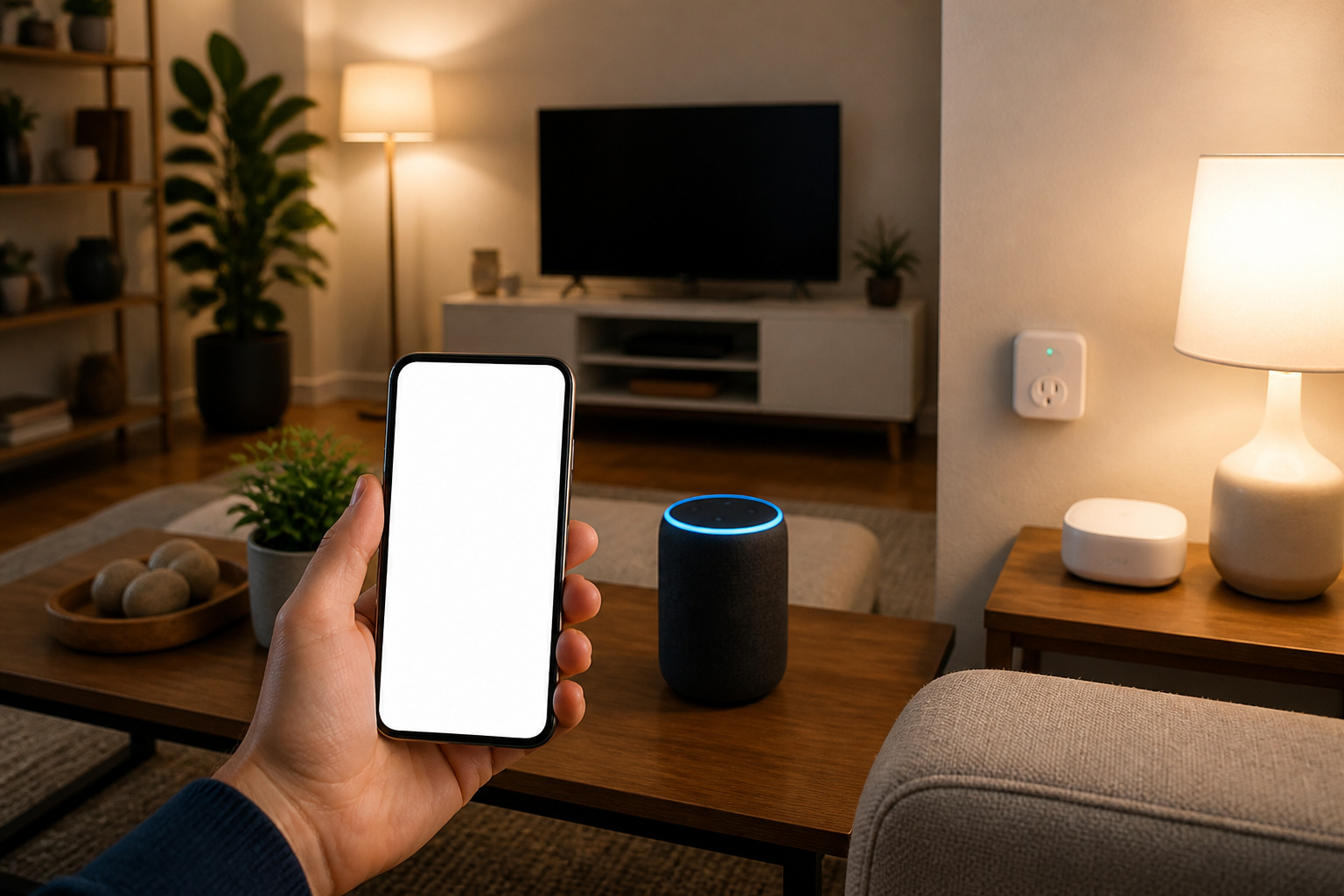
Abode is the most smart-home-friendly system on this list. It works natively with Apple HomeKit, Z-Wave, and Zigbee, so it can tie into other brands’ smart devices instead of locking you into a single ecosystem. If you want one hub that works with locks, lights, and sensors from different makers, this is the one to consider.
Monitoring is optional, and there’s no contract. At around $283, it’s one of the pricier kits, so it makes the most sense if you’ll actually use the integrations. If protocols like Z-Wave and Zigbee are new to you, our guide to Matter, Zigbee, and Z-Wave explains the differences, and our piece on mixing brands in a smart home covers what works together.
Best for Larger Homes: Ring Alarm 14-Piece Kit
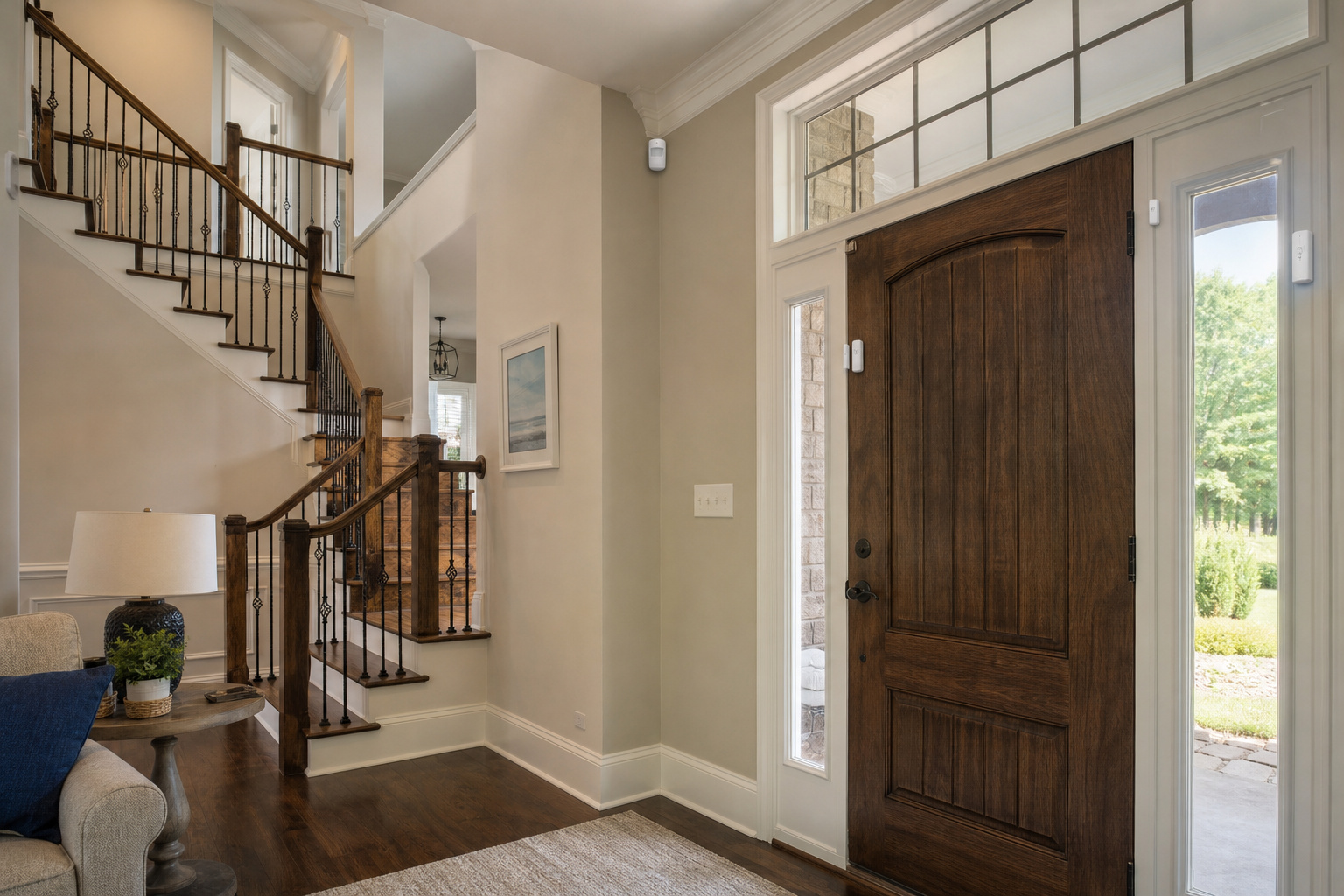
The Ring Alarm 14-Piece Kit is the largest kit on this list, built to cover a bigger home out of the box and expandable from there. If you have several entrances or floors, or lots of windows, starting with a big kit saves you from buying add-ons one at a time.
It’s integrated with Alexa and Ring’s camera lineup, and 24/7 professional monitoring is available through a paid plan. At around $330, it’s the most expensive kit here, so it’s best for larger homes or people already invested in Ring.
Can a Wireless System Be Jammed?
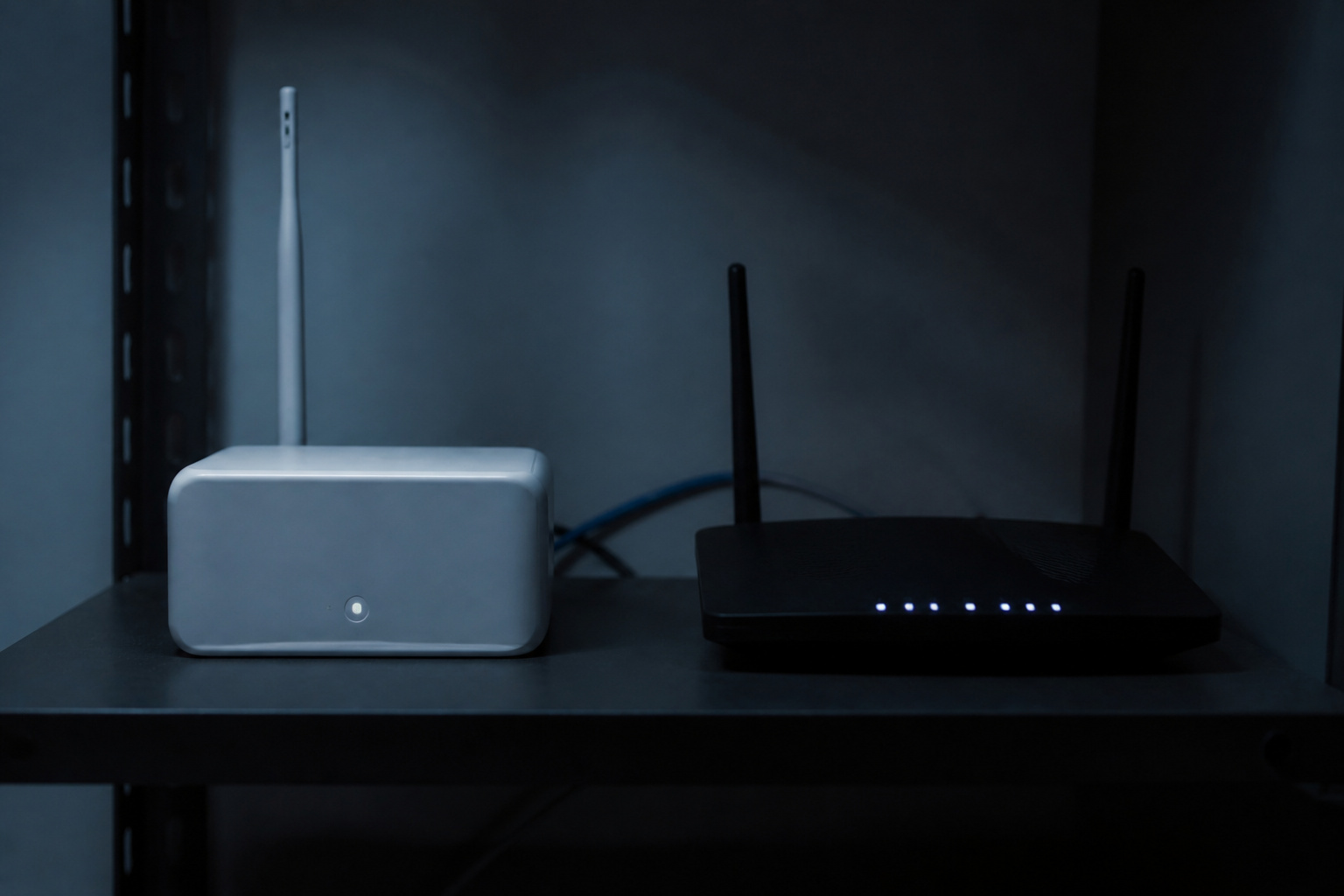
In theory, yes. Jammers emit signals on Wi-Fi frequencies that can block devices from communicating with each other and with a monitoring center. A security company, Per Mar, says jamming is not reported to affect its systems, that single-path jammers need to be very close to affect sensors, and that using a jammer is illegal under federal law.
Per Mar’s suggested defenses are redundancy and a cellular backup, so a Wi-Fi disruption does not silence the alarm. That is a reason to favor systems with a dual path to the monitoring center and alerts for lost signal. For more details, read Per Mar’s article on Wi-Fi jammers.
Which Sensors Should You Start With?
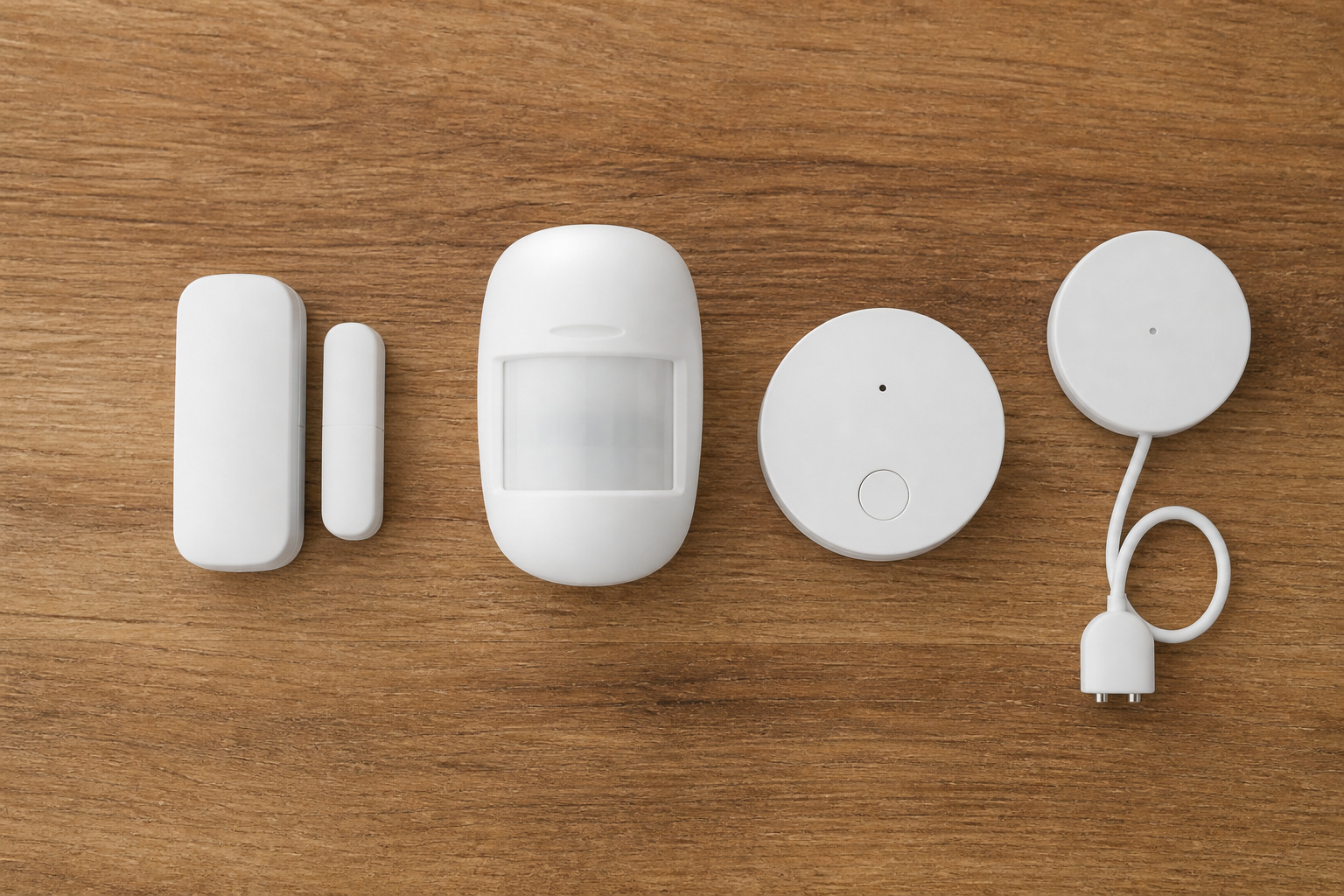
Start with entry sensors on the doors people actually use and a motion detector covering the main walkway, then add glass-break, smoke and carbon monoxide, and water-leak sensors based on your home. Most wireless systems allow you to add sensors later, which is better than buying a large kit you will not use.
If you are covering an apartment or a smaller space, see our guide to security systems for small apartments, and if you want to add cameras, read how home security camera systems work, or see our picks for the best wireless home security cameras.
How Do You Avoid False Alarms and Local Rules?

Place motion detectors away from heating vents and windows with direct sun, and set sensitivity for pets. ConsumerAffairs says many local ordinances require audible burglar alarms to shut off within 15 minutes and advises checking your city’s rules.
Some areas also require permits or charge fees for repeated false alarms, so check yours before installing.
Does a Security System Actually Deter Burglars?

Research on burglars suggests visible security matters, though no system makes a home burglar-proof. Our article on whether home security systems deter burglars walks through the study and its limits.
So Which Wireless System Should You Buy?

Pick based on how you want to be alerted and who you want responding. If you will watch your phone and respond yourself, a self-monitored system with cellular backup keeps costs down. If you are often away or want someone to act for you, professional monitoring is worth a monthly plan.
Here is how the five systems above map to different needs:
- Cheapest way in: the Wyze Home Security Core Kit.
- Safest all-around DIY choice: the SimpliSafe 8-piece system.
- For matching cameras you already own: the Arlo Home Security System or Ring Alarm, whichever matches your cameras.
- Multi-brand smart home flexibility: the Abode 8-piece system.
- A bigger home: the Ring Alarm 14-piece kit.
Either way, favor a system you can expand, confirm what happens when Wi-Fi drops, and check the current terms before you commit.
Frequently Asked Questions
Do wireless security systems need Wi-Fi?
Not always. Sensors talk to the panel by radio, and the panel can reach you over Wi-Fi, cellular, or a landline. A system with cellular backup can still send alerts if your Wi-Fi goes down.
Do you need professional monitoring?
No. Self-monitoring costs less and sends alerts to you, but you are responsible for deciding whether to call for help. Professional monitoring adds a response service for a recurring fee.
Can a wireless system work during a power outage?
It depends on the model. Check the specs for a backup battery and how long it lasts, plus whether the system has cellular backup if your internet goes down with the power.
How often do the sensor batteries need changing?
It varies by sensor and brand, so check the manufacturer’s estimate. Most systems send a low-battery alert, but it is worth confirming before you buy.
Are wireless systems easy to install yourself?
Generally yes, since there are no signal wires to run. Most steps are placing sensors, pairing them to the panel, and setting up the app, though you should check each system’s instructions.