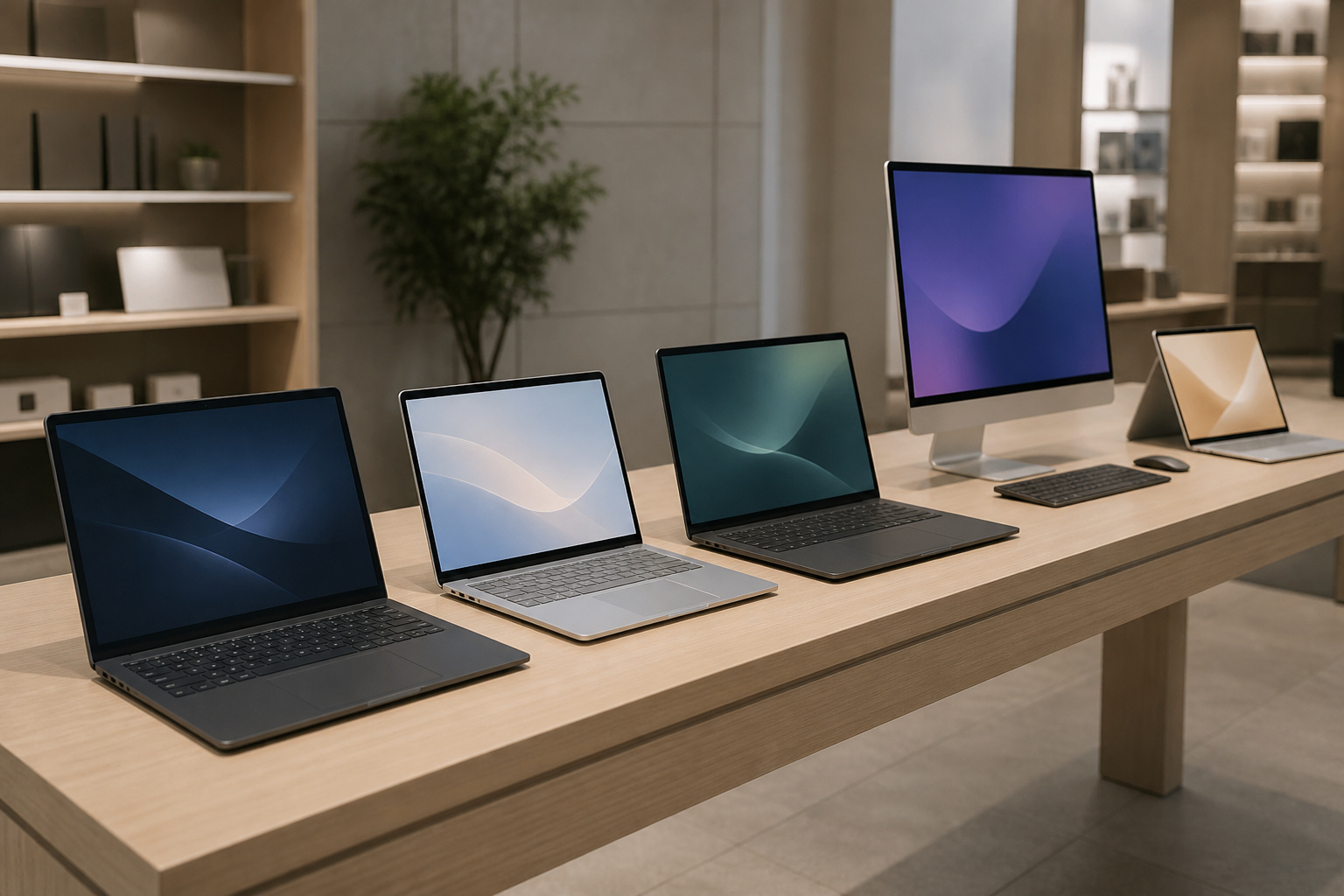
No single computer brand is best for everyone. Dell, HP, Lenovo, and ASUS all sell Windows computers across nearly every price point, while Apple sells Macs with its own chips and software.
The better question is which brand matches your budget, your software, and the support you expect. This guide explains how the five differ and how to compare specific models.
How to Compare Computer Brands

Brand names matter less than the specific model, because every large maker sells both excellent and mediocre computers.
Product lines are also renamed often, so compare the processor, memory, storage, screen, and warranty on the exact model you are considering.
Our guides to what computer specs really mean and choosing the right computer for your needs show how to do that.
Products Worth Considering


Dell
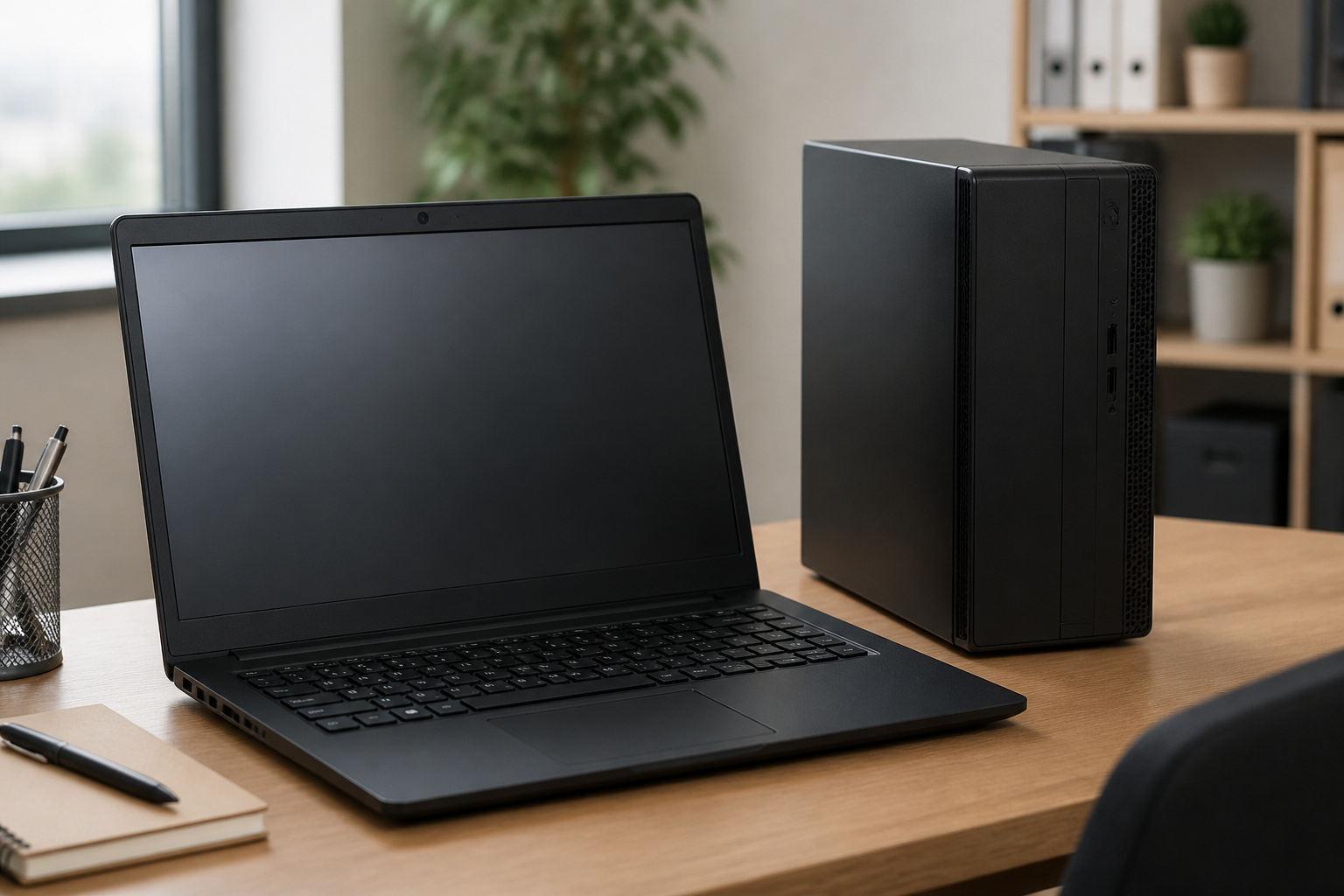
Dell sells a wide range of laptops and desktops, from budget machines to workstations, and has long been popular with businesses.
Its business lines usually come with strong support options, including on-site service plans that you can add, and they tend to be built for easy servicing.
Consumer models vary more in quality. Check which warranty is included, since the upgrades are often sold separately.
HP

HP also covers the full range, with consumer laptops, business lines such as ProDesk and EliteDesk, and a large selection of all-in-one desktops. It is a common choice when you want an affordable all-in-one or a mainstream laptop.
As with Dell, the difference between its budget and business models is large, so read the spec sheet carefully. Our guide to all-in-one computers explains what to check on those.
Lenovo
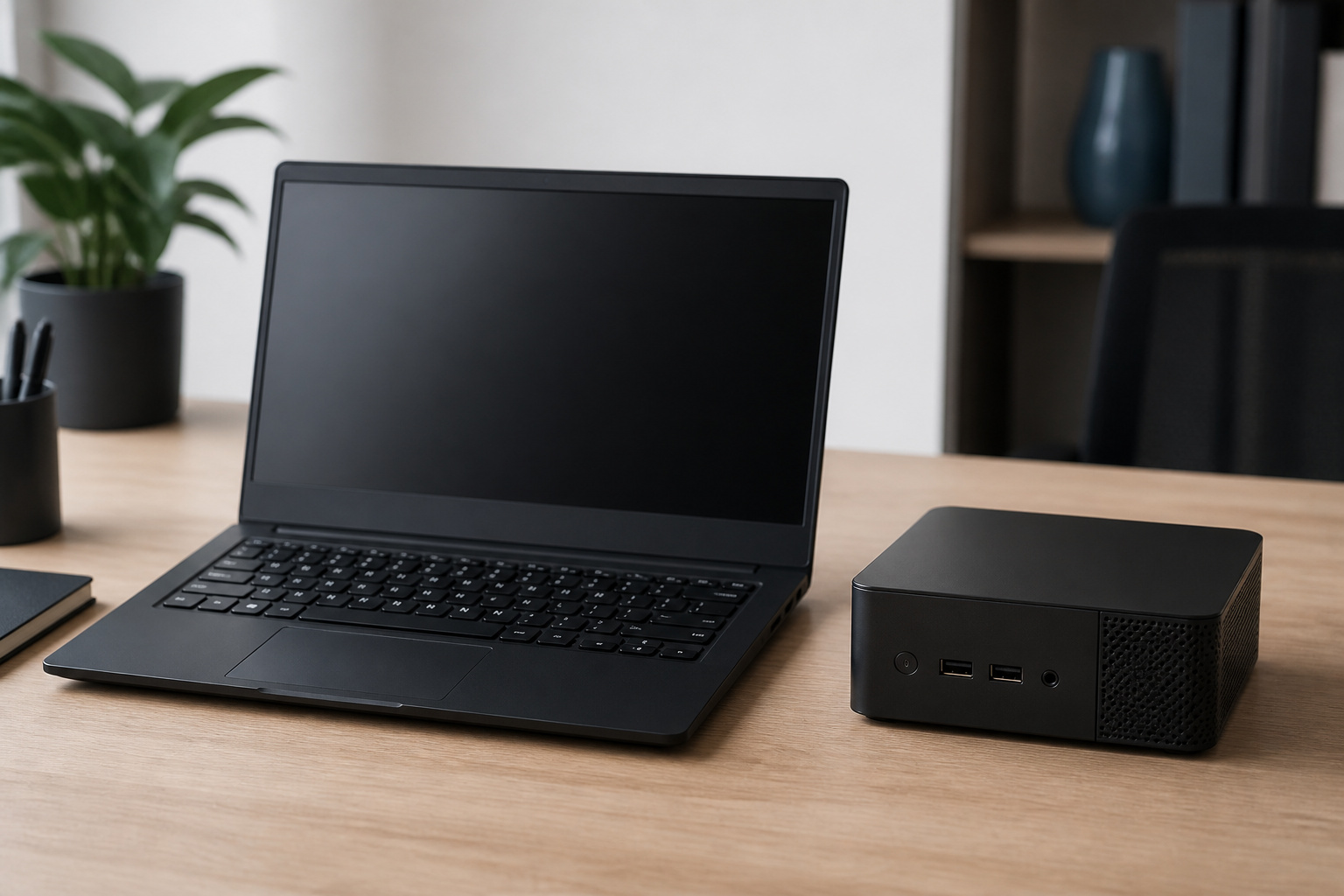
Lenovo is known for its ThinkPad laptops and ThinkCentre desktops, which are popular in offices and with people who type a lot, because the business lines emphasize keyboards, durability, and manageability.
It also sells consumer IdeaPad laptops, Legion gaming models, and compact ThinkCentre mini desktops that suit small spaces. See our guide to mini PCs for space-saving computing for how those small desktops compare.
ASUS
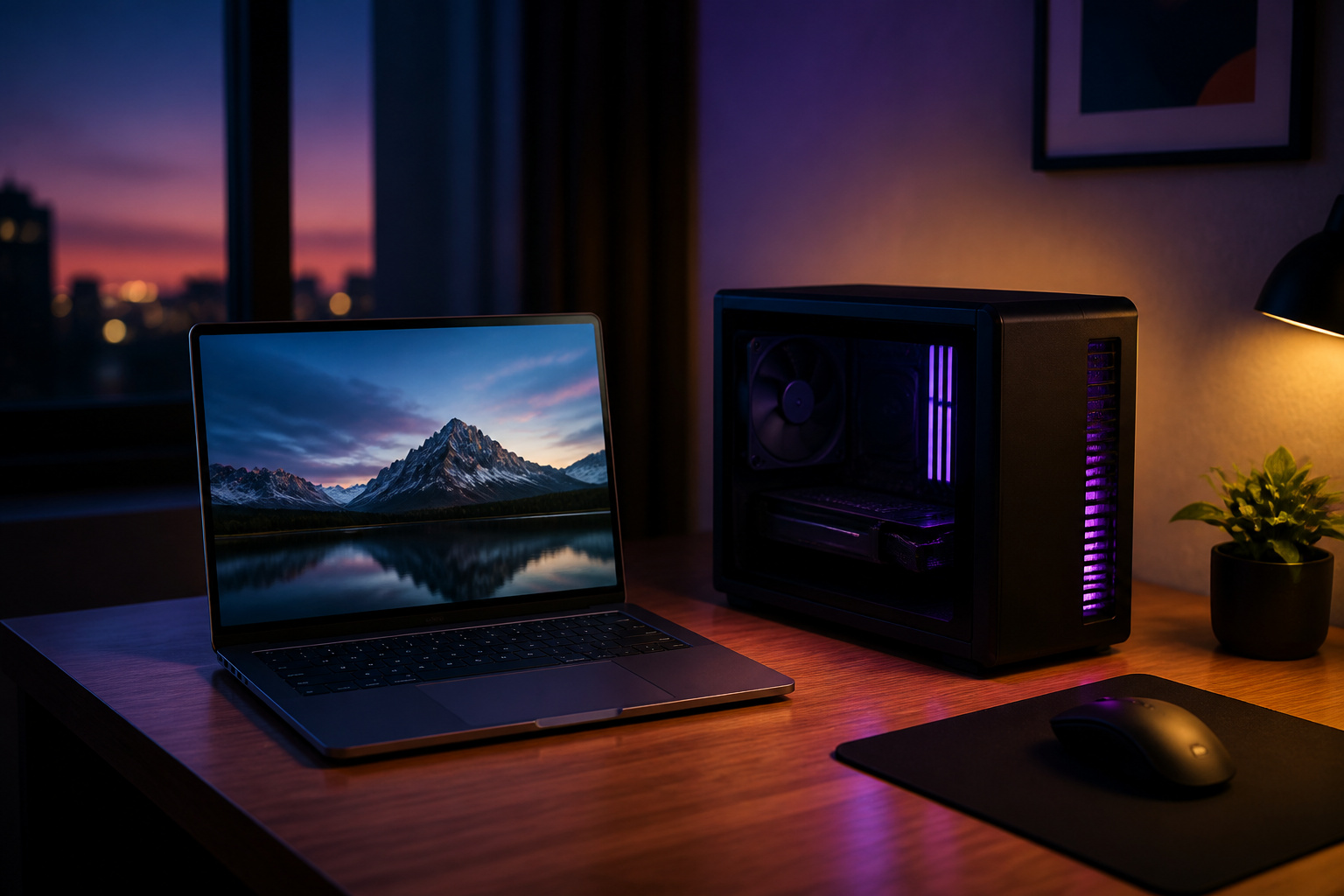
ASUS makes a very large variety of hardware, from affordable Vivobook laptops to premium Zenbook models, ROG gaming computers, and ExpertCenter business desktops.
It is often a good source of strong specifications for the price, especially in laptops and gaming. ASUS also took over Intel’s NUC mini PC line, so you will see NUC-branded mini PCs from ASUS.
Support quality varies by region, so check warranty terms and service options.
Apple
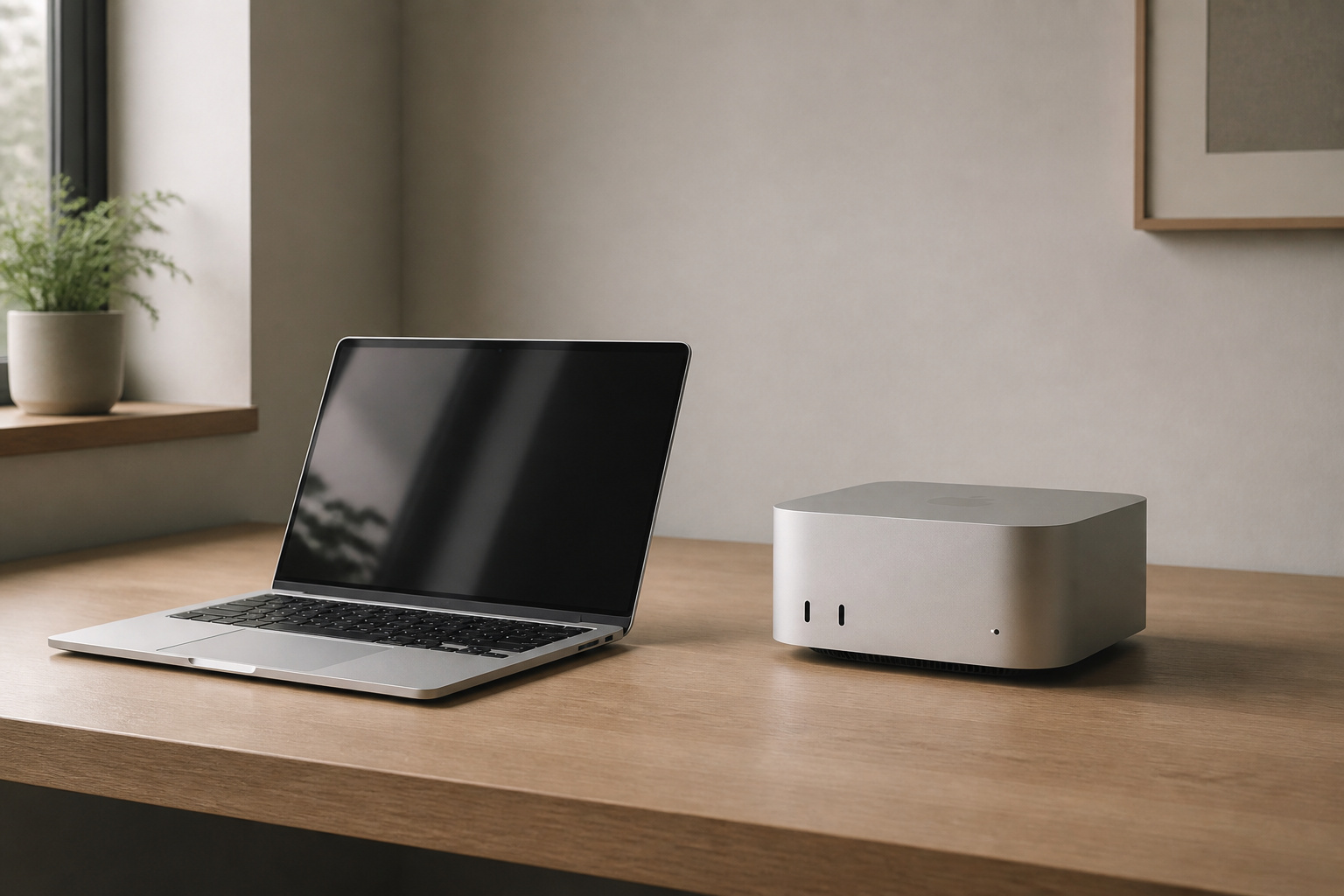
Apple makes MacBooks, the iMac and the Mac mini, all running macOS on Apple silicon chips. Macs are known for efficiency, quiet operation, long battery life, and strong resale value, and they work smoothly with iPhones and iPads.
The trade-offs are higher starting prices than many Windows computers, memory and storage that cannot be upgraded after purchase, and some software that only runs on Windows. Buy enough memory and storage up front.
Apple generally supports its computers for years: it lists a product as vintage five years after it stops selling it and obsolete after seven, and it offers battery-only repairs on many products for up to ten years. Our guide on how long a computer should last explains how support dates affect how long you can keep a computer.
Support, Warranty and Repairs
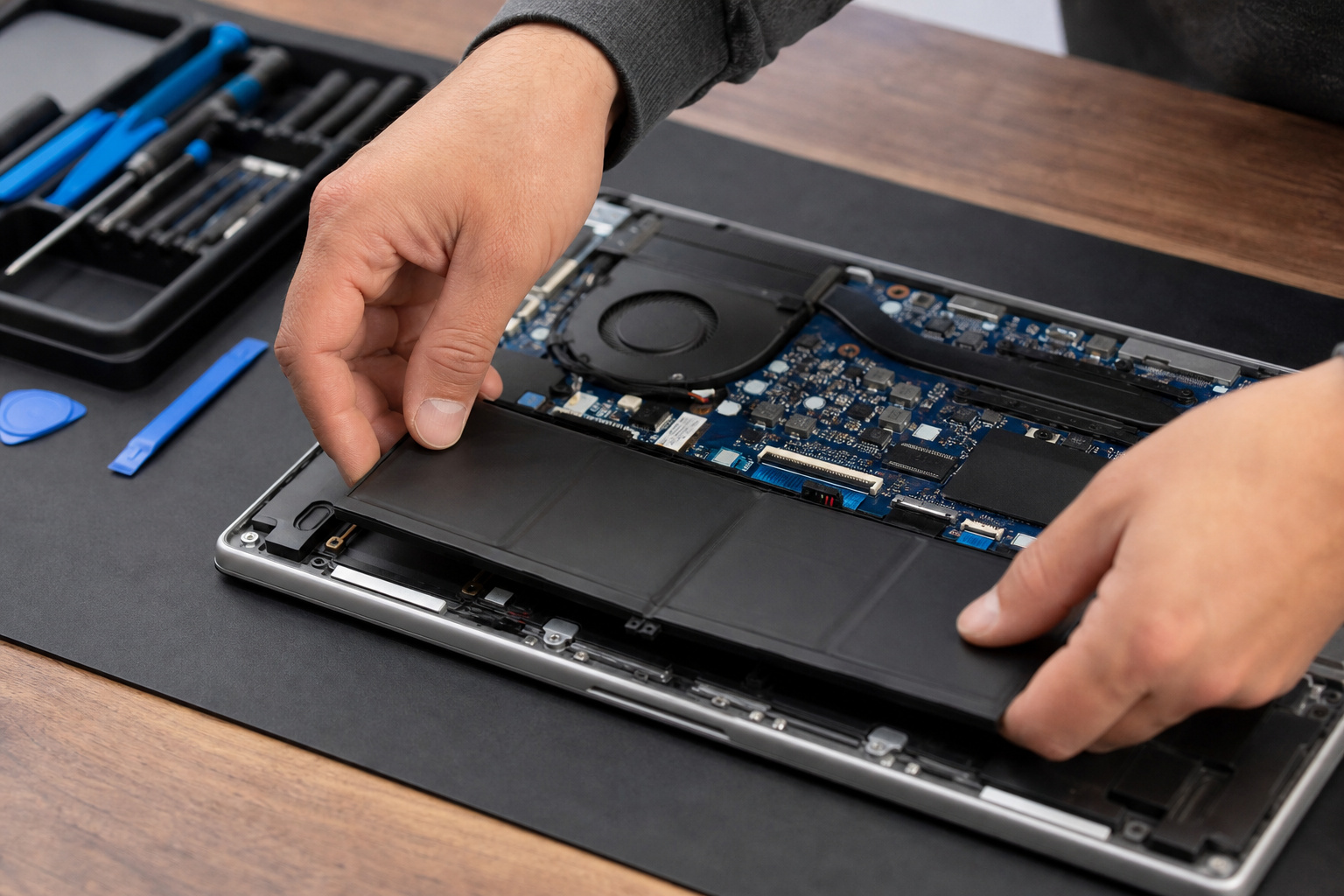
A computer is only as good as the support behind it. Compare the length of the included warranty, whether accidental damage is covered, whether service is on-site or by mail, and how easy it is to open the machine and replace the battery, memory or storage.
Business lines usually score best on these points. A used or refurbished machine from the maker or a major retailer can be a sensible way to get a better line for less; see “Are Refurbished Computers Worth Buying?“.
Products Worth Considering

[Computer Lifesaver] The precision screwdriver set is designed for electronics repair, equipped with comprehensive tools to effortlessly handle computer assembly, part replacement, and hardware upgrades. Solve common issues like power abnormalities, motherboard failures, slow heat dissipation, hard drive expansion, insufficient memory, and fan noise.

【PRODUCT MATERIALS】Manufactured from Premium Soft Slow Bounce-back Memory Foam Gels and Top-graded silky LYCRA fabric, smooth, flexible and very comfortable touch;

Size and Target Audience of Shoulder Straps: Length: 79"/201cm; Width: 1.5"/3.8cm; Pad Length: 12.6"/32cm; Pad Width: 2.8"/7.1cm. Adjustable length from 37"/ to 79"/(94 to 201cm), suitable for people whose height is between 1.6m to 2.3m
A Warning About Renewed Business Desktops
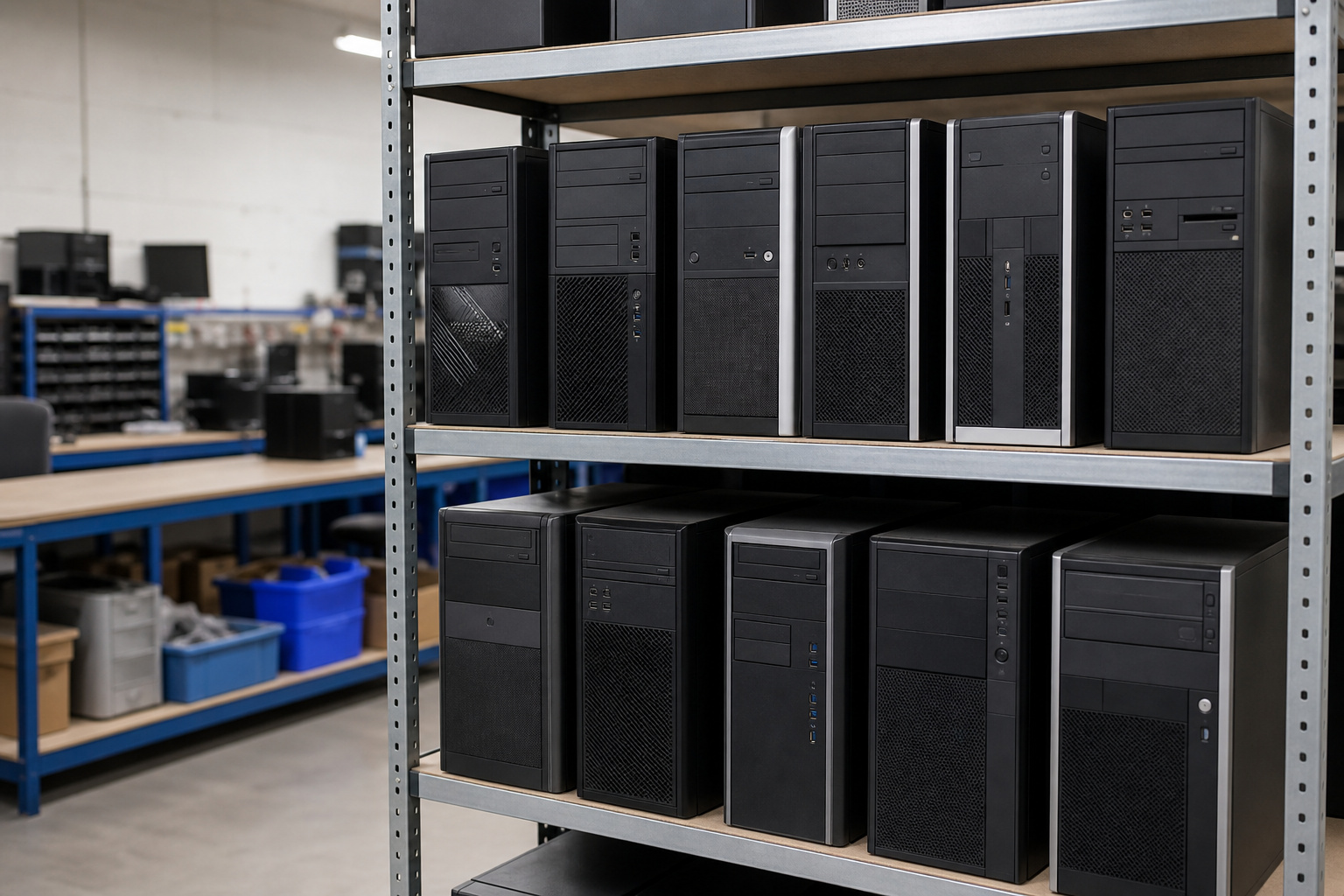
Many inexpensive listings are renewed business desktops, such as older Dell OptiPlex and HP ProDesk or EliteDesk models. They are well built and can be a bargain, but check the processor generation before you buy.
Windows 11 generally needs an Intel 8th generation or newer chip, or an AMD Ryzen 2000 series or newer, and 7th generation chips and older fall outside the supported list.
Windows 10 reached the end of regular support on October 14, 2025. A listing that says Windows 11 Pro is not proof that the hardware is officially supported, so check Microsoft’s processor list for the exact chip.
Products Worth Considering

【High Speed RAM And Enormous Space】16GB high-bandwidth RAM to smoothly run multiple applications and browser tabs all at once; 512GB PCIe NVMe M.2 Solid State Drive, quick boot-up times, fast data access, and improves the overall performance.

Storage: 512GB SSD – Quick Boot Speeds and Responsive Storage
Storage: 256GB SSD – Quick Boot Speeds and Responsive Storage
Which Brand Should You Choose
Choose Apple if you want a polished, efficient system and your software runs on macOS. Choose Lenovo or Dell business lines if reliability, manageability, and support matter most.
Choose HP if you want an affordable all-in-one or a mainstream laptop with plenty of options. Choose ASUS if you want strong specifications for the money, especially for gaming.
Whatever you choose, compare prices in our guide to getting the best deal on a computer online.
Products Worth Considering

1.4 GHz Intel Core i5 Quad-Core (8th Gen)

AN AMAZING MAC AT A SURPRISING PRICE — With an incredibly portable and durable aluminum design, up to 16 hours of battery life,* and the A18 Pro chip, MacBook Neo is ready to go wherever school takes you.

AN AMAZING MAC AT A SURPRISING PRICE — With an incredibly portable and durable aluminum design, up to 16 hours of battery life,* and the A18 Pro chip, MacBook Neo is ready to go wherever school takes you.
Frequently Asked Questions
Which computer brand is the most reliable?
No brand is reliable across every model. Business lines from Dell, HP, and Lenovo, as well as Apple’s Macs, generally score well for build quality, but check independent reviews for the exact model.
Is Dell better than HP?
It depends on the model. Both make strong business machines and mixed consumer lines, so compare specifications, warranty, and price on the specific computers you are considering.
Are Macs worth the extra cost?
For many people, yes, provided you value battery life, quiet operation, and resale value, and your software runs on macOS. Remember, you cannot upgrade memory and storage later.
Is ASUS a good computer brand?
Yes. ASUS often offers strong specifications for the price, particularly in laptops and gaming systems. Check warranty and service options in your area.
Should I buy a renewed business desktop?
It can be a good value if the seller gives a warranty and the processor supports Windows 11. Avoid 7th-generation Intel chips and older for any computer you plan to use for years.