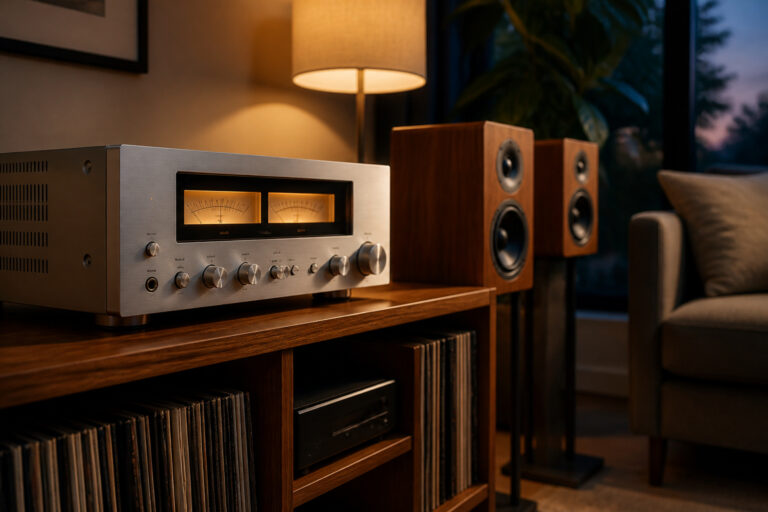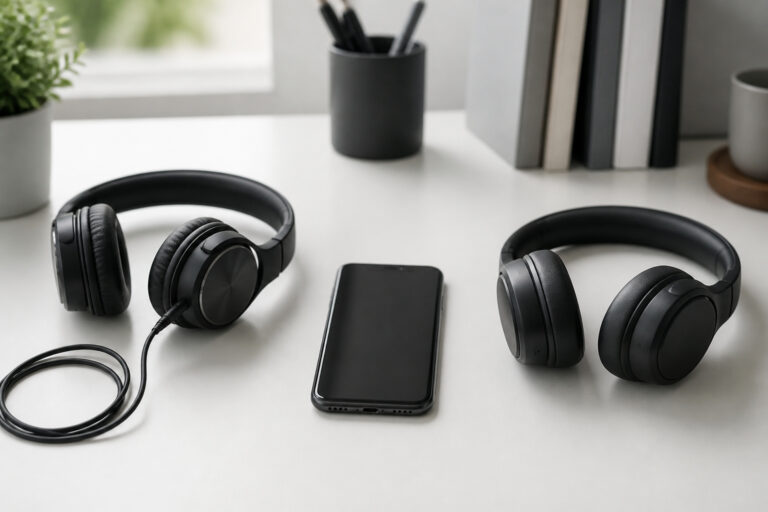
The right audio setup depends first on the room. Size, shape, and furnishings decide how speakers sound and how much equipment makes sense, and what you play decides what to prioritize. This guide matches setups to rooms and uses so you do not overbuy or underbuy.
Match Speaker Size to Room Size
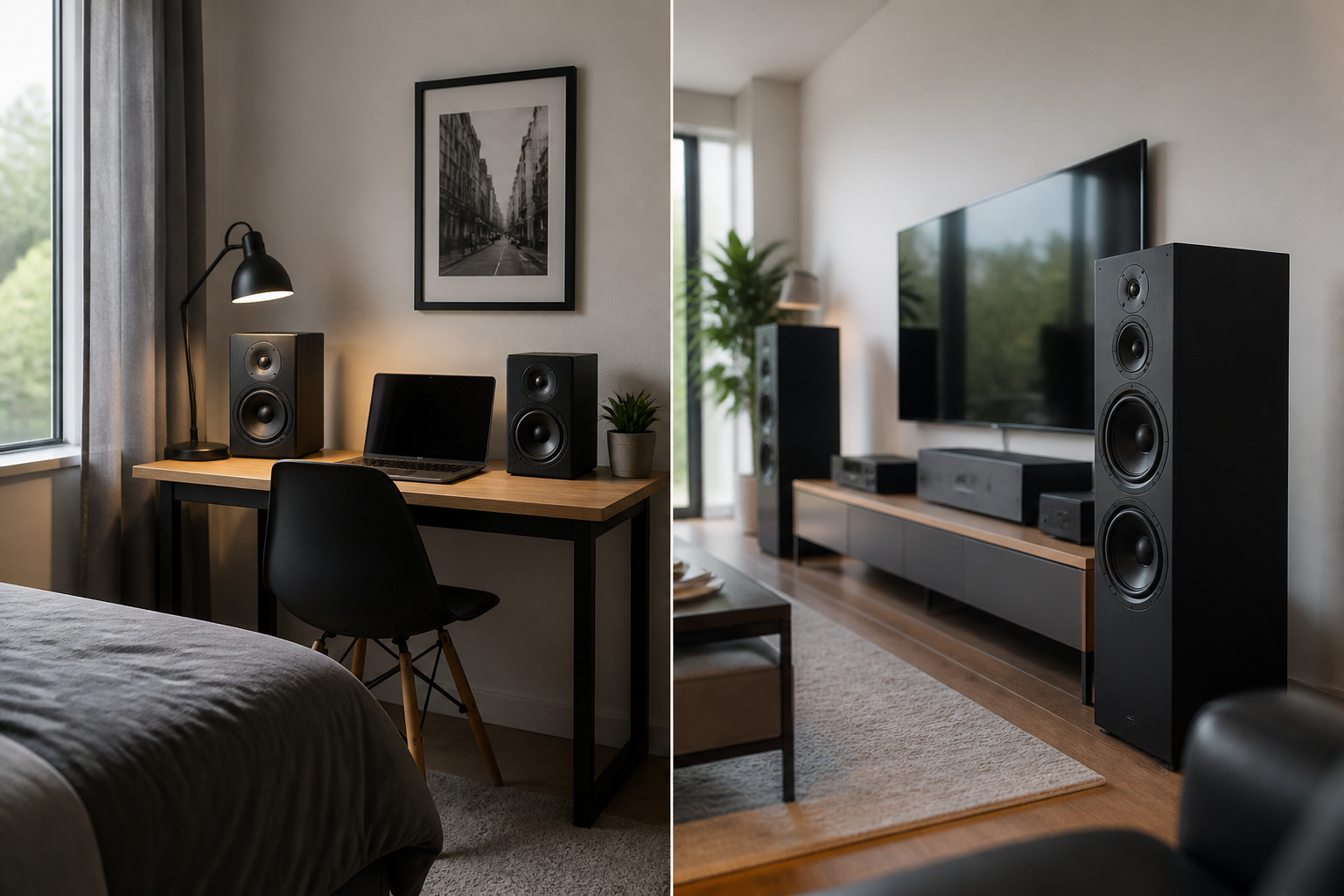
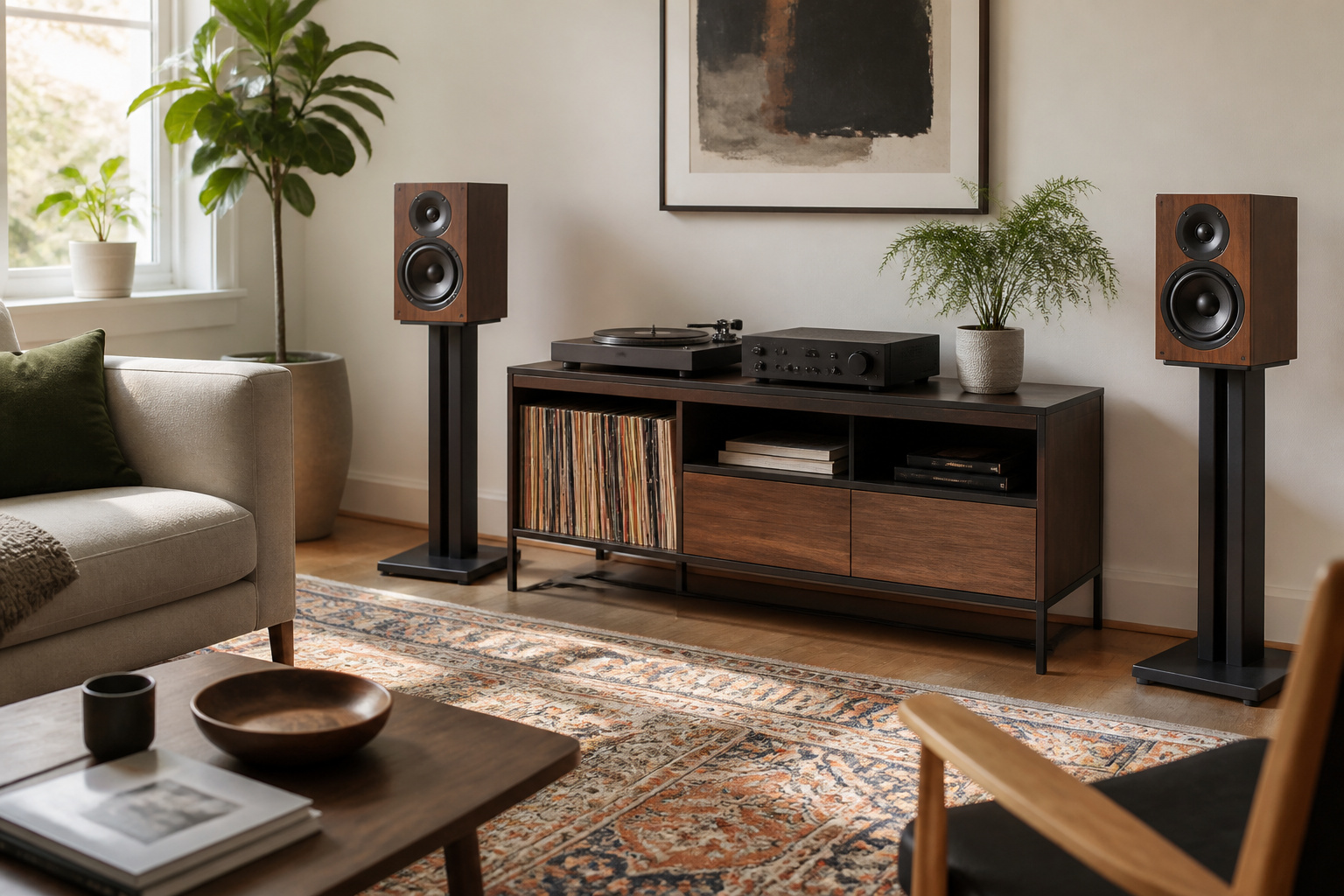
In a small room such as a bedroom or office, compact bookshelf speakers on stands usually sound better than large speakers, which can overload the room with bass. A large living room can handle floor-standing speakers, which move more air and fill the space more easily.
If the room is very large or open, consider more powerful speakers and a subwoofer. See bookshelf vs floor-standing speakers and how speaker size affects sound.
Recommended Products

2 x AUX INPUT - Convenient connection to any device that has a 3.5mm headphone output or dual RCA output. Connect to two devices via AUX at the same time, no plugging and switching needed.
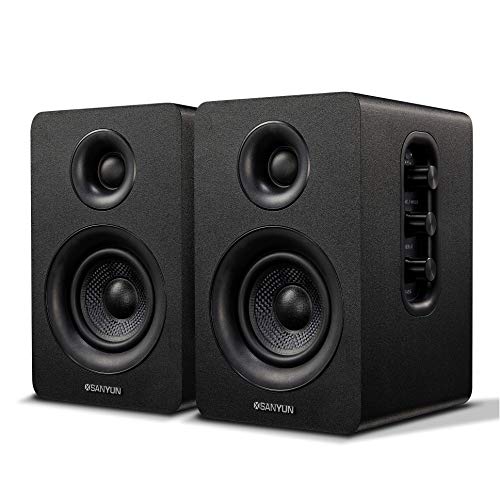
【SMALL HIFI BOOKSHELF SPEAKERS】SW-208 is a small bookshelf speaker with HiFi sound quality. It adopts standard bookshelf speaker system design, i.e. direct/reflective speaker system. Can be placed at will, can easily create a rich stereo sense and strong sound pressure.
Think About What You Play
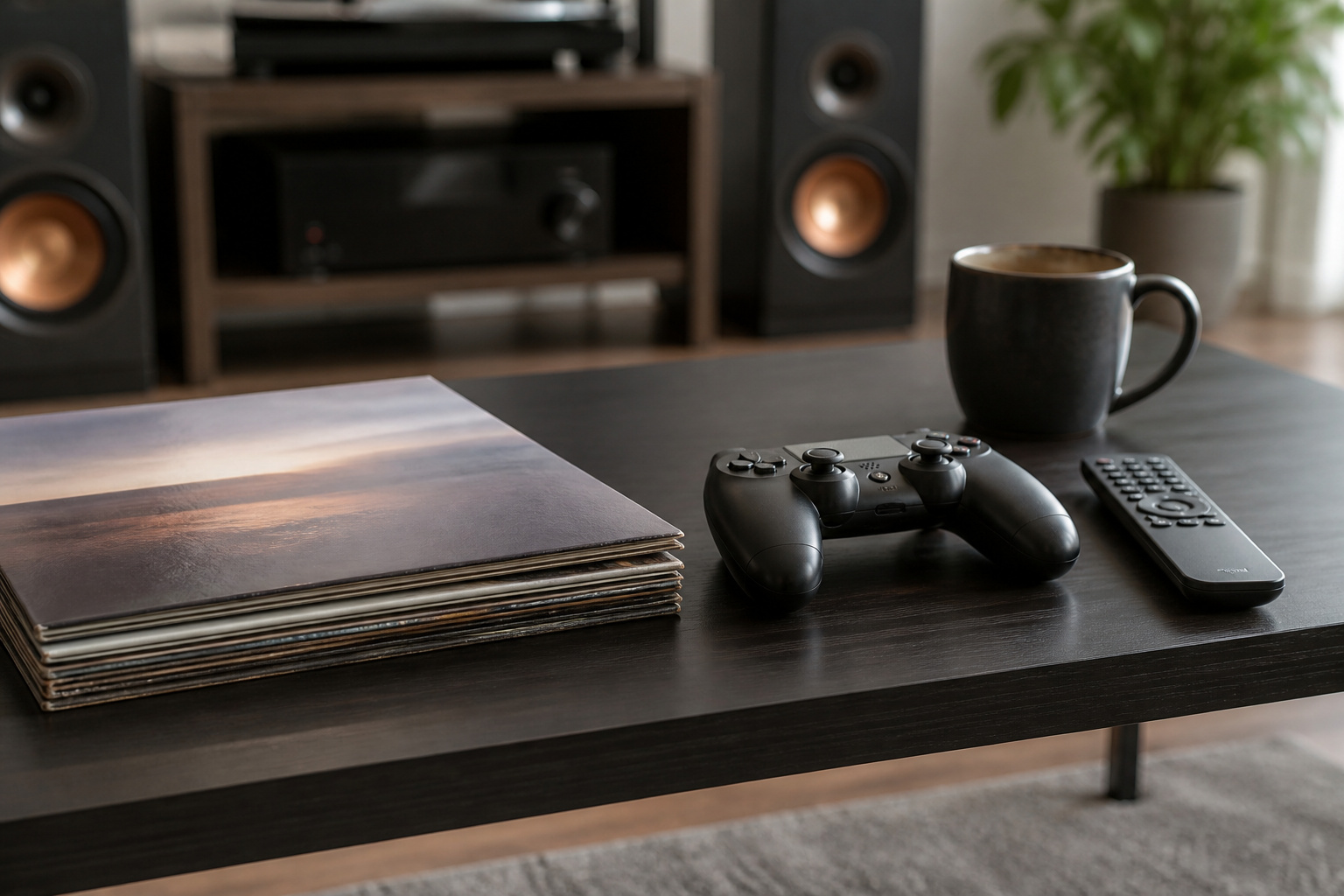
Music listeners benefit most from a good stereo pair, often with a subwoofer if the speakers are small. Movie fans benefit from a center speaker for dialogue and surround speakers for effects, or a good soundbar if space is limited.
Gamers can use headphones for directional sound or a stereo or surround setup for a shared room. Our guides on 2.0, 5.1, and 7.1 systems and soundbar vs speaker system explain the options.
Power and Connections
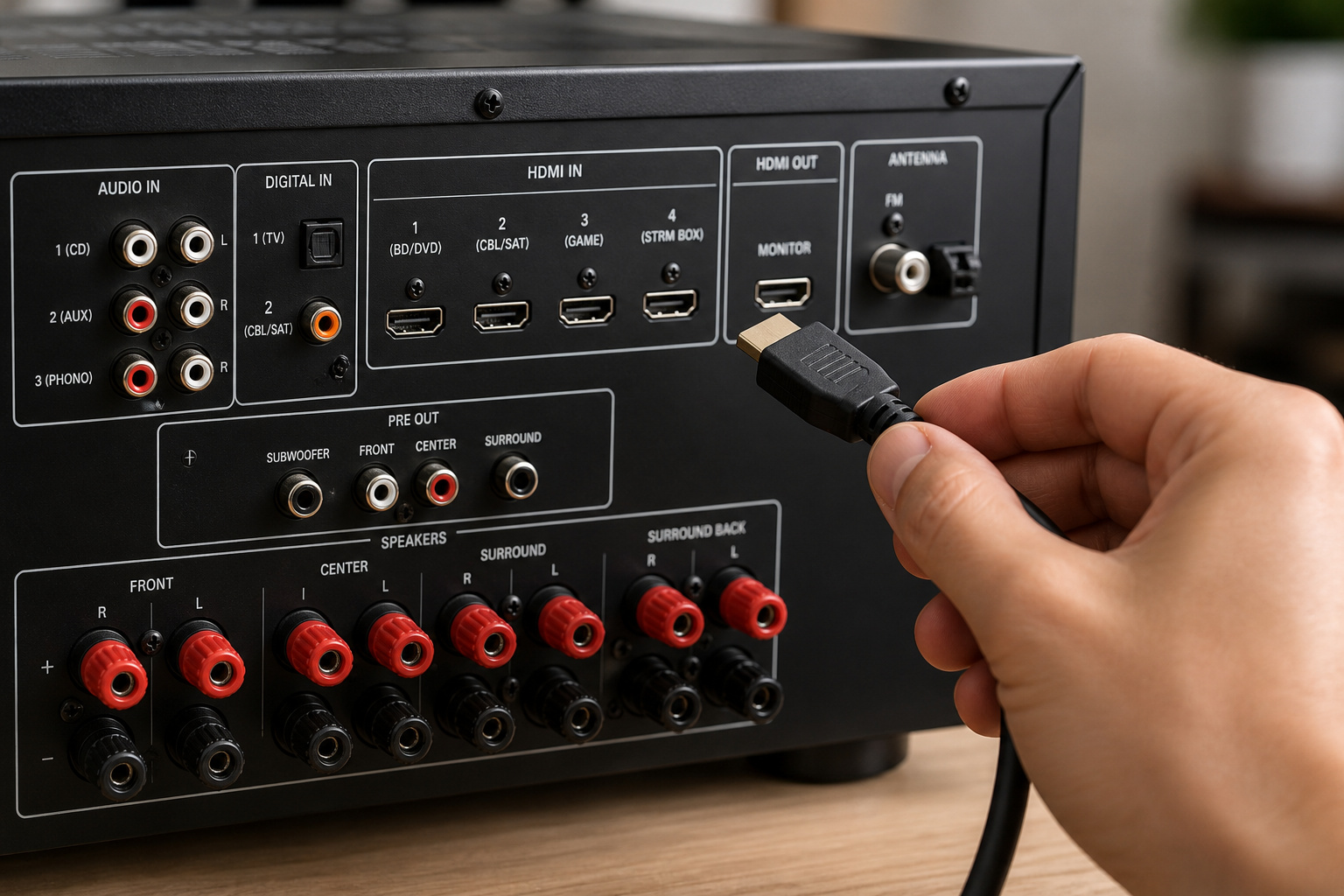
Passive speakers need an amplifier or receiver, and powered speakers have one built in. Choose connections that match your sources, such as HDMI for TV, Bluetooth or Wi-Fi for streaming, and optical or analog for older equipment.
See active vs passive speakers if you are unsure which you need.
Recommended Products
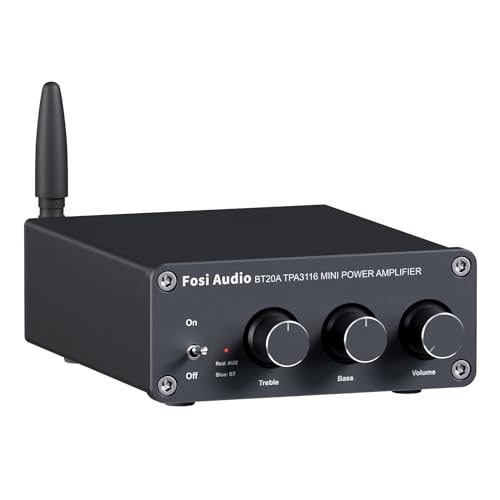
ENTRY-LEVEL POWER AMPLIFIER: Experience powerful sound with the BT20A Bluetooth amplifier, boasting an impressive 100Wx2 maximum output power. It can power multiple speaker cabinets, which can be used at home or in small venues
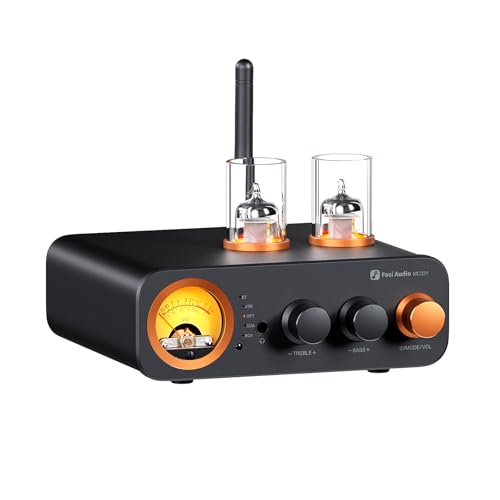
All-in-One DAC Amp: A DAC, amplifier, preamplifier, and headphone amplifier are all integrated into the Fosi Audio MC331. You can easily switch between audio sources with the help of the remote control, ensuring a seamless and enriched listening experience

Compact Yet Powerful: The V3 mini power amplifier combines a minimalist design with exceptional performance. With a power output of up to 600W, it can effortlessly drive 2-8Ω speakers, delivering impressive sound quality. Its compact size makes it suitable for various applications, from bookshelves and desktop setups to home theaters
Blending Smart Speakers and Wireless Gear
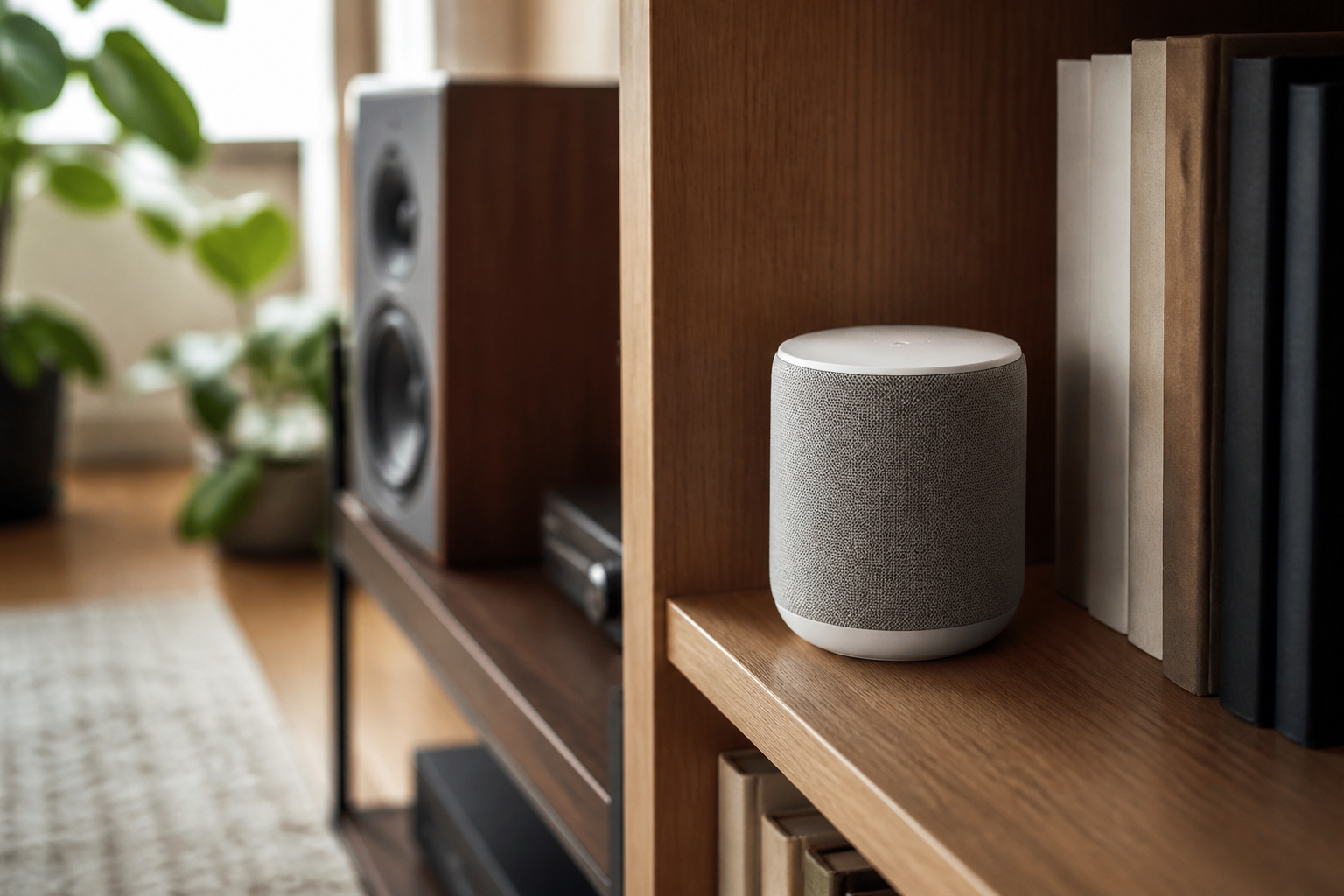
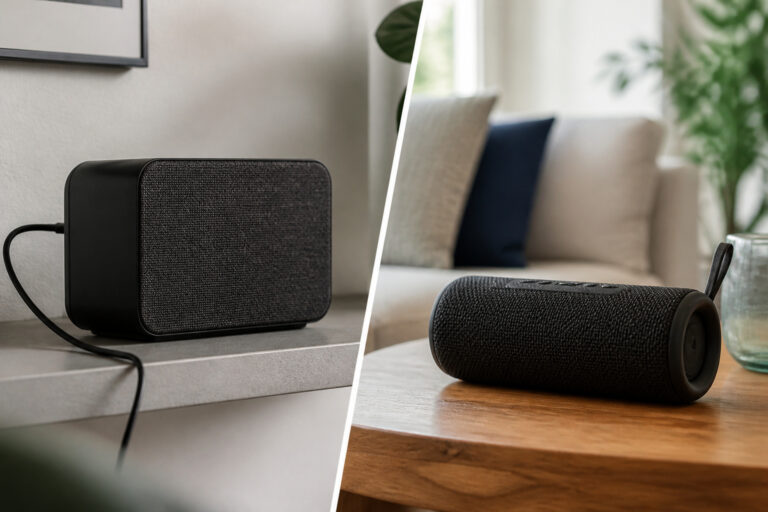
Smart speakers and wireless speakers can work alongside a traditional system. You can connect them to a receiver or use them for other rooms, and some systems link wirelessly for multi-room audio.
Keep one main system for serious listening and use the others for convenience.
Recommended Products

Seamless Audio Throughout Your Home: Transform your living space into an auditory haven with Dio Node, the pinnacle of Wi-Fi multi-room speaker technology. Effortlessly connect multiple speakers to blanket every corner of your home with rich, lossless sound. Whether you're hosting a party or enjoying a quiet evening, Dio Node ensures a flawless audio experience across your entire home, making it both a practical and luxurious addition to your daily life.

【For Multi-Room Background Audio】Includes a transmitter and 3 speakers – designed for seamless music across rooms, ideal for homes, stores, restaurants, and small venues with consistent, shared sound.

Seamless Audio Throughout Your Home: Transform your living space into an auditory haven with Dio Node, the pinnacle of Wi-Fi multi-room speaker technology. Effortlessly connect multiple speakers to blanket every corner of your home with rich, lossless sound. Whether you're hosting a party or enjoying a quiet evening, Dio Node ensures a flawless audio experience across your entire home, making it both a practical and luxurious addition to your daily life.
Treat the Room
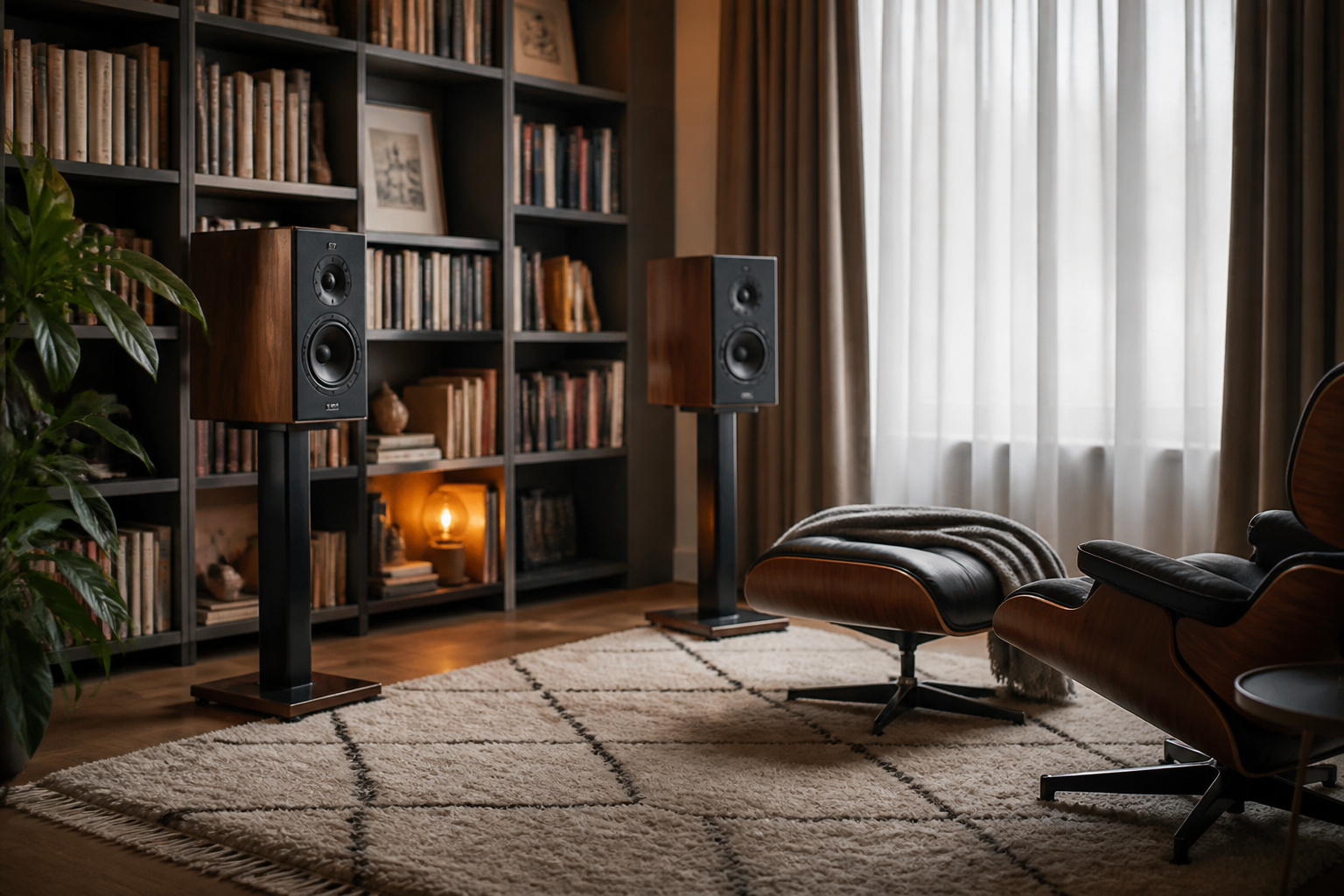
Furnishings change sound as much as speakers do. Rugs, curtains, and bookshelves reduce echo, and a bare room can sound harsh.
Our guides on small rooms, reducing echo, and speaker placement show easy fixes.
Frequently Asked Questions
How Do I Hide Audio Cables Neatly Around My Room?
Run cables along baseboards with adhesive clips, tuck them behind furniture, and use flat cable raceways painted to match the wall. Bundle extra length with reusable ties instead of leaving loops. Run cables under a rug only if they are rated for it, and never pinch them in doors.
Can I Use Smart Speakers With a Traditional Audio Setup?
Yes. Many receivers accept Bluetooth, Wi-Fi streaming, or an audio input from a smart speaker, and some smart speakers have an output for a larger system. Control the volume from one place to avoid sudden jumps.
What Is the Best Way to Clean My Speakers and Equipment?
Switch everything off and unplug it first. Wipe grilles and cabinets with a dry microfiber cloth, and use compressed air or a soft brush for dust in tight spots. Do not spray liquid on equipment, and keep drinks away from it.
Do Audio Setups Consume a Lot of Electricity?
Most home audio systems use little power at normal listening levels. Amplifiers and receivers use more, and some draw power even when idle. A plug-in power meter shows the real figure, and a switched power strip makes it easy to turn off equipment you are not using.
How Often Should I Update My Audio System Components?
There is no schedule. Good speakers can last for decades, while sources and connections change faster. Upgrade when a part fails, when it lacks a connection you need, or when you hear a clear improvement from replacing it. See how to upgrade your audio setup in stages.