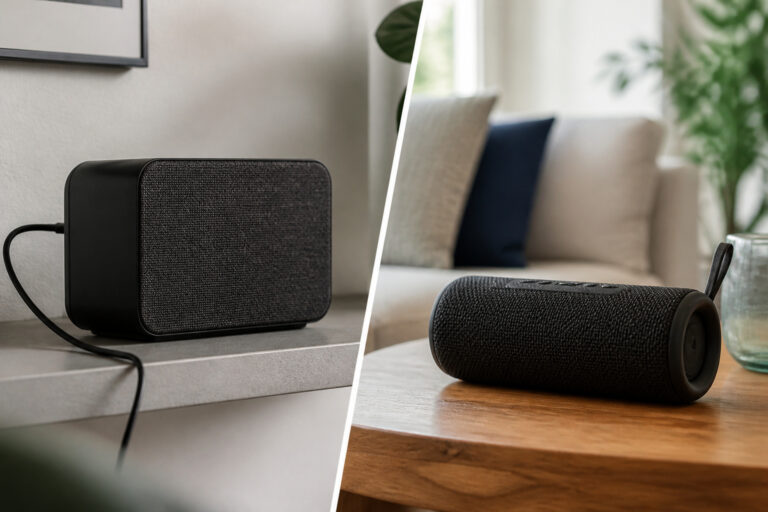
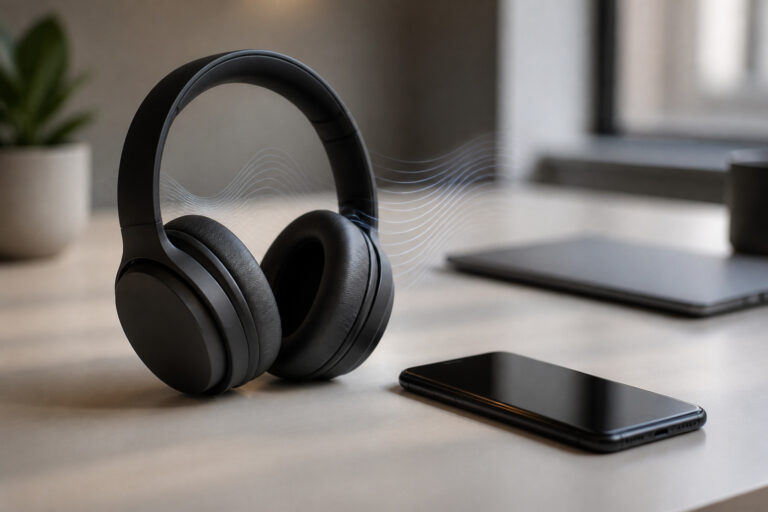
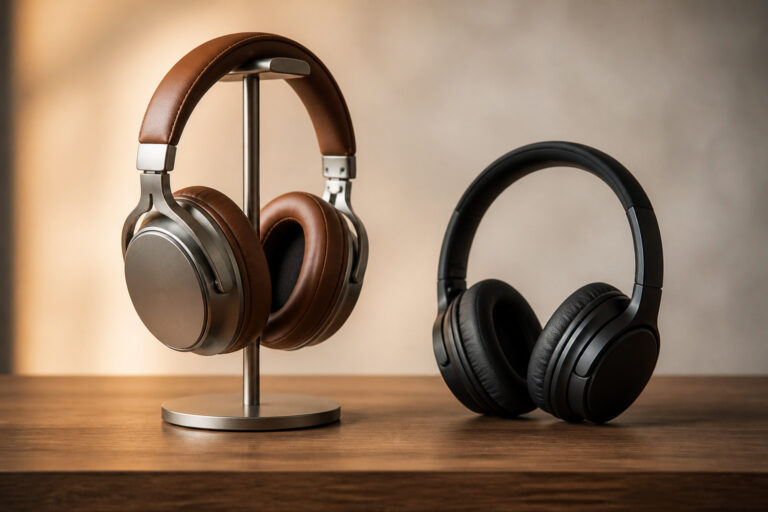
You do not need to buy a whole audio system at once. Upgrading in stages lets you spend where it matters most, hear each improvement, and avoid expensive mistakes. This guide gives a sensible order, starting with free changes and ending with the extras.
Stage 1: Fix Placement and the Room
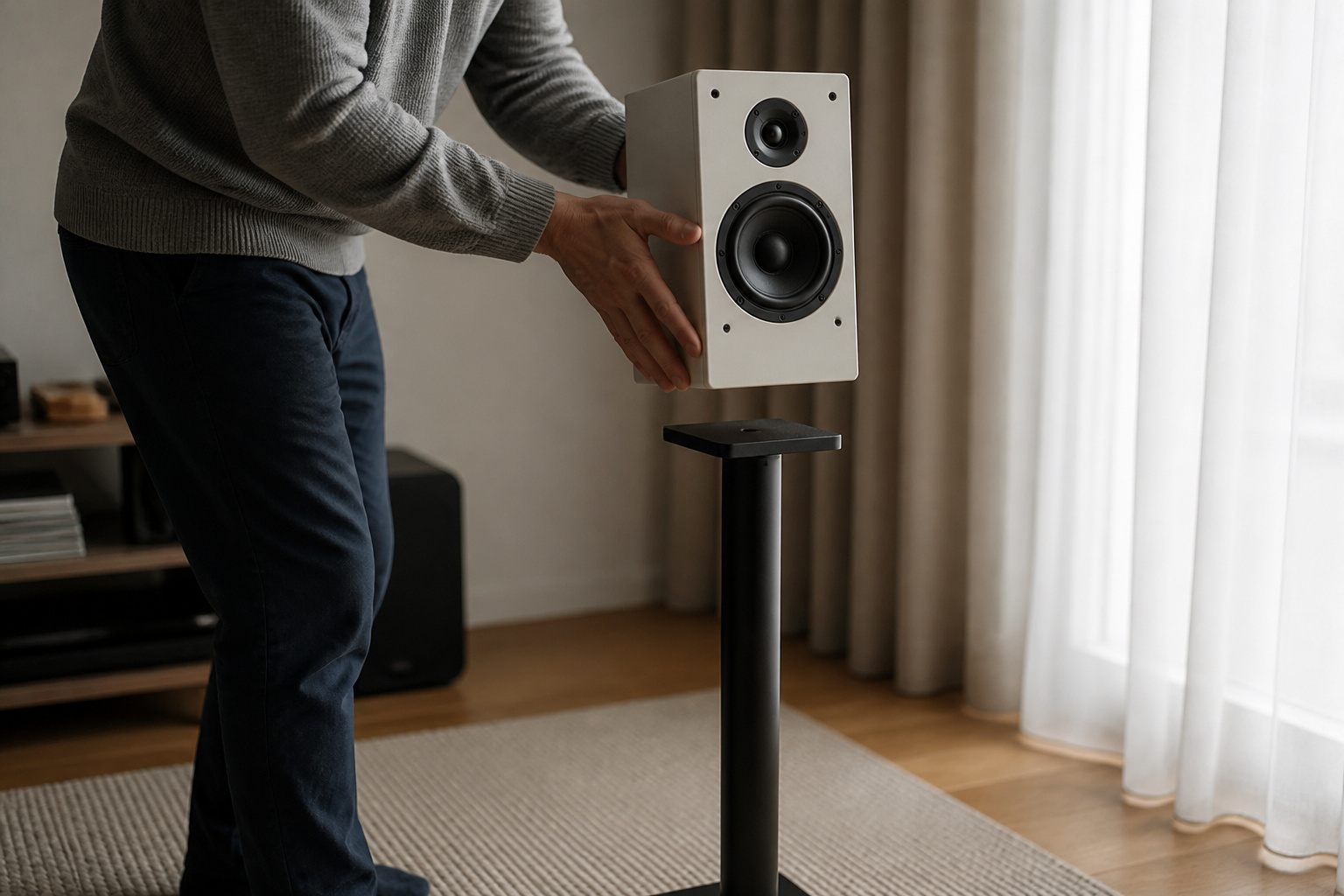
The cheapest upgrade is setting up what you already own properly. Move speakers to ear level, form a triangle with your seat, and pull them away from walls and corners.
Soft furnishings such as rugs and curtains tame echo. Our guides on speaker placement and reducing echo cover the details.
Stage 2: Improve the Source

Streaming at low quality or playing poorly compressed files limits everything downstream. Set your music app to its highest quality or a lossless option first.
If your phone or computer has a weak headphone output, a small USB DAC can add clarity and volume, though the improvement is often modest. See what hi-res audio is before paying extra for high-resolution files.
Recommended Products

DAC Chip for Hi-Fi Sound Quality: Built-in with digital audio converter (DAC) high-resolution chipset, UGREEN Aux to USB C headphone adapter offers a sampling rate of up to 384KHz/32bit to enhance the original sound quality of your mobile phone. Note: Only Support Audio Transmission

[Hi-Res Audio Excellence] - Equipped with a high-performance DAC that supports audio resolutions up to 384KHz/32-bit. This adapter delivers studio-grade sound quality with accurate reproduction, ensuring every detail of your music or podcasts is crystal clear.

Upgraded Version: A new generation USB-C portable headphone DAC and amplifier, supporting up to DSD256 and PCM 32bit/384kHz decoding for a high-resolution sound reproduction. It delivers a powerful drive of up to 170mW@32Ω each channel, effortlessly powering high or low-impedance headphones with 3.5mm single-ended or 4.4mm balanced connections, immersing you in the exquisite world of music
Stage 3: Better Speakers or Headphones
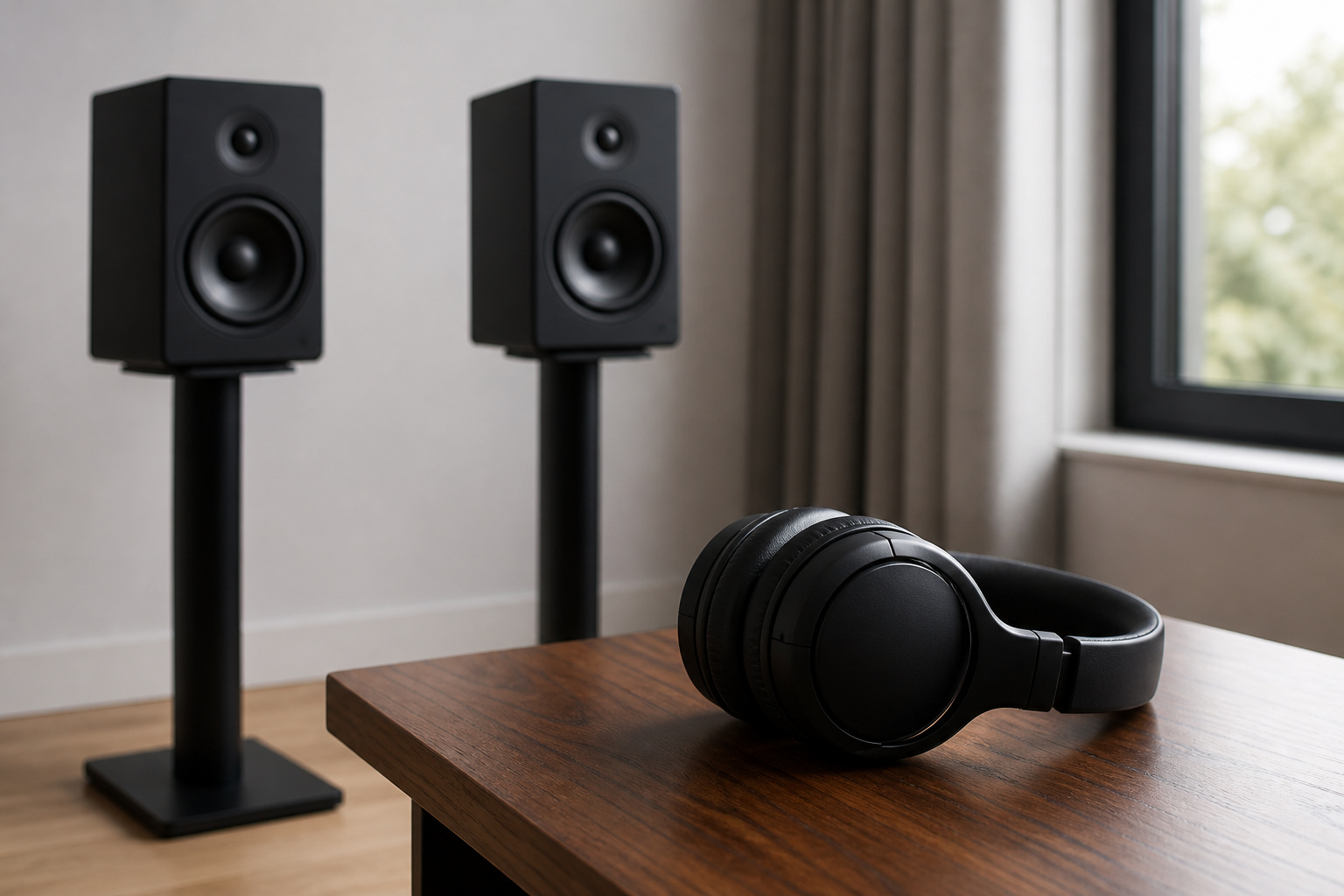
This is where most of the sound improvement comes from. A good pair of bookshelf speakers on stands will outperform most budget soundbars for music, and a decent pair of closed-back headphones lets you hear detail in recordings.
Our guides on bookshelf vs floor-standing speakers and choosing headphones can help.
Recommended Products

Wide Compatibility: The PERLESMITH speaker stands feature an adjustable width of 4.5" to 9", making it compatible with most small bookshelf and satellite speakers up to 11 lbs. These speaker stands are compatible with Bose, Harman Kardon, Polk, JBL, Sony, and more. Please note: it is not suitable for round or irregularly shaped speakers.
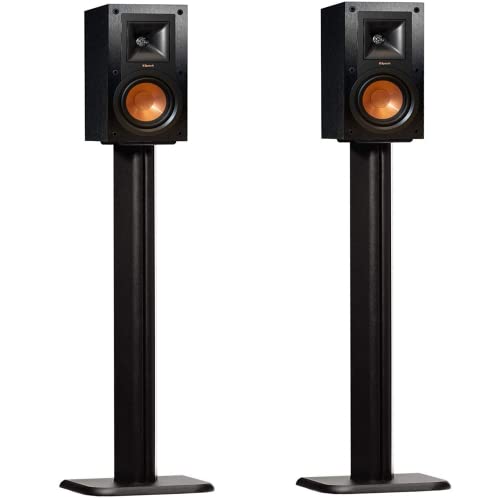
These speaker stands will work with what you've got. Built to be compatible with pretty much every major speaker brand out there. That includes Vizio, Klipsch, Bose, Sony, JBL, & More. Effortlessly Holds speakers up to 25lbs.

Height Adjustable Speaker Stands:This speaker stands use the collar to adjust height from 30.0" to 39.1" to get your sound speakers the desired height and enjoy stereo or surround sound. Placing the bookshelf speakers stands on the appropriate height can also reduce reflections to give you a purer and more clear sound.
Stage 4: Amplification

Passive speakers need an amplifier or receiver, so this stage is part of the purchase. Powered speakers have the amplifier built in.
A good amplifier gives clean power and control, especially with larger speakers. Read active vs passive speakers to decide which route suits you.
Recommended Products

【400W Per‑Channel Powerful Stereo Sound】Delivers 400W peak power per channel for rich, crystal‑clear home speaker audio. Independent Treble and Bass knobs allow full sound customization, perfect for upgrading desktop, living‑room and bedroom speaker systems
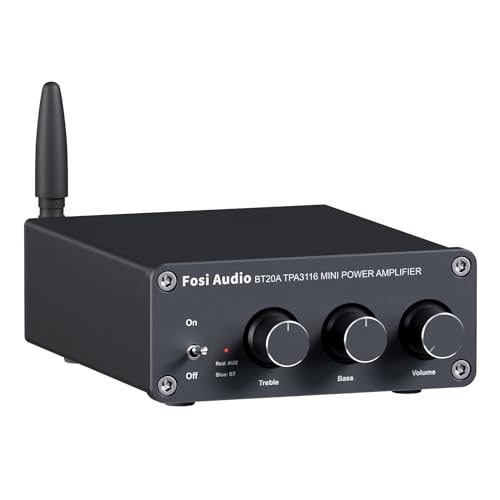
ENTRY-LEVEL POWER AMPLIFIER: Experience powerful sound with the BT20A Bluetooth amplifier, boasting an impressive 100Wx2 maximum output power. It can power multiple speaker cabinets, which can be used at home or in small venues

【Powerful Sound & 2.1 Channel 】The AK52 Stereo amplifier delivers up to 400W+400W peak power with a rated output of 50W×2 + 70W. It supports a 2.1 channel audio setup, allowing connection of 2 passive speakers and 1 passive subwoofer for fuller, more immersive sound in home theater, music, gaming, karaoke, garage audio, and daily entertainment.
Stage 5: Add a Subwoofer
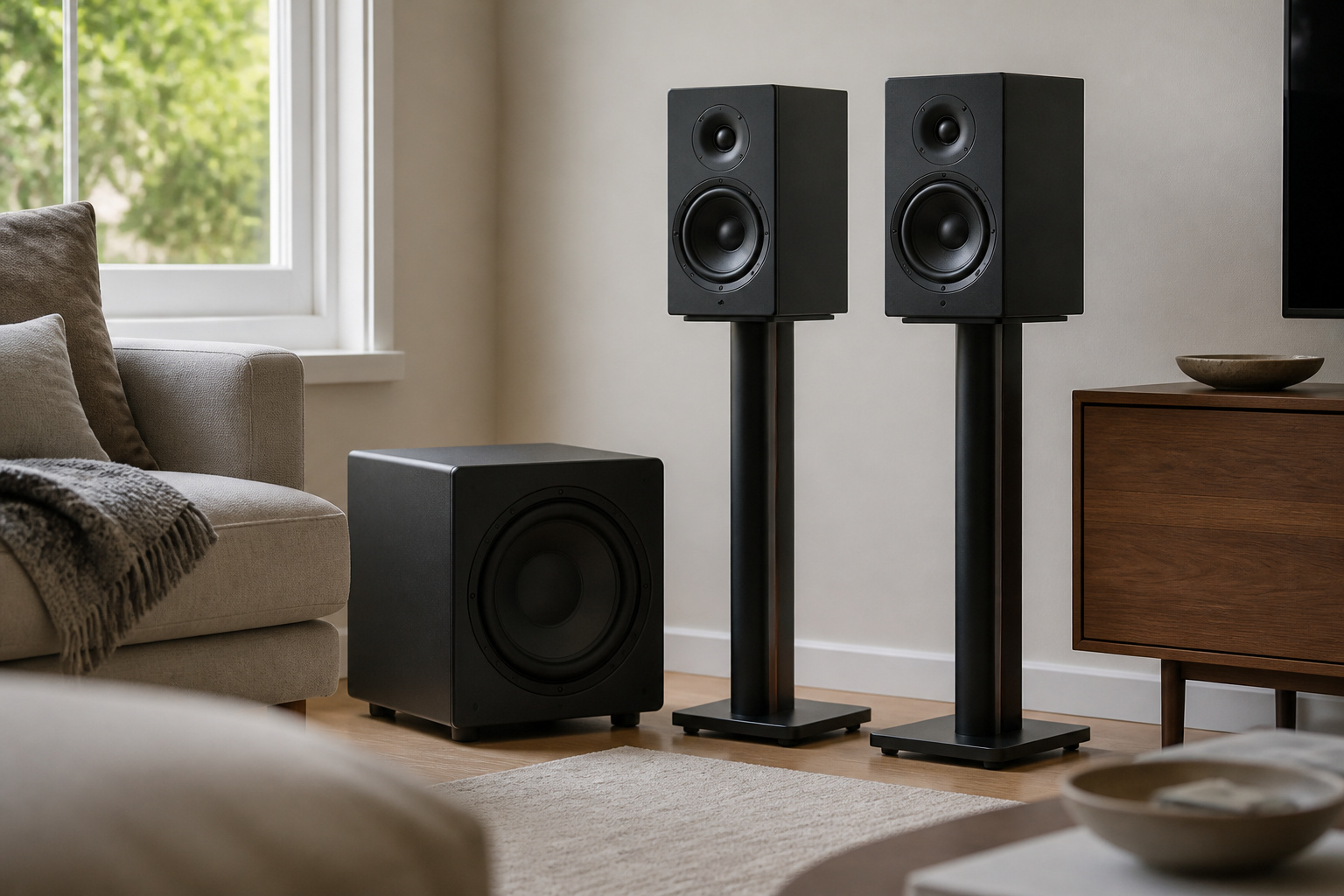
A subwoofer adds low bass that smaller speakers cannot reproduce. Add it later, once the main speakers are set up well, and set it so it blends in rather than announcing itself.
Our guide on whether you need a subwoofer explains when it is worth it.
Recommended Products

Deep Bass, Deadly Accurate: This MAGICUBE 8-inch active subwoofer pairs a rigid-cone driver with a built-in 80W (120W peak) Class-D amplifier for perfect synergy. The stable, high-efficiency power drives the lightweight cone to deliver tight, punchy lows with remarkably low distortion—all from a compact footprint. Perfect for home audio and home theater.

Compact 6.5” High-Excursion Driver – Engineered for tight, articulate bass from a surprisingly small footprint. The lightweight yet rigid cone delivers punchy low frequencies with minimal distortion, proving that size isn’t everything
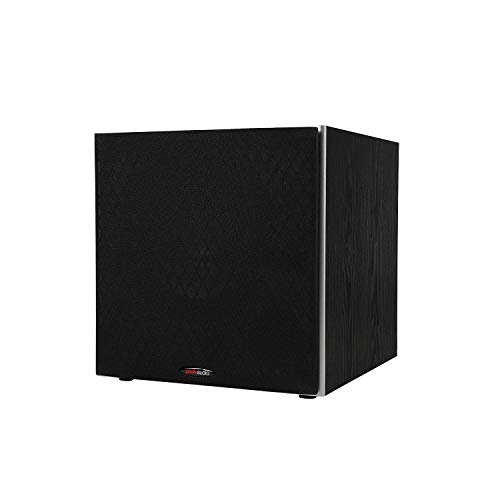
POWERED SUBWOOFER FOR EXTRA BASS & PUNCH – 10-inch Dynamic Balance woofer and configured directed port provide accurate bass depth that brings music and movies alive. The perfect home theater subwoofer for small-to-mid size rooms. Waterproof : No
Stage 6: Cables and Tidying
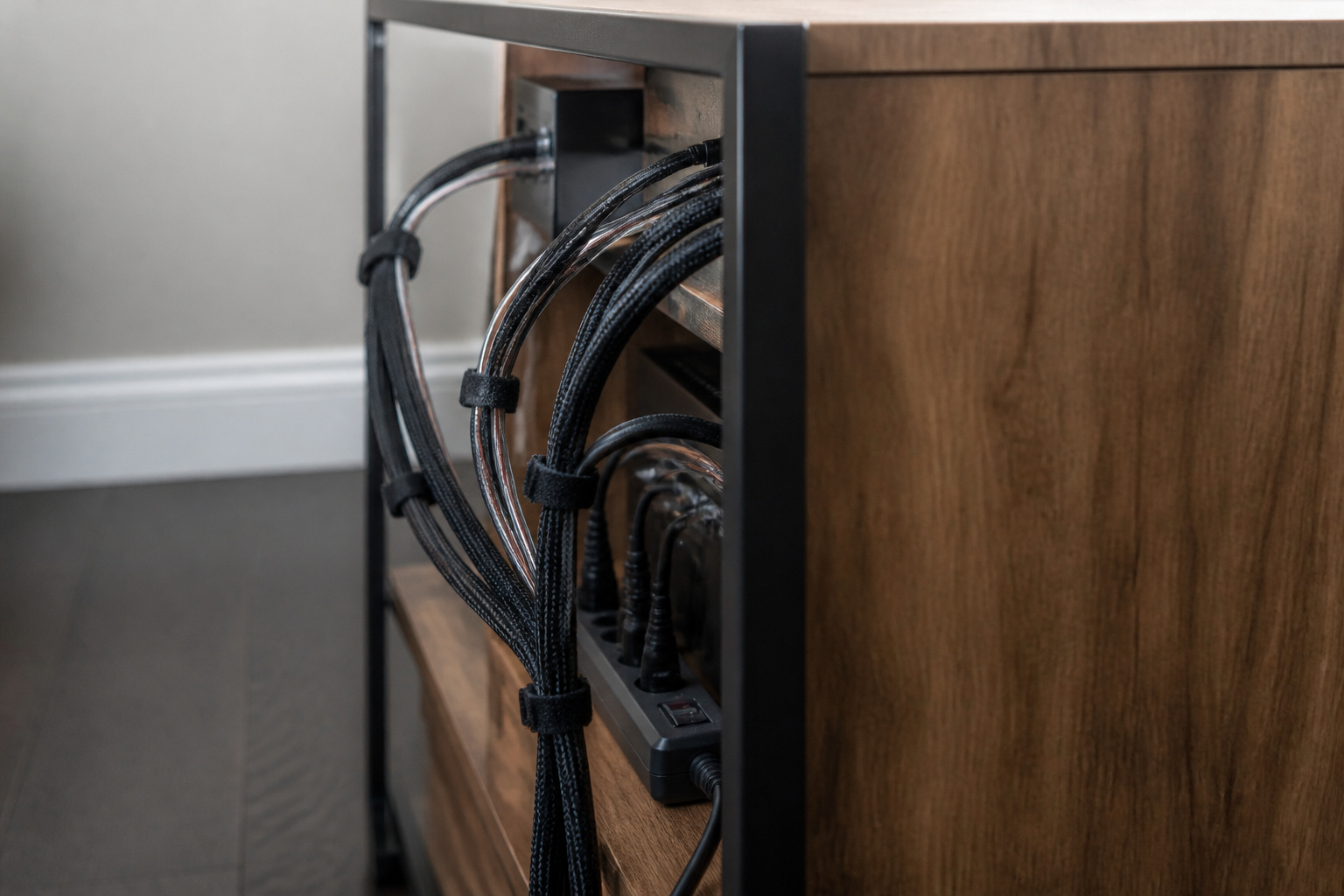
Use properly sized speaker wire and decent shielded cables, keep power cords away from audio cables, and route everything neatly.
You do not need expensive boutique cables, since the money does more good in speakers and the room.
Recommended Products

Speaker Wire for Indoor & Car Stereo: This wire is suitable for home theater systems, studio bookshelf speakers, recording studios, DIY projects, and custom installations. Built with durable 14 gauge wire, our speaker cable delivers consistent signal performance across every setup. Whether connecting this speaker wire 14 gauge to indoor speakers or running automotive wire for a car audio system, this audio cable provides a dependable connection with reliable sound

SPECIFICATIONS: 18AWG 2 conductor shielded wire, Rated voltage: 300V, Rated temperature: 80℃/176℉, Resistance: ≤ 23.2Ω/KM20℃. Current: 8.6A. Conductor: Tinned Oxygen Free Copper. Insulation: PVC. Shield: Tinned Copper + AL, OD: 5.8±0.2mm, UL Listed

Balanced Audio Response: YYTCG Hifi Speaker Cable employs 99.99% high purity Oxygen-Free Copper conductors, precisely tuned to harmonize bass, mid-range, and high frequencies. The result is a richly detailed soundstage defined by punchy bass, warm mids, and crisp highs—where every note emerges vividly layered. This audiophile speaker cable ensures superior performance for any audio setup.
Stage 7: Treat the Room Further
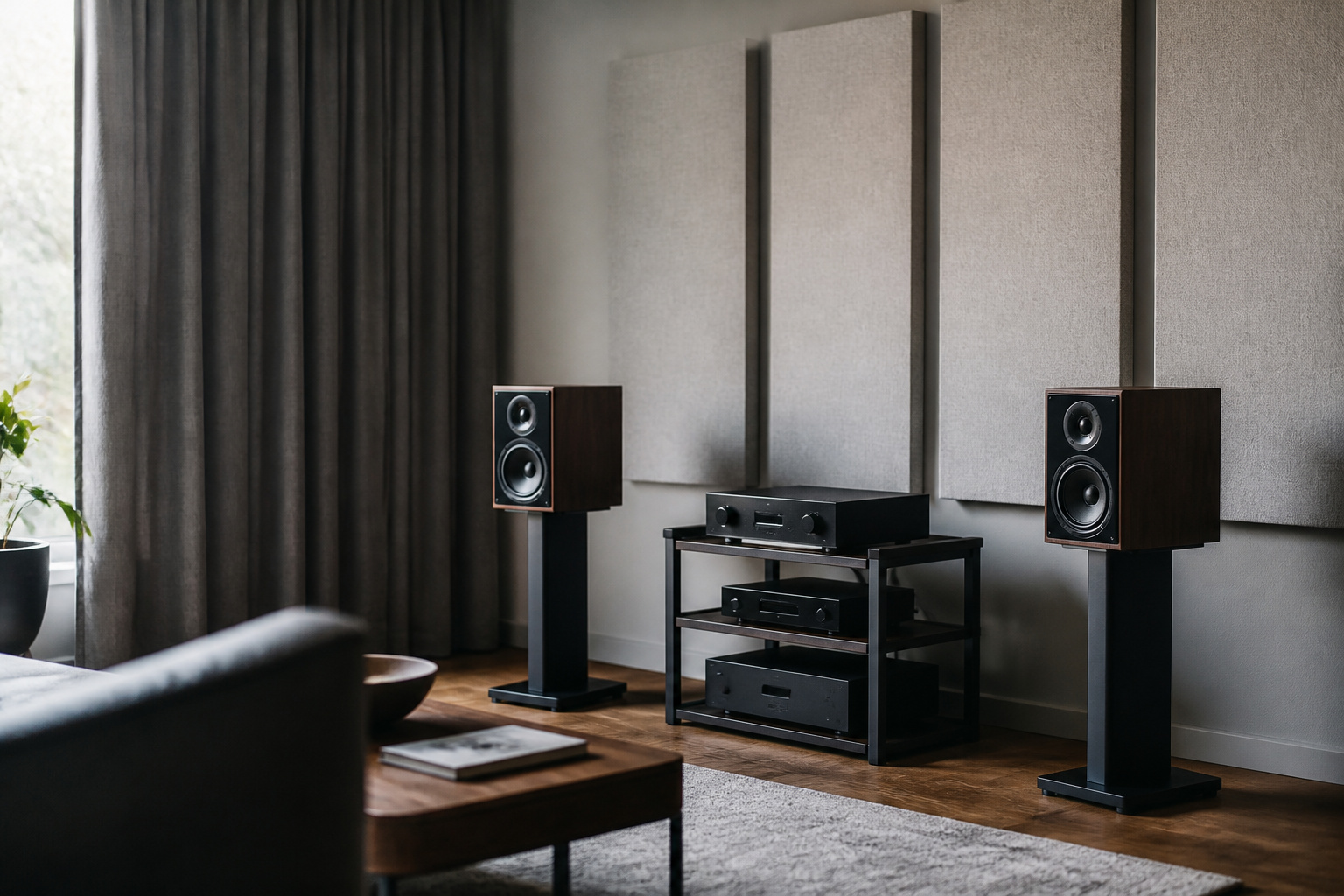
If the room still sounds harsh or boomy, add absorption panels, bookcases, and thicker curtains.
Our guide on improving sound in a small room shows low-cost options.
Frequently Asked Questions
What Is the Best Room Size for Surround Sound?
There is no single ideal size. Surround sound works in most living rooms. Smaller rooms suit smaller speakers, and very large rooms may need more powerful ones. Place the front speakers evenly on either side of the screen and rear speakers slightly behind and beside the seat. See 5.1 vs 7.1 audio systems for layouts.
Can I Mix Audio Brands in One Setup?
Yes. Amplifiers, speakers, and sources from different brands work together as long as the connections and power ratings match. For the front left and right speakers, use a matching pair.
Do I Need an Amplifier for Powered Speakers?
No. Powered speakers have a built-in amplifier. You only need a source and a power connection. Passive speakers do need a separate amplifier or receiver.
How Often Should I Update Audio Firmware?
Update when the manufacturer releases a fix or feature you care about. Check occasionally in the companion app. Firmware updates rarely change sound quality, but they can fix connection bugs.
Are Expensive Cables Worth the Investment?
Rarely. A well-made cable of the right type and length carries the signal as well as a very expensive one. Spend on speakers, the amplifier, and room treatment first.