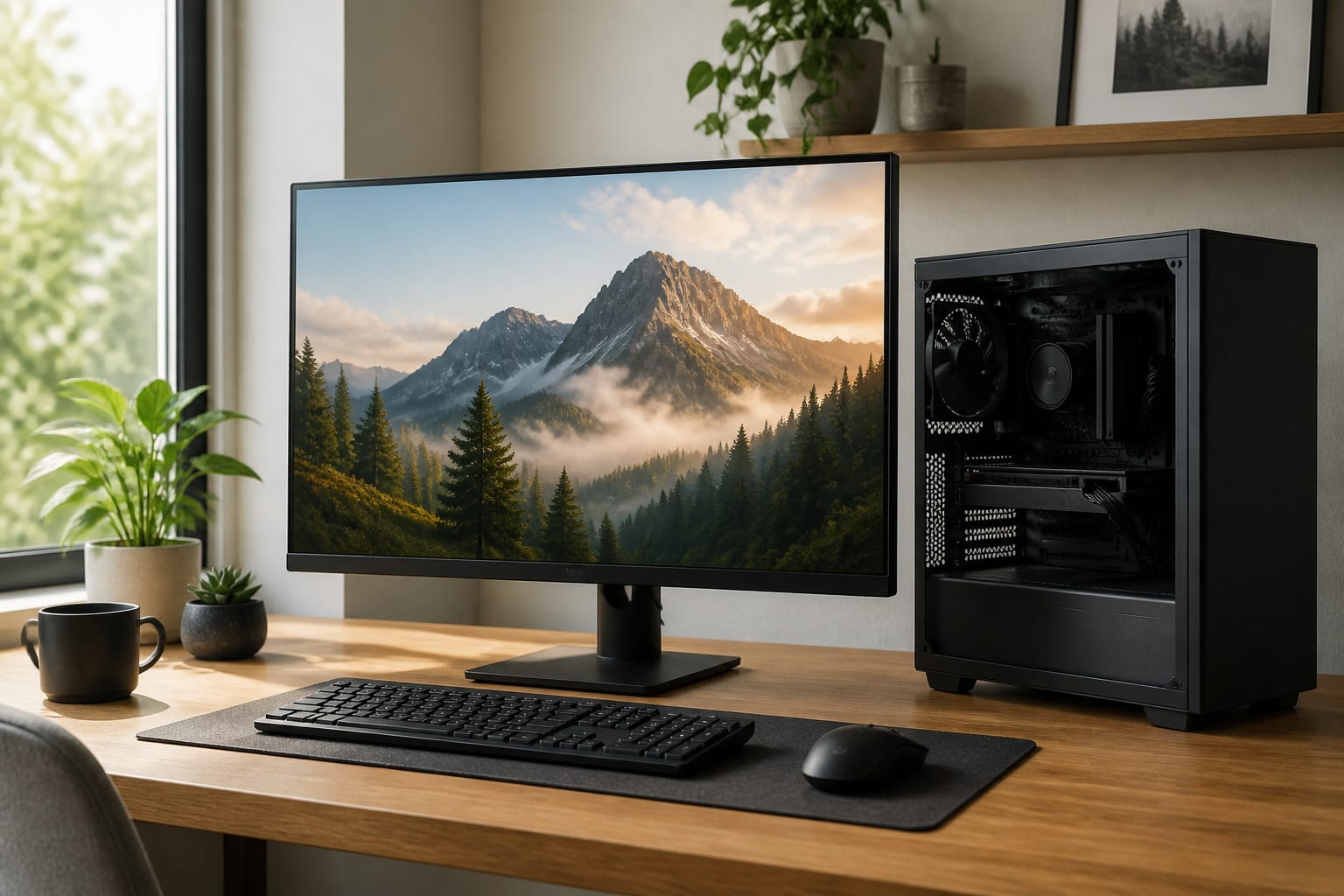
The desktop PC is not dead. Laptops may outsell desktops, but desktops still offer more performance per dollar, easier upgrades and repairs, better cooling, and a more comfortable workspace.
This guide explains where desktops win, where laptops win, and who should buy which. Ready to shop? Jump straight to our top desktop picks.
Better Value for the Money
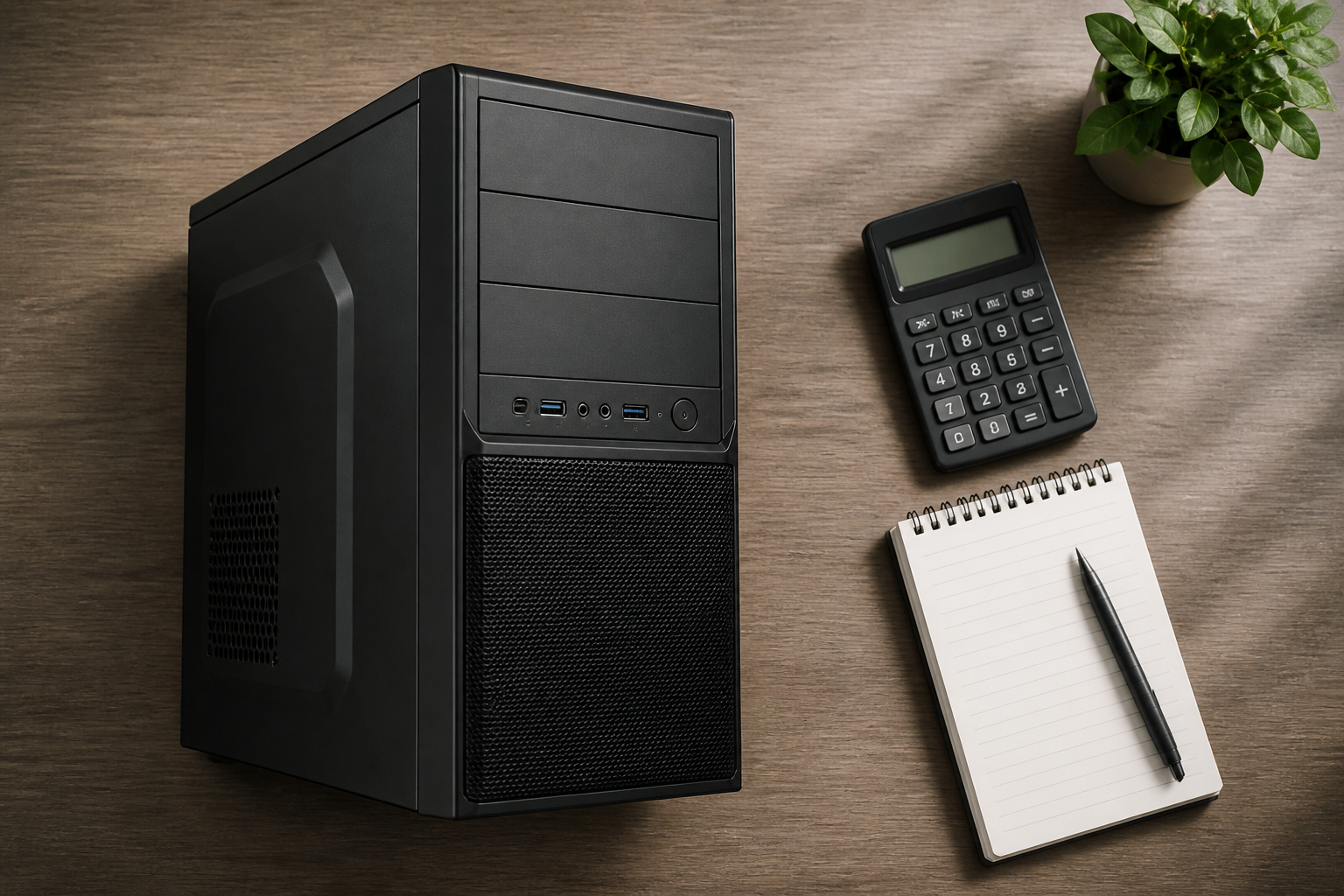
A desktop doesn’t pay for a built-in screen, battery, or compact cooling, so the same budget generally buys faster parts. That gap is clearest for gaming, video editing, and other demanding work.
All-in-one desktops and compact towers also cost less than comparable laptops in many cases, though prices vary, so compare current offers. Our guide to getting the best deal on a computer online shows how.
Easy Upgrades and Repairs
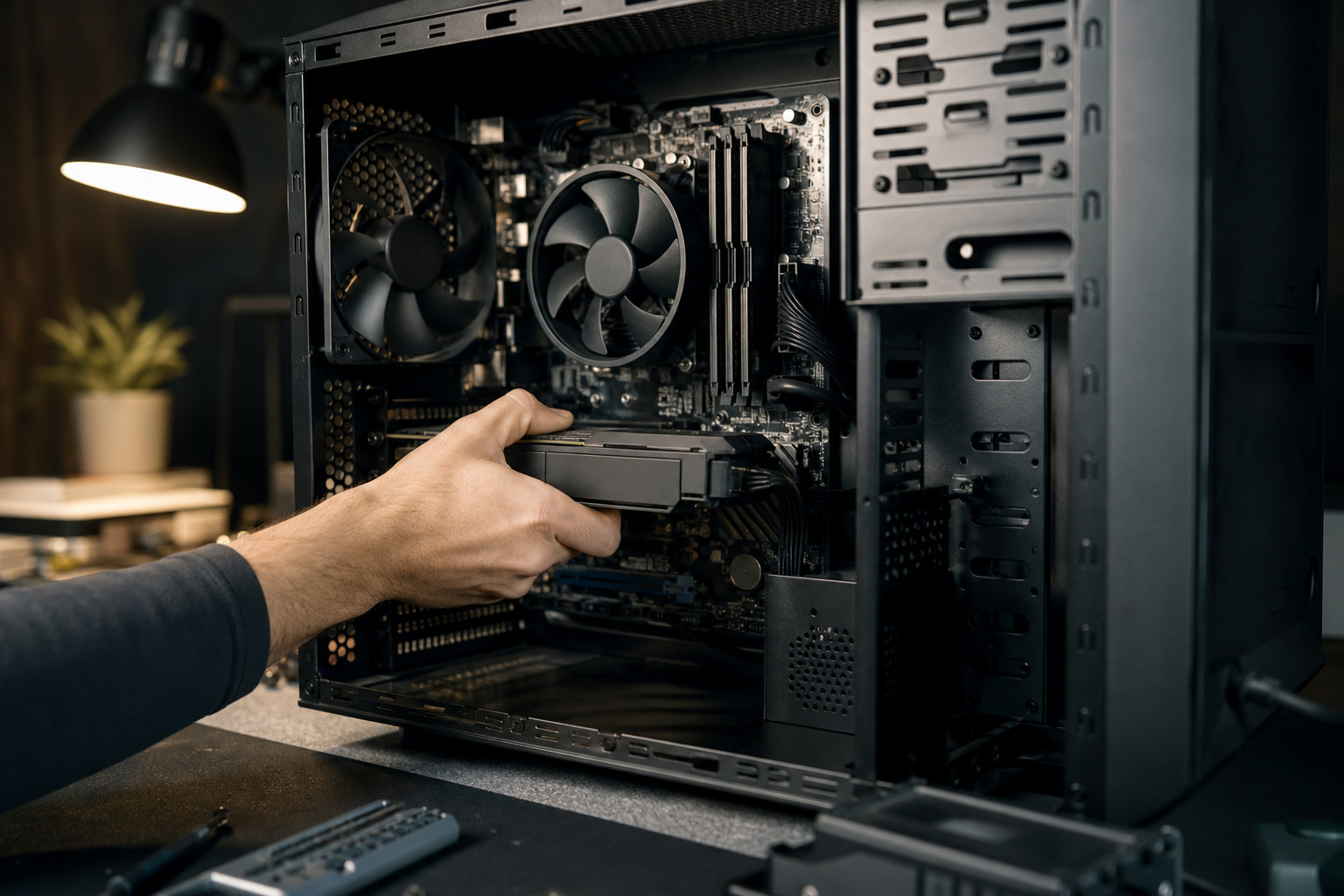
Most desktop parts are standard and replaceable. You can add RAM, swap in a bigger SSD, install a new graphics card, or replace a failed power supply without buying a new computer.
That extends the machine’s useful life and cuts waste. Our guides on how long a computer should last and the signs it is time to replace your computer show why upgradeability matters.
Remember, some pre-built and all-in-one desktops use proprietary parts, so check compatibility before you buy.
Gaming and Heavy Work
Desktops have more room for cooling and more power to feed a fast graphics card and processor, so they can run at full speed for longer.
Gaming laptops have improved, but they still trade performance for size and heat. If gaming is your priority, read our guide to choosing a gaming desktop.
A Better Workspace
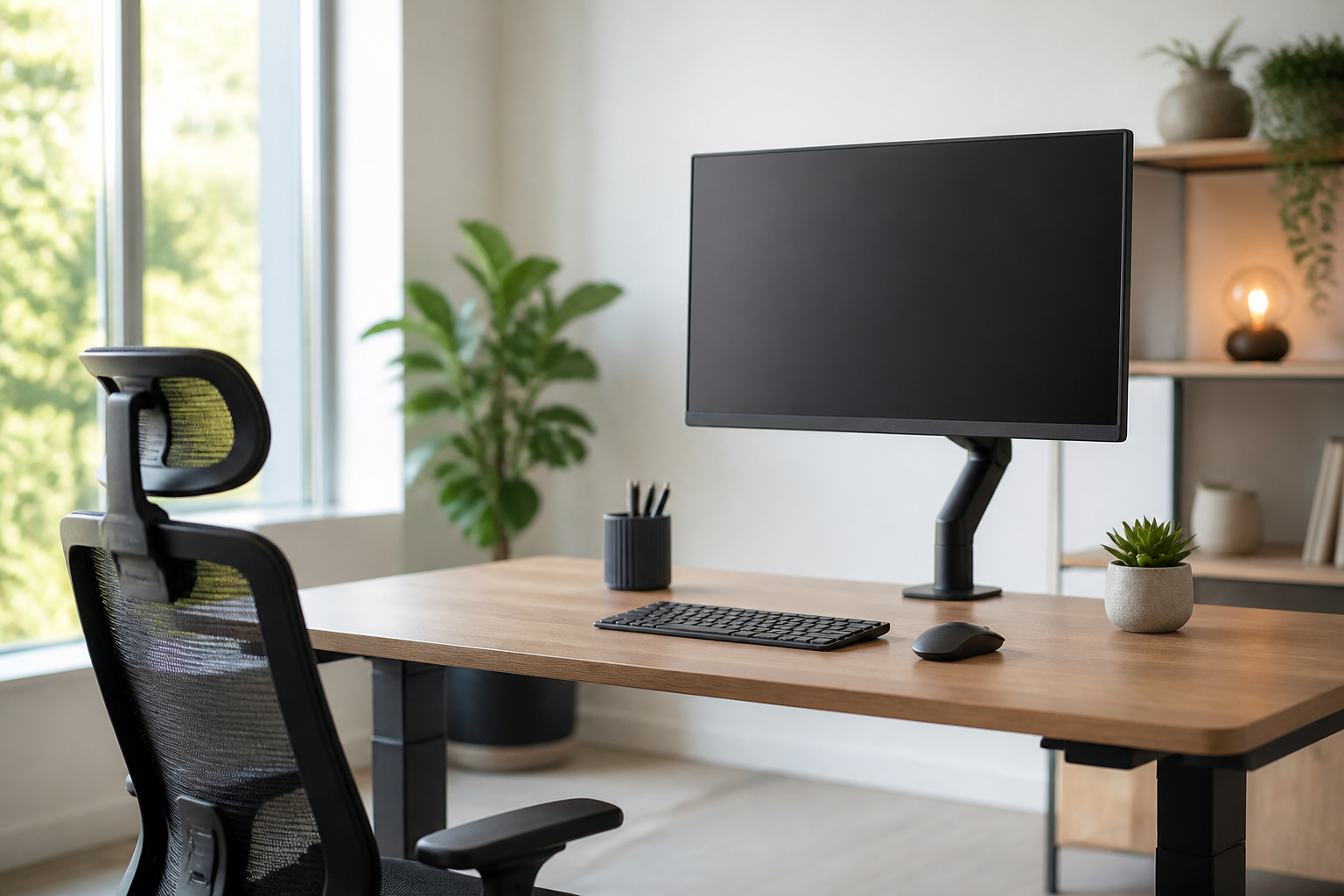
A desktop lets you choose your own monitor, keyboard and mouse, and place the screen at a comfortable height. It helps posture and reduces eye strain during long workdays.
Most desktops also support multiple monitors, which is useful for spreadsheets, editing, coding, and monitoring several apps at once.
Ports and Connections
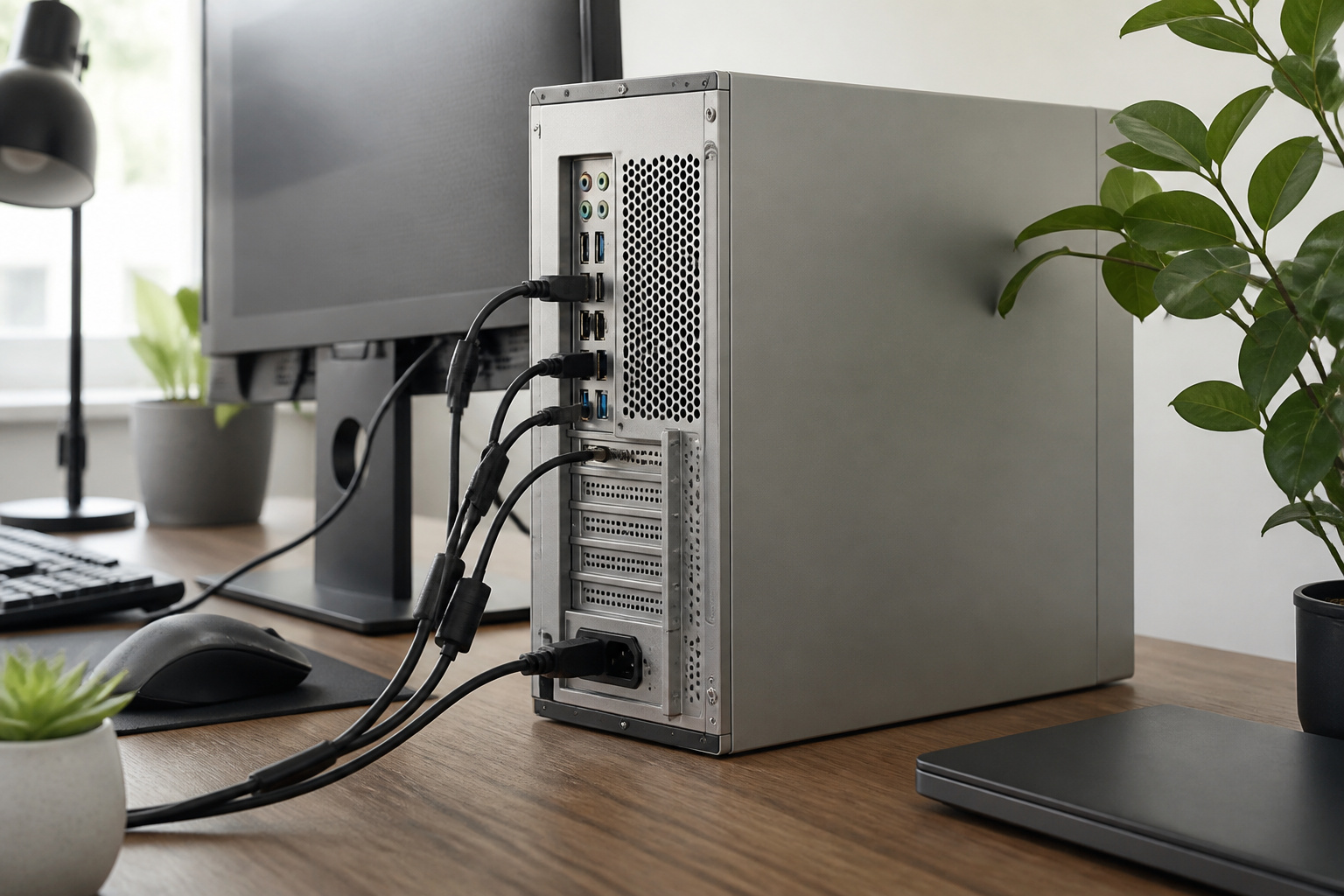
Desktops usually have more ports, including wired Ethernet, extra USB ports, and room for expansion cards, making it easier to connect printers, drives, and specialty devices without a dock.
Where Laptops Win

If you travel, work in different rooms or need a battery, a laptop is the practical choice. It also fits small spaces better than a tower. A compact option sits in between: see our guide to mini PCs for space-saving computing.
For help choosing between the two, read how to choose a laptop and how to choose the right computer for your needs.
Who Should Buy a Desktop

A desktop makes the most sense if your computer stays in one place and you want the most performance for your money.
That includes gamers, home office workers, creative professionals, and families sharing a computer. For business buyers, see our guide to choosing a desktop computer for business.
Our Top Desktop Picks for Every Need
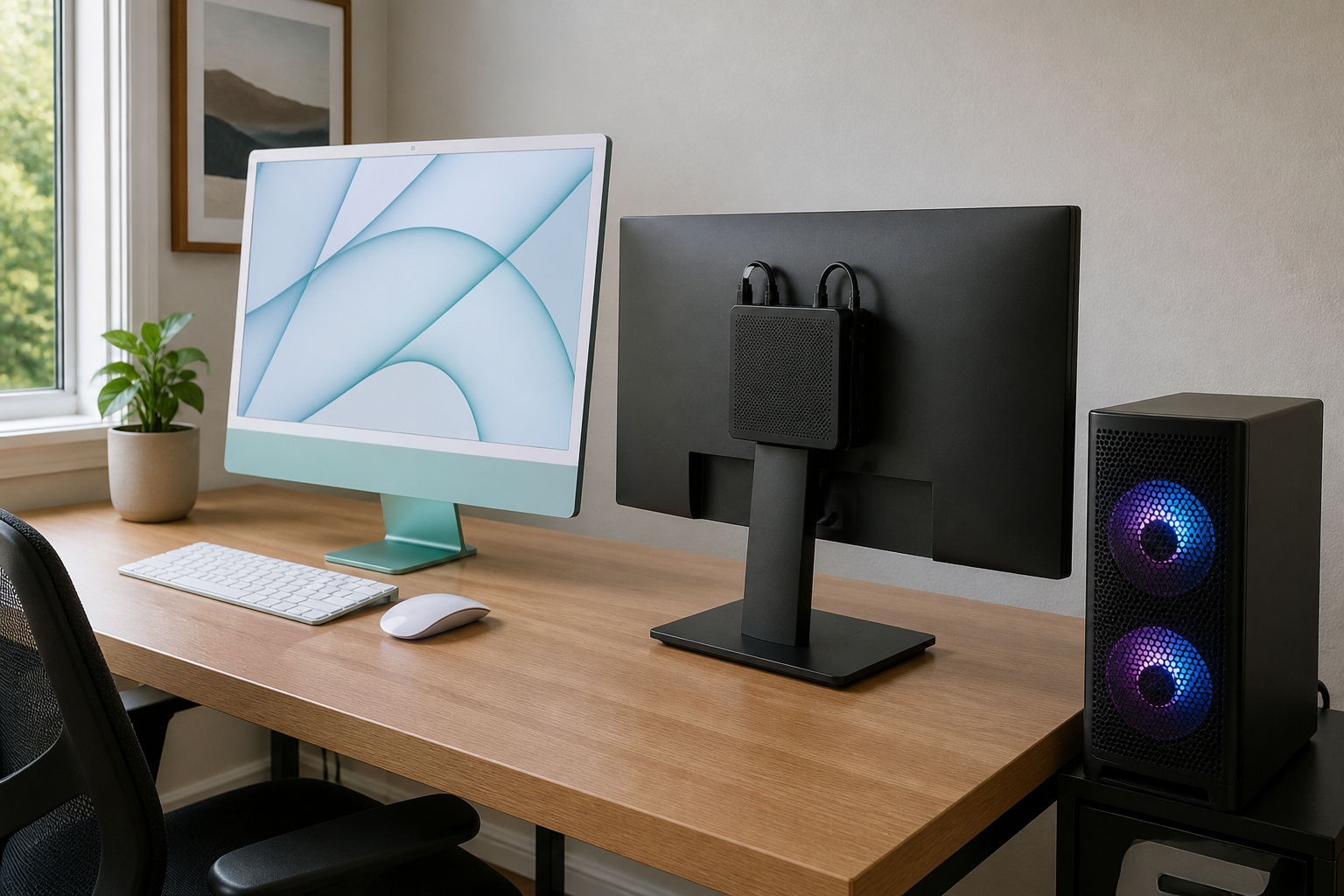
Convinced a desktop is right for you? These five cover the most common needs, from a clean all-in-one that needs no setup to a budget tower that gives you plenty of power for the money. Specs below come from the listings, so check the current Amazon page for configuration and availability before you buy.
| Pick | Best for | Why you might like it |
|---|---|---|
| Apple iMac 24″ (M4) | Best all-in-one | Screen and computer in one slim, tidy package |
| STORMCRAFT Sirius | Gaming | Ready to play with a dedicated graphics card |
| Dell Pro Business Desktop (i5-14500) | Work | Business-minded security and room for several monitors |
| BOSGAME E5 Mini PC | Small spaces | Tiny footprint that can mount behind a monitor |
| Dell OptiPlex 7060 SFF (Renewed) | Budget | A lot of memory and storage for a renewed desktop |
Apple iMac 24″ (M4): Best All-in-One
If you want a desk that looks clean and a computer that just works, the iMac is hard to beat. The 4.5K display is built in, so there is no separate monitor, tower, or tangle of cables to manage. The M4 chip is built for photo editing, schoolwork, video calls, and everyday multitasking, and it works smoothly with an iPhone if you already own one. The trade-off, as noted above, is that all-in-ones are limited when it comes to upgrades. For more on that, see our guide to all-in-one computers.
STORMCRAFT Sirius AI Gaming Desktop: Best for Gaming
This is a pre-built gaming PC that is ready to play when you plug it in. The listing shows an Intel Core i5-14400F processor, an Intel Arc B570 10GB graphics card, 16GB of memory, and a 1TB SSD, with Windows 11 and a keyboard and mouse included. The listing positions it for smooth 1440p gaming, and the tempered glass side panel lets you show off the RGB lighting. It is a good way to skip the build and start playing. Our guide to choosing a gaming desktop explains what to look for.
Dell Pro Business Desktop (i5-14500): Best for Work
For a home office or small business, this Dell is built around steady, everyday productivity. The listing describes a 14-core Intel Core i5-14500 with up to 5.0GHz boost, 16GB of DDR5 memory, and a 512GB SSD, which is plenty for spreadsheets, video meetings, and a pile of browser tabs. It also lists a TPM security chip, a lock slot, Wi-Fi 6, and a wide port selection for a multi-monitor setup. If you are buying for a team, our guide to choosing a desktop computer for business can help.
BOSGAME E5 Mini PC: Best for Small Spaces
Short on desk space? This mini PC is small enough to mount behind your monitor using the VESA mount, which leaves your desk clear. The listing shows an AMD Ryzen processor, dual 2.5GbE network ports, and support for up to three 4K displays, so it suits a home office as well as a small homelab. Keep in mind that a mini PC is built for everyday work rather than demanding games. Read more in our guide to mini PCs for space-saving computing.
Dell OptiPlex 7060 SFF (Renewed): Best Budget Pick
If you want the most computer for the least money, a renewed business desktop is a smart route. The listing shows an 8th-gen Intel Core i7-8700, 32GB of memory, and a 512GB NVMe SSD, with a wireless keyboard and mouse and Windows 11 Pro. That is a lot of memory and storage for everyday work, schoolwork, and family use. Because it is a renewed unit, read the seller’s return policy and warranty terms before you order. Our guide on whether refurbished computers are worth buying covers what to check.
Frequently Asked Questions
Are desktop computers still worth buying?
Yes, if you do not need portability. They usually offer more performance, easier upgrades, and better cooling for the price.
Is a desktop cheaper than a laptop?
Often, for the same performance level, but the full cost depends on whether you need a monitor, keyboard, and mouse. Check current prices, since memory and storage costs rose in 2026.
Do desktops last longer than laptops?
They can, because you can replace failing or outdated parts. The limit is still security support for the operating system and whether the motherboard can run current software.
Are all-in-one computers easy to upgrade?
Usually not. They save space, but RAM or storage upgrades are often limited, so check the model before you buy.